
Many people search for the best free government eSIM for iPhone, but most do not know where to get it. One of the government assistance programs is Lifeline, which provides eligible users with a monthly discount on telecommunication services, and approved providers can activate an eSIM at no cost on many iPhone models.
You can qualify based on income or through programs such as Medicaid, SNAP, SSI, or the Veterans Pension.
Keep reading to see how to apply and which provider gives the fastest and safest eSIM setup.
1. Can I Get an eSIM for Free?
Yes, you can get a free eSIM through the Lifeline program if you qualify. Lifeline gives a monthly discount on phone service for low-income households, and approved providers such as Cintex Wireless or AirTalk Wireless can activate your service with a free eSIM.
- Lifeline supports users with a monthly discount of up to $9.25 in most areas.
- People who live on Tribal lands can receive up to $34.25 each month.
A free eSIM helps you start your service faster because you do not have to wait for a package to arrive. You receive a QR code after approval, and you can add it directly to your iPhone.
eSIM works well with:
- iPhone XR and newer
- iPhone models made for the United States that no longer have SIM trays
Moreover, Lifeline providers may offer free iPhones or discounted upgrade plans plus free eSIM, or they also support free eSIM activation for eligible users choosing the BYOD (Bring your own device) option.
If your iPhone supports eSIM and you qualify for Lifeline, you can activate your service today with a free eSIM from a trusted provider.
Activate your free phone services with free eSIM HERE

2. How to Get a Free eSIM Number on iPhone (Step-by-Step Guide)
You must meet Lifeline eligibility rules and choose a reputable provider before you start the steps for how to get a free eSIM number on iPhone. Once you confirm your eligibility and pick a provider, you can follow the steps below to activate your eSIM.
2.1. Complete Lifeline Eligibility Verification
You must meet Lifeline eligibility rules before you receive a free eSIM. You qualify through income or through federal or Tribal assistance programs.
1. Income rule:
Household income at or below 135% of the Federal Poverty Guidelines
2. Program-based qualification:
- Medicaid
- SNAP / EBT
- SSI
- Section 8 / Federal Public Housing
- Veterans Pension
- Tribal TANF
- BIA General Assistance
- FDPIR
If you use one of these programs, you can move to the next step.
2.2. Find Your Top Trusted Lifeline Provider
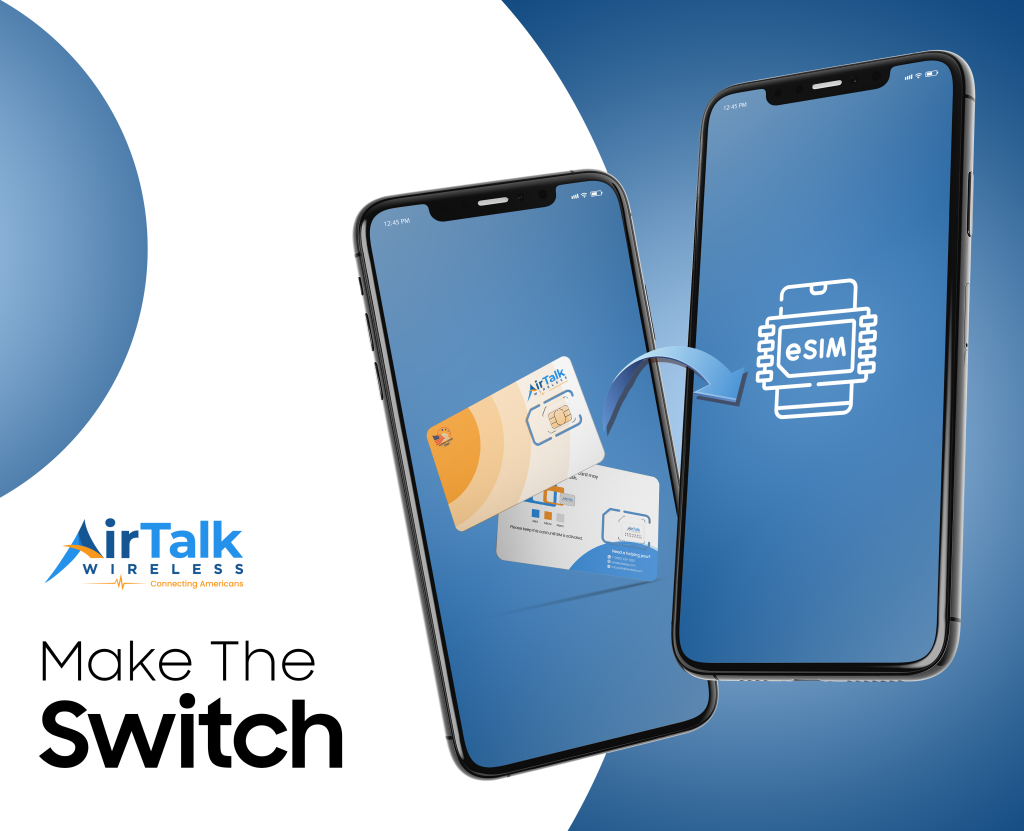
Cintex Wireless and AirTalk Wireless are two trusted providers offering Lifeline service, free SIM/eSIM support, and promotional smartphones for eligible users.
However, Cintex Wireless is merging with AirTalk Wireless, so new applications may redirect to AirTalkWireless.com for faster eSIM activation and better iPhone compatibility.
When you apply through AirTalk Wireless, you can get many benefits, such as:
- Free eSIM with a free iPhone phone plan or free eSIM with BYOP (Bring Your Own Phone) supported
- Free monthly talk, text, and data (based on state rules)
Note: Data changes may apply in the future based on federal or state program updates. - Free shipping after 3-7 days
- International calling at no extra cost to over 200 nations
These features help you set up your free service quickly on an iPhone that already supports eSIM.
2.3. Activate Your Free Government eSIM
Once you meet Lifeline rules and choose a trusted provider, you can activate your free eSIM:
- Go to AirTalkWireless.com
- Enter your ZIP code
- Choose your Lifeline plan
- Choose Bring Your Own Device if you want only an eSIM or free/discounted smartphones
Note: Most plans also include a free eSIM. - Upload your documents (if needed)
- Complete your online application process
- Receive an instant eSIM QR code after approval
You can easily start using your iPhone with the free service right away after activation is complete. If you have an error, you can call AirTalk Wireless customer care for support.
>>> Read more: How can I get a free iPhone from the government? 5 Easy steps
3. Common Issues and Solutions
You may face a few small issues when you activate your free eSIM. The problems below are the most common, and each one has a simple fix.
1. Unable to activate eSIM
Your iPhone may not activate the eSIM on the first try.
You can fix this by doing a quick network reset.
Go to Settings > General > Transfer or Reset iPhone > Reset > Reset Network Settings.
Restart your phone and try the QR code again.
2. Carrier-locked iPhone
Your iPhone may be locked to another carrier. A locked device cannot activate the free eSIM.
You can check the lock status:
- Go to Settings > General > About
- Look for Carrier Lock
- If you see “No SIM restrictions,” the iPhone is unlocked
- If the phone is locked, contact the original carrier to request an unlock
3. Wrong IMEI submitted
If you enter the wrong IMEI number during the application, the system may not activate your phone. You can find the correct IMEI here:
- Dial *#06#
- Or go to Settings > General > About > IMEI
- Use the IMEI that appears under “IMEI” (not IMEI2 unless asked)
Submit the correct IMEI to the provider.
4. FAQs
Q1. What free government phone uses eSIM?
Many Lifeline providers support eSIM activation, but AirTalk Wireless offers one of the strongest eSIM options. You can use eSIM on most iPhones, starting from the iPhone XR and newer.
Newer U.S. iPhone models without SIM trays also rely on eSIM only. Lifeline gives the service discount, and the provider activates your free eSIM when your application is approved.
Q2. How to get free eSIM number on iPhone?
You can get a free eSIM number by qualifying for Lifeline and applying through a trusted provider. You first check eligibility through the National Verifier, enter your ZIP code on AirTalkwireless.com, choose your plan, and upload your documents. After approval, you receive a QR code that adds the free eSIM to your iPhone. You can activate the service through Settings > Cellular > Add eSIM.
Q3. What is the best free government iPhone program?
The best free government iPhone program is the Lifeline program. Lifeline gives a monthly discount on phone service and allows approved carriers to offer promotional iPhones and free eSIM activation.
Providers like AirTalk Wireless often offer more iPhone choices because of stronger inventory and 5G+ coverage.
You can qualify through income rules or programs such as Medicaid, SNAP, SSI, Section 8, Veterans Pension, or Tribal programs.
Final Words
You now know how the best free government eSIM for iPhone works and how Lifeline helps you get free service with quick activation.
You only need to check your eligibility, choose a trusted provider, and upload your documents. You can follow the guide above to see eSIM options in your ZIP code and start your application today.