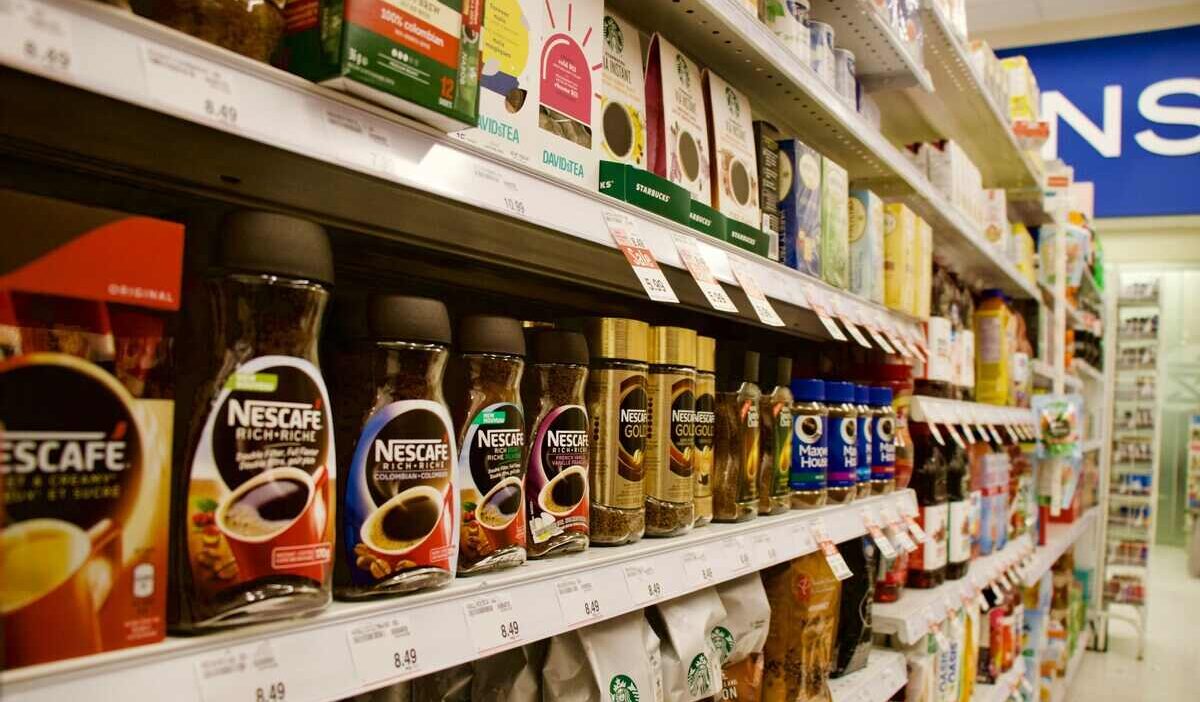
Does Food for Less take WIC? The answer is yes. Most Food 4 Less locations accept WIC, allowing you to use your eWIC card to purchase healthy groceries for your household.
As a warehouse-style store, Food 4 Less can be a great place to save on essentials like milk, eggs, and fresh fruit. Still, it is common to feel a bit unsure when using benefits in a larger store setting. You might wonder if you are picking the right item sizes or worry about slowing things down at checkout.
If that sounds familiar, the details below will help you shop with more confidence and make your next Food 4 Less trip simple and stress-free.
1. Does Food for Less Take WIC?
Yes, Food 4 Less stores generally accept WIC (Women, Infants, and Children) benefits. At most locations, you can use an eWIC card, which works much like a regular debit card during checkout.
However, WIC benefits are limited to in-store purchases. Food 4 Less does not currently support WIC payments for online orders, curbside pickup, or delivery, so you will need to shop in person to use your benefits.
Authorization is managed at the state level, so participation can vary by location. You can find an approved store using these reliable methods:
- Look for the WIC logo: Check for a “WIC Accepted Here” sign on the store’s entrance.
- Check state vendor lists: Visit your state’s official WIC website to view a current list of authorized retailers.
- Use the WICShopper app: This app identifies authorized branches and helps you verify that the items you select are approved.
- Ask in person: You can also confirm acceptance at the customer service desk of your local store.

2. What WIC-Approved Foods Can You Buy at Food 4 Less?
You can buy a variety of nutritious essentials at Food 4 Less using your benefits. Because Food 4 Less is a warehouse-style store, many items come in bulk or large packaging. Common WIC-approved items available at Food 4 Less include:
- Dairy: Milk, eggs, cheese, and yogurt.
- Produce: Fresh, frozen, or canned fruits and vegetables.
- Whole Grains: Bread, tortillas, brown rice, and whole-grain cereals.
- Proteins: Peanut butter, canned fish, and dried or canned beans.
- Infant Needs: Infant formula and baby food.
Sizes Guideline for WIC Rules
WIC rules require you to buy very specific package sizes to ensure the transaction is approved.
For example, your benefits might cover exactly 16 ounces of bread or an 18-ounce jar of peanut butter.
Because warehouse stores often carry oversized or family-sized items, you must check labels carefully. If you pick an oversized item that is not on your approved list, the register will reject it during checkout.
Verifying Items with the WICShopper App
To avoid guessing in the aisles, you should use the WICShopper app while you shop.
This app allows you to scan the barcode of any item to see immediately if it is covered by your benefits at that specific store. This saves time and prevents stress when you reach the cashier.
>>> Learn Now: 5G Free iPhone: How to Get a $0 Device Today! Application Guide
3. Food 4 Less Checkout Rules and Payment Methods
The checkout experience at Food 4 Less is unique because it is a warehouse-style store.
Most locations require you to bag your own groceries to keep prices low. Because of this, speed and organization at the register are helpful for everyone in line.
You do not need to separate your WIC items from your regular groceries on the belt. The store’s computer system will identify your approved foods automatically.
Why You Must Swipe the eWIC Card First
The Point of Sale (POS) system at Food 4 Less is designed to prioritize your benefits.
When you swipe your eWIC card and enter your PIN before any other payment method, the computer scans your entire virtual basket. It instantly matches your scanned items against your current WIC balance.
By swiping first, you ensure that your benefits cover every eligible item before you spend your own cash or SNAP funds.
Follow these easy steps to pay:
- Unload all your groceries onto the checkout belt in any order.
- Let the cashier scan every item in your cart.
- Swipe your eWIC card first and enter your secret 4-digit PIN.
- Confirm the WIC total on the screen as the register automatically pays for your approved foods.
- Pay the remaining balance for any other items using SNAP EBT, cash, or a debit card.
Splitting Payments with SNAP and Cash
If you have non-WIC items in your cart, such as cleaning supplies, snacks, or paper towels, the screen will show a remaining balance. This is called a “split-tender” transaction. Food 4 Less makes it easy to use multiple payment methods to finish your purchase.
After your eWIC card covers the nutritious essentials, you can use the following methods for the rest:
- SNAP EBT: Use your regular EBT card for other eligible food items.
- Debit or Credit Cards: Pay for household goods or items not covered by food programs.
- Cash: Use physical currency for any part of your total.
- Store Gift Cards: Apply any valid Food 4 Less or Kroger gift cards to your balance.
4. Extra Benefits for WIC Recipients Through Government Assistance Programs
If you participate in WIC, you can often access other support systems designed for low-income families. These programs provide help with housing, healthcare, and everyday costs. WIC recipients may qualify for:
- Housing Assistance: Programs like Section 8 or Public Housing help with rent and utility costs.
- Healthcare: WIC participants are often fast-tracked for Medicaid or CHIP enrollment.
- Nutrition: You can usually combine WIC with SNAP benefits to cover more of your grocery bill.
- Telecommunications: You can significantly reduce your monthly bills through federal assistance programs.
Keep $0 Monthly Phone Bills Through the Lifeline Assistance Program
The Lifeline program is a federal initiative that helps eligible households stay connected by providing a monthly discount on phone service or internet service through partnering with Eligible Telecommunication Carriers.
While WIC is a nutrition program, participating in it can help you qualify for Lifeline in certain states, like California. In other states, you can qualify based on your income or participation in other government programs.
Lifeline Eligibility Guidelines:
- Income-Based: Your total household income must be at or below 135% of the Federal Poverty Guidelines (FPG).
- Program-Based: You already participate in Medicaid, SNAP, SSI, Section 8, or the Veterans Pension. If you live on federally recognized Tribal lands, you qualify through programs like Tribal TANF, FDPIR, or BIA General Assistance.
Compliance rules: The Lifeline service is only eligible for consumers. The service is non-transferable and is limited to one discount per household.
When you sign up with a partner provider, you can receive substantial monthly support. Standard households receive a $9.25 monthly subsidy, while those on Tribal lands receive up to $34.25 per month.
ETCs like Cintex Wireless that partner with the Lifeline program to offer a variety of benefits, including:
- Free 5G Smartphone: High-quality mobile devices to help you manage your digital life.
- Unlimited Talk and Text: Stay in touch with family, doctors, and employers.
- Monthly Data: 5G data for checking your WIC balance or searching for authorized stores.
Update: Cintex Wireless is currently in the process of merging with AirTalk Wireless. As this transition continues, customers may experience improvements in network coverage, service reliability, and overall support.
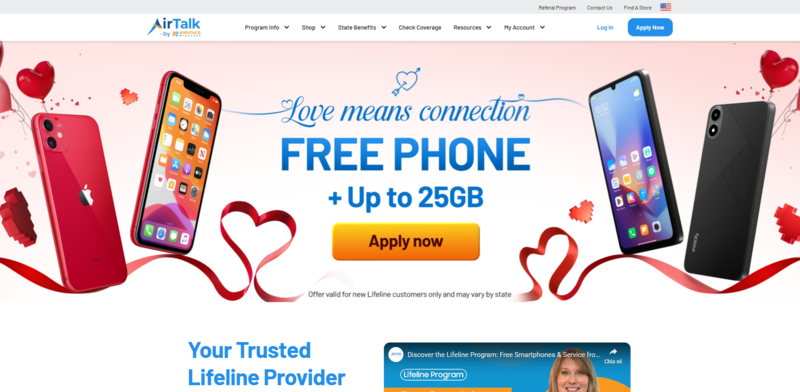
Important Note: The government does not pay for your phone; they only subsidize the monthly service costs. Any free or discounted devices you receive are promotional offers provided directly by the carrier. If a specific model is out of stock, providers may substitute it with a similar device. Availability depends on your location, eligibility, and current inventory.
How to Apply for Lifeline
- Find a Provider: Visit the website of a trusted provider like AirTalk Wireless or Cintex Wireless.
- Enter Your Info: Provide your ZIP code to see the plans and free or discounted devices in your area.
- Upload Proof: Submit digital copies of your ID and proof of program participation (like your SNAP or Medicaid award letter).
- Confirm and Receive: Once approved, your device and SIM card will be shipped directly to your home.
>>> Read more: What Are the Best Free Government Phone Carriers? Compare and Apply Now!
Final Words
Does Food for Less take WIC? At most locations, it does, and once you understand how the system works, shopping becomes much easier to manage. Knowing which items are eligible, checking your balance ahead of time, and swiping your eWIC card first can help you move through checkout without confusion.
Beyond groceries, staying connected can also make a difference, especially when using tools like the WICShopper app in-store. For eligible households, programs like Lifeline may help reduce the cost of phone service, making it easier to manage benefits and everyday tasks without added financial pressure.