Replacing a physical SIM with an eSIM has become much easier, but many users still pause before making the switch. A common question is “Should I convert to eSIM?”
For some people, eSIM makes traveling, managing multiple lines, and activating service much more convenient. Others may prefer to keep a physical SIM because of compatibility or carrier-specific limitations. This guide walks through the advantages, potential drawbacks, and the situations where converting to eSIM makes the most sense.
1. What Does “Converting to eSIM” Mean?
Converting to eSIM simply means replacing your physical SIM card with a digital SIM profile stored inside your phone. In practice, this only works if your phone supports eSIM and your carrier supports eSIM conversion or activation for your plan.
The conversion usually does not change your mobile service itself. In most cases, you keep the same phone number, carrier, and wireless plan, but the old physical SIM is typically deactivated once the eSIM is active.
The difference is that your service is delivered digitally rather than via a removable SIM card.
Depending on your carrier, the process may involve scanning a QR code, downloading an activation profile, or transferring your existing SIM through your phone’s settings.
Once activated, the eSIM functions much like a physical SIM, allowing you to make calls, send messages, and use mobile data without inserting any hardware.
Because everything is managed digitally, future changes, such as activating another line or switching between supported plans, can often be completed more conveniently.
2. Should I Convert to eSIM?
When people ask, “Should I convert to eSIM?” they’re usually trying to decide whether the benefits outweigh the inconvenience of changing from a physical SIM.
For many users, eSIM is worth considering, especially if their phone and carrier both support a smooth digital activation process.
Here are some of the biggest advantages.
Easy to Switch Network
Changing carriers no longer requires waiting for a replacement SIM card.
Many providers allow customers to activate a new plan digitally, making it faster to move between supported networks.
Multiple SIM Card Usage
Many eSIM-compatible phones allow users to keep more than one mobile plan on the same device.
This can be useful for separating personal and business numbers or maintaining different plans for different purposes.
Suitable for International Travel
Frequent travelers often choose eSIM because they can purchase a local data plan before arriving at their destination.
Instead of searching for a SIM card vendor after landing, they can activate service digitally and avoid many traditional roaming charges.
Free Up Space
On phones that still have a physical SIM tray, moving your main number to an eSIM can free the tray for another SIM, such as a travel SIM or a second carrier line. On eSIM-only models, this benefit does not apply because there is no physical SIM tray to reuse.
For users who regularly travel or manage multiple mobile lines, this extra flexibility can be more practical than relying on a single physical SIM alone.
Instant Connectivity
One of the biggest advantages of eSIM is how quickly you can get connected.
After purchasing a compatible mobile plan, many carriers let you activate it within minutes by scanning a QR code, using their mobile app, or downloading the eSIM profile directly to your device.
This is particularly useful when you need service immediately, such as after setting up a new phone or arriving in another country.
Digital SIM Management
Since eSIM profiles are managed through your phone’s settings, adding, removing, or switching between supported mobile plans becomes much simpler.
Plus, supported devices can also store multiple eSIM profiles, which is useful for travel, work lines, or backup data plans.
You no longer need to handle tiny SIM cards whenever you change or activate a line.
Matching Modern Compatibility Requirements
Many newer phones, tablets, smartwatches, and connected devices support eSIM, and some models or regions rely heavily on eSIM activation. However, physical SIM support is still common in many markets, so compatibility depends on the exact device, region, and carrier.
Converting to eSIM can help you take full advantage of newer features and ensure compatibility with mobile services that increasingly rely on digital SIM technology.
Support Phone Tracking
Unlike a physical SIM card, an eSIM cannot be removed simply by opening the SIM tray.
If your phone is lost or stolen, it may be more difficult for someone to immediately disconnect your mobile service, allowing features such as Find My iPhone to continue working as intended until the device is powered off or reset.
3. What Are the Disadvantages of Converting SIM to eSIM?
So, is there a downside to an eSIM? In most cases, the answer depends on how you use your phone.
For users who frequently change devices or rely on quick SIM swaps, a physical SIM may still feel more convenient.
Carrier Store Complications
While many carriers support online eSIM activation, others may still require identity verification, customer support, or even an in-store visit before completing the conversion.
The process varies by provider, so switching isn’t always as seamless as expected.
Device Switching Limitations
Moving a physical SIM to another phone only takes a few seconds.
With eSIM, transferring your mobile service often involves downloading a new eSIM profile or contacting your carrier to reactivate the line, which can take more time.
>>>Read more: How To Transfer eSIM From iPhone To Android Easily? Detailed Guide 2026
Harder to Remove or Swap Quickly
For users considering the switch, is there any reason not to switch to eSIM?
Because an eSIM is built into the device, you can’t simply remove it the way you would with a physical SIM card.
This can be inconvenient if you want to temporarily disconnect your mobile service or quickly move your number to another compatible phone without going through the carrier’s transfer process.
4. Who Should Convert to eSIM?
eSIM is not necessarily a must-have for every phone user, but it can be especially useful for people with specific needs.
- International Travelers: People who travel frequently can benefit from eSIM because they can activate local data plans without removing their primary SIM card.
- Tech Enthusiasts and Early Adopters: Users who prefer keeping up with newer mobile technologies may find eSIM more convenient, especially as more smartphones and connected devices continue adding eSIM support.
- Security-Conscious Users: Since an eSIM cannot be physically removed from the device, it may provide an additional layer of protection if your phone is lost or stolen.
- Environmental Advocates: Because eSIM activation does not require a plastic SIM card, packaging, or physical shipping, it can help reduce the materials used for mobile connectivity.
5. How to Convert to eSIM?
The exact steps for converting to eSIM depend on your phone model and carrier, but the process usually follows a similar pattern.
Before starting, make sure your device supports eSIM and that your carrier provides eSIM conversion. It’s also recommended to keep your phone connected to Wi-Fi during the setup process.
A typical conversion process includes:
- Contact your carrier or open your carrier’s mobile app to request an eSIM conversion.
- Verify your account information if required.
- Receive the eSIM activation details, usually through a QR code or digital setup instructions.
- Open Settings > Cellular/Mobile Data on your phone.
- Select Add eSIM or a similar option.
- Scan the QR code and follow the on-screen instructions.
- Wait for activation and confirm that calls, messages, and mobile data work correctly.
After the eSIM is activated, your physical SIM may no longer be needed. However, avoid removing or discarding your physical SIM until you confirm that the new eSIM connection is working properly.
6. Need an Affordable Phone Plan? Explore Service Options with Cintex Wireless
Converting to eSIM can make mobile service management easier, but a reliable, affordable plan is still essential.
For eligible households, the Lifeline program provides access to wireless services at a reduced or no monthly cost through participating Eligible Telecommunications Carriers (ETCs).
To be more specific, the Lifeline program provides a monthly discount, which participating ETCs then apply toward their service plans. This can significantly lower the overall cost. In some cases, bringing it down to as little as $0 per month, depending on the plan and carrier.
The program is available to qualifying users based on household income or participation in approved assistance programs, including SNAP, Medicaid, SSI, and other eligible programs.
When it comes to choosing a carrier, Cintex Wireless is a name worth considering. It’s known for keeping its application process straightforward, so eligible customers aren’t stuck navigating a complicated sign-up.
On top of that, Cintex regularly refreshes its device lineup and plan offerings, giving customers a better chance at snagging a deal that fits their needs.
Depending on eligibility, location, and available offers, users may receive benefits such as:
- Free monthly talk, text, and data
- SIM card or eSIM activation support
- Discounted or free smartphones
- Affordable wireless service
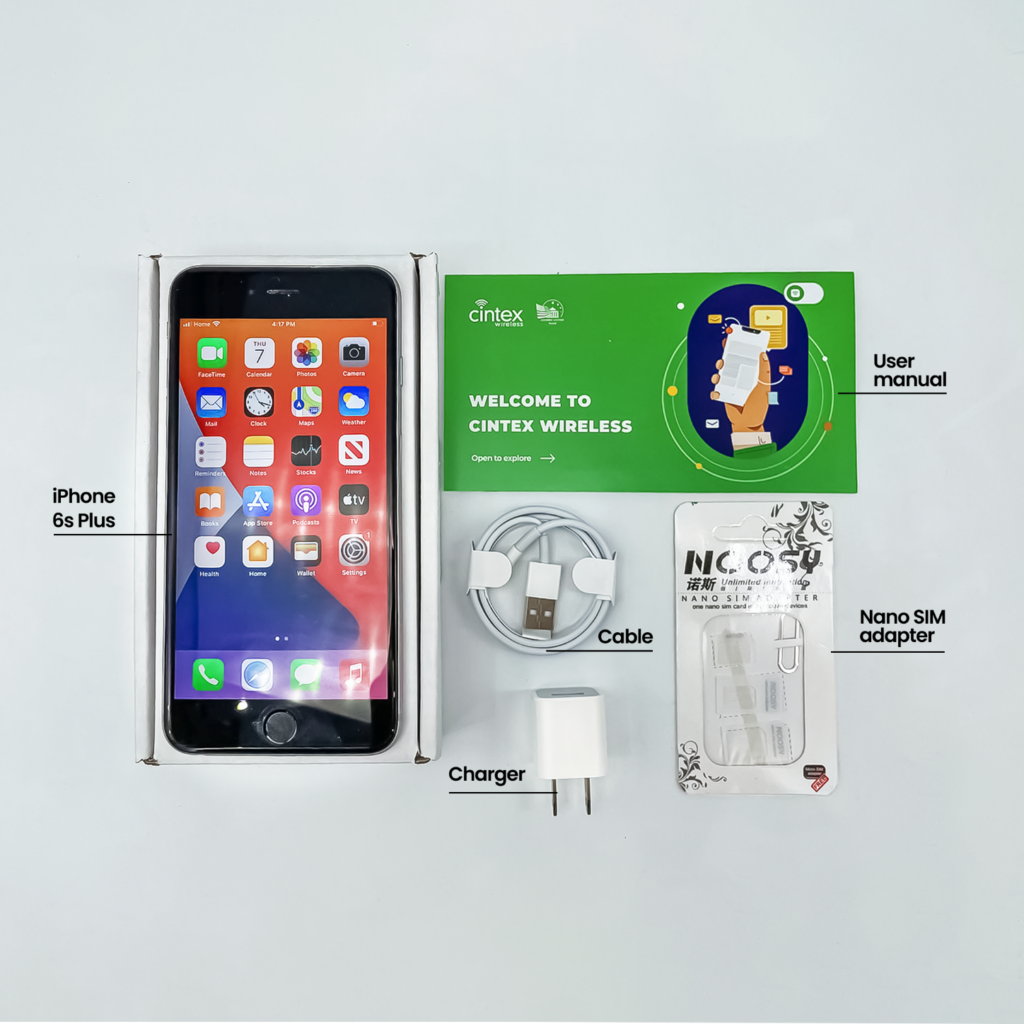
Notably, Cintex Wireless is merging with AirTalk Wireless, creating a more streamlined experience for eligible applicants while providing access to a wider range of service options and devices.
However, because device availability can vary by state and inventory, you should check the latest options before applying.
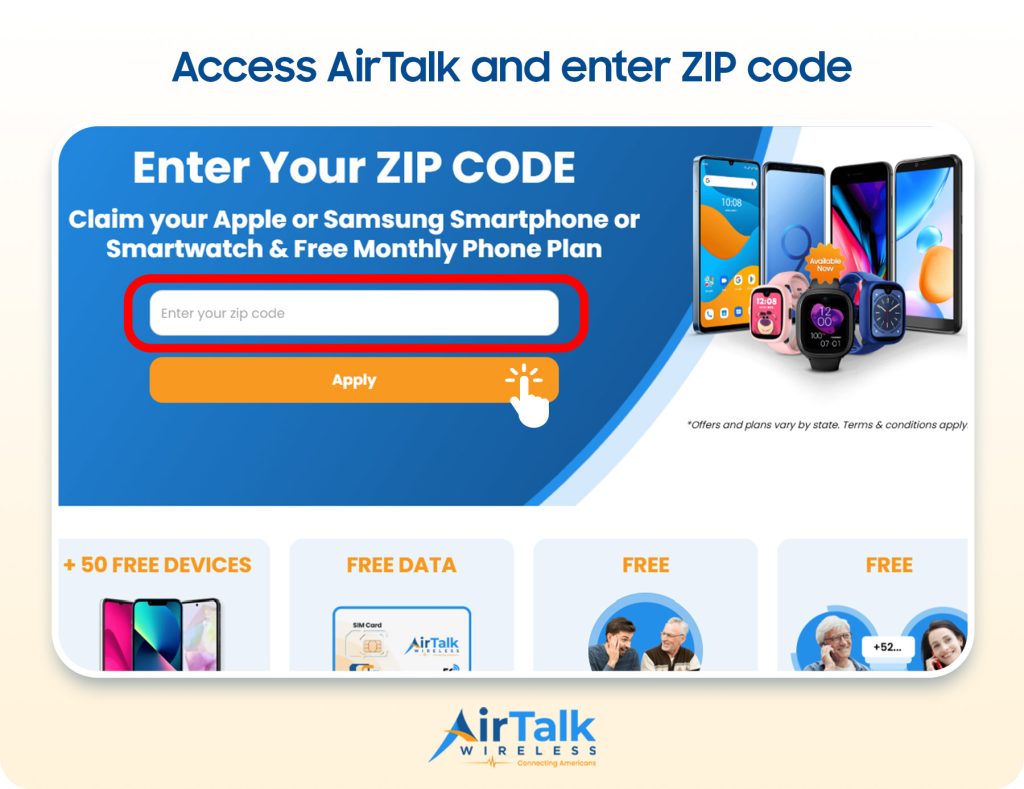
Note: Eligibility varies by state and program. Offers depend on availability and qualifications. Cintex and AirTalk Wireless operate under the federal Lifeline Program as an Eligible Telecommunications Carrier (ETC). Service is non-transferable and limited to one service per household.
Conclusion
When deciding should I convert to eSIM, consider how you use your phone, your carrier support, and your switching habits. eSIM offers more flexibility and convenience, but a physical SIM may still be a better choice for some users. Understanding the differences can help you make the right decision for your mobile needs.