As Apple has gradually shifted from physical SIM cards to eSIM technology, many users are wondering which iPhone was the last to include a traditional SIM card. If you’re planning to upgrade, switch carriers, or prefer using a physical SIM, knowing the last iPhone with SIM card can help you choose a device that meets your needs.
This guide explains which iPhone models still support physical SIM cards and whether it is better to use a traditional SIM card or an eSIM.
1. What Is the Last iPhone with SIM Card?
In fact, the answer depends on where your iPhone was purchased and whether you mean the last numbered lineup or the last individual model.
In the United States, the iPhone 13 series is the last iPhone lineup to include a physical nano-SIM card slot.
However, the iPhone SE (3rd generation), introduced after the iPhone 13 series, also includes a physical nano-SIM tray. Therefore, it is the later individual U.S. iPhone model with physical SIM support.
Beginning with the iPhone 14 series, numbered iPhone models purchased in the United States became eSIM-only, meaning they no longer include a physical SIM tray.
However, this change does not apply worldwide.
Many versions of the iPhone 14, 15, 16, and 17 series sold outside eSIM-only markets still feature a physical nano-SIM tray alongside eSIM support.
For the iPhone 17 family and iPhone Air, Apple has expanded eSIM-only availability beyond the United States to several additional countries and regions. Because SIM configurations now vary more widely, check the exact model and original sales region before purchasing.
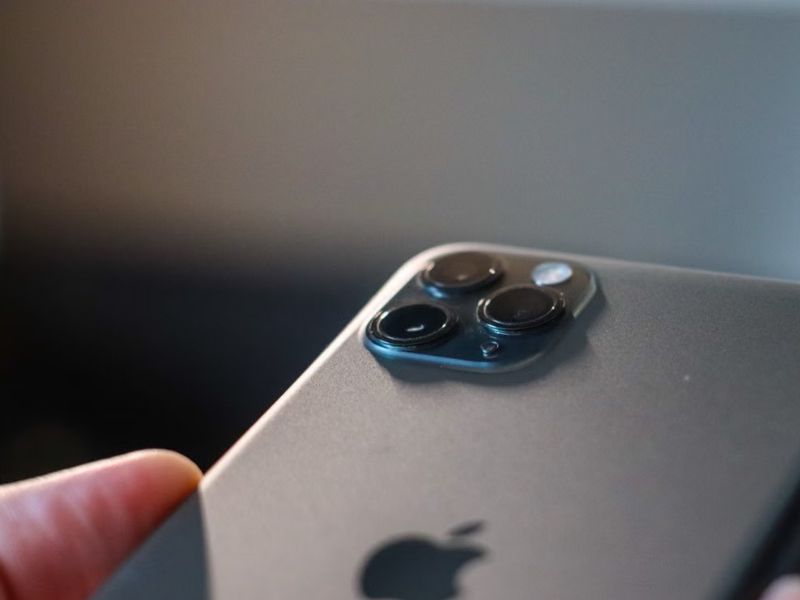
iPhone SIM cards have evolved significantly throughout the years. Below is a brief list of which iPhone models use which type of SIM:
| iPhone model | SIM card type |
| Original iPhone, iPhone 3G, and iPhone 3GS | Standard SIM |
| iPhone 4 and iPhone 4s | Micro-SIM |
| iPhone 5 through iPhone X | Nano-SIM |
| iPhone XR, XS, and later supported models | Nano-SIM, eSIM, or both, depending on the model and region |
| iPhone 13 series | Nano-SIM and eSIM; also supports Dual eSIM |
| iPhone SE (3rd generation) | Nano-SIM and eSIM; also supports Dual eSIM |
| iPhone 14 through iPhone 16 series | eSIM-only in the United States; nano-SIM and eSIM in many other markets |
| iPhone 17 family and iPhone Air | eSIM-only in the United States and several additional markets; nano-SIM and eSIM in many other regions |
>>>Read more: Which iPhones Support eSIM? A Complete List
2. eSIM vs Physical SIM Card: Which One Is Better?
Apple has gradually expanded eSIM-only iPhone models into more countries and regions.
Key aspects of this shift include eSIM-only iPhones in the United States beginning with the iPhone 14, additional eSIM-only markets for the iPhone 17 family and iPhone Air, and more digital activation and transfer options.
However, Apple still offers newer iPhones with physical SIM trays in many regions. Whether an eSIM is better than a traditional SIM card depends on your carrier, travel habits, device, and preferred activation method.
| Feature | eSIM | Physical SIM card |
| How it works | A digital SIM is built directly into the device, so there’s no physical card to insert or remove. | A removable plastic SIM card that fits into your phone’s SIM tray. |
| Activation | May be activated through carrier activation, transfer from another phone, a QR code, carrier app, activation link, or manual details. | Usually requires inserting the SIM card and following the carrier’s activation instructions. |
| Switching carriers | Can be completed digitally when the iPhone is unlocked and both carriers support the required eSIM process. | Usually requires replacing the physical SIM, unless the new plan is added through eSIM. |
| Multiple mobile plans | Compatible iPhones can store multiple eSIM profiles, although only a limited number can remain active at once. | Most iPhones support one physical SIM, although certain regional models support two nano-SIM cards. |
| Dual SIM support | Supported through two active eSIMs or one eSIM with one physical SIM on compatible models. | Available as nano-SIM plus eSIM or, on certain regional models, two physical nano-SIM cards. |
| Travel convenience | A travel plan may be purchased and activated digitally without replacing the home SIM. | Users may use roaming, purchase a local physical SIM, or keep the physical home SIM and add a travel eSIM on compatible iPhones. |
| Security | Cannot be physically removed if the iPhone is lost or stolen, although the carrier and Apple Account should still be secured. | Can be physically removed and placed into another compatible phone, although a SIM PIN can provide additional protection. |
3. How to Install & Remove a SIM Card in an iPhone?
Now you know the last iPhone with SIM card. If your iPhone includes a physical SIM tray, installing or removing the card is usually straightforward.
Use the SIM eject tool or a straightened paperclip to open the tray. Insert it into the hole beside the tray and press gently toward the iPhone. Do not force it.
Place the nano-SIM into the tray so its notched corner matches the tray. The SIM and tray fit together in only one orientation, so do not rely on a universal rule about whether the gold contacts should face up or down.
Carefully slide the tray completely back into the iPhone in the same orientation in which it was removed.
To remove the SIM, eject the tray again and carefully lift the card out.
After reinserting the tray, allow the iPhone time to detect the SIM and connect to the carrier. If it is not detected, restart the iPhone and contact the carrier if the issue continues.
Unlike a physical SIM, an eSIM is installed and removed digitally through your iPhone’s settings.
>>>Read more: How To Activate eSIM on iOS and Android? 2026 Tutorial.
4. How Cintex Wireless Helps You Upgrade Your Phone
Buying a new phone only to discover that your SIM card isn’t compatible can be frustrating.
For example, your older device may use a physical SIM while your new phone supports only eSIM, or your current phone may no longer be compatible with your carrier’s network.
If upgrading to another device isn’t within your budget, the Lifeline program can help.
It is a government aid program administered by the Federal Communications Commission (FCC) that reduces the monthly cost of phone service, internet service, or bundled services for low-income individuals.
Eligible consumers receive a standard monthly savings of up to $9.25, or up to $34.25 if they live on approved tribal territories.
Generally, eligibility is based on your household income or your participation in qualifying programs like SSI, Section 8 Housing Voucher, etc.
Especially when you apply for Lifeline through eligible carriers like Cintex Wireless, you may qualify for free or discounted wireless service and a compatible smartphone with a SIM card.
This can help you switch to a newer device that supports the latest SIM technologies without incurring a high upfront cost.
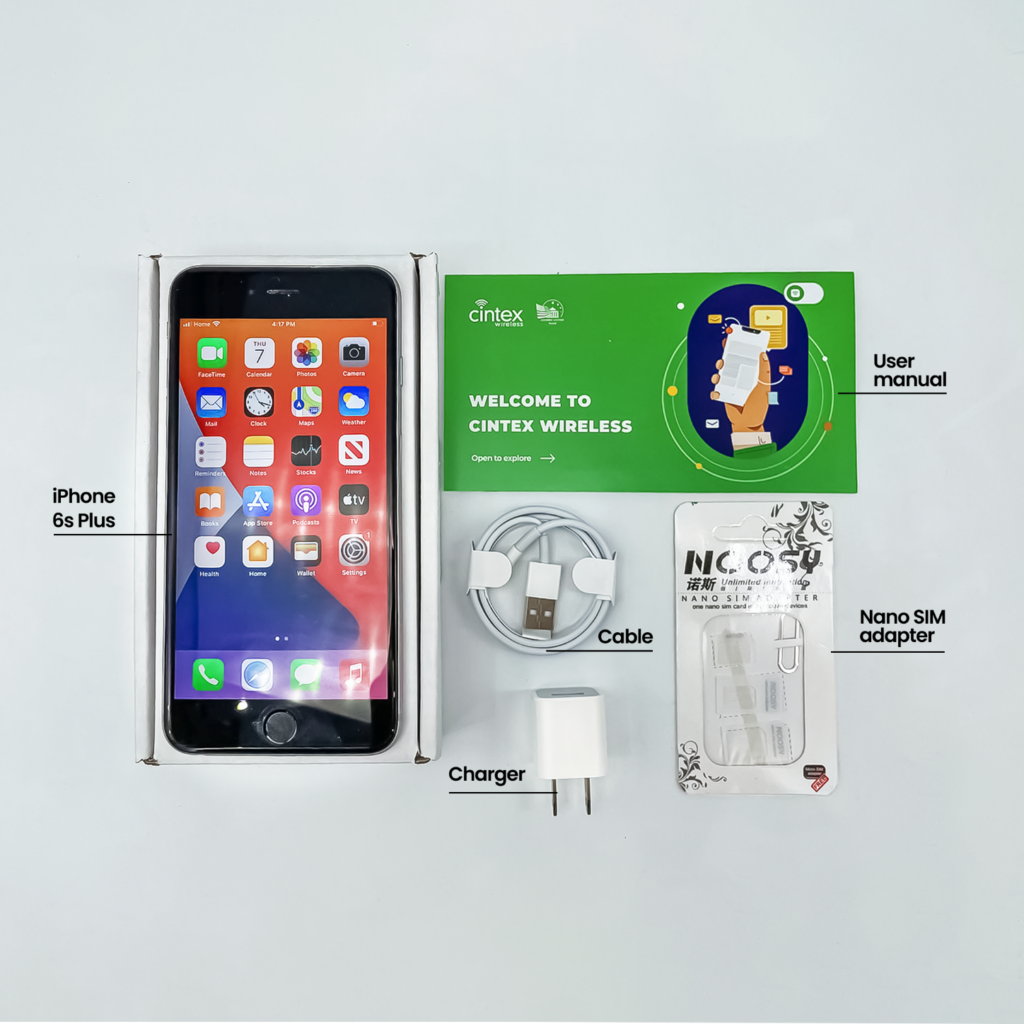
As Cintex Wireless merges with AirTalk Wireless, users will have access to a wider range of devices and a more streamlined application process.
DISCLAIMER: Eligibility varies by state and program. Offers depend on availability and qualifications. Cintex and AirTalk Wireless operate under the federal Lifeline Program as Eligible Telecommunications Carriers (ETCs). Service is non-transferable and limited to one service per household.
Conclusion
Knowing the last iPhone with SIM card can help you choose the right device if you prefer the convenience of a physical SIM or need compatibility with your carrier.
Just note that while Apple continues to expand eSIM support on newer models, many iPhones still offer a physical SIM slot, depending on the model and region.