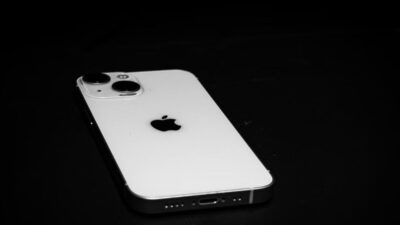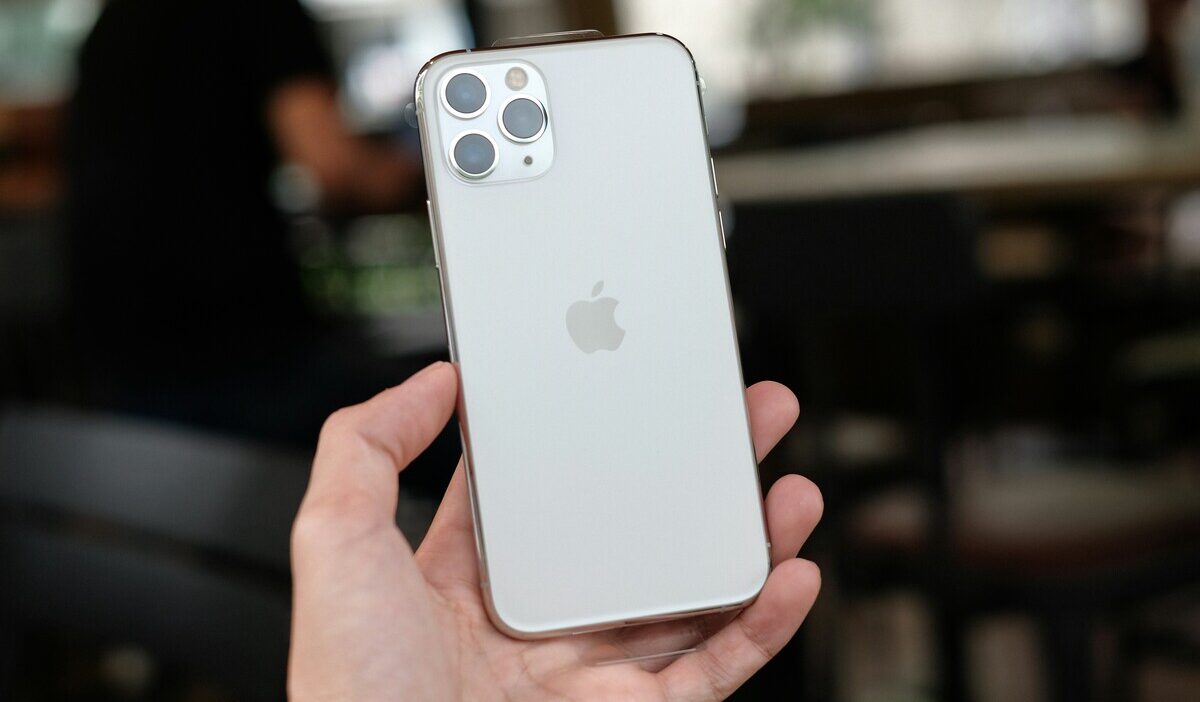
Does iPhone 11 have SIM card? Yes, it has a physical nano-SIM tray located on the right side of the device. It also supports eSIM, allowing Dual SIM use with one physical nano-SIM and one eSIM.
This guide shows you exactly where to find the tray, how to insert or remove a SIM card, and which other iPhones still have a physical slot.
1. Does iPhone 11 Have SIM Card?
Yes, the iPhone 11 has a physical SIM card slot. It uses a standard nano-SIM, the smallest physical SIM format. It also supports eSIM, so you can use the physical SIM and an eSIM together for Dual SIM functionality.
The SIM tray is located on the right side of the device. Apple moved the SIM tray to the left side starting with the iPhone 12 in most models.
Regional note: Models sold in Mainland China, Hong Kong, and Macao include space for two physical SIM cards instead of one nano-SIM plus eSIM.
2. Which iPhone Has SIM Card Slot in USA?
The iPhone 11 is far from the only model with a physical SIM tray, but the tray’s location has changed over the years.
| iPhone Model (US) | Physical SIM Slot | SIM Type |
| iPhone 11 and earlier | Yes | nano-SIM |
| iPhone 12 and iPhone 13 series | Yes | nano-SIM alongside eSIM |
| iPhone 14 and later | No | eSIM only |
You may be surprised that an iPhone with SIM card slot position can sometimes indicate the model generation, but it is not a definitive identifier due to regional and SE model exceptions.
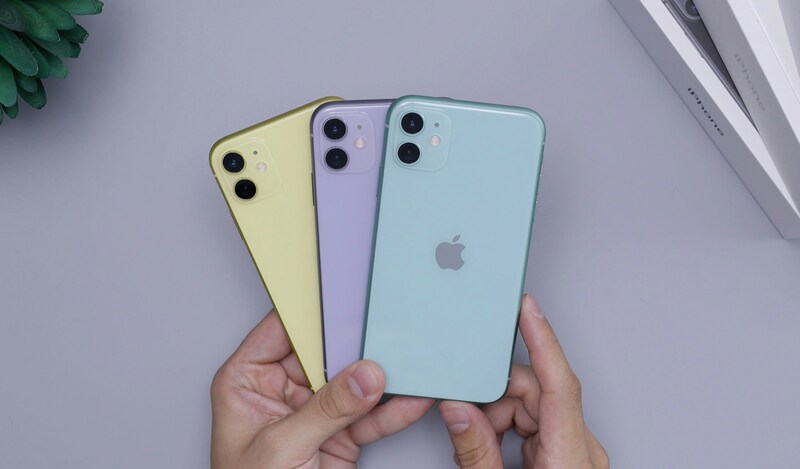
>>> Read more: Does iPhone 11 Have eSIM? Dual SIM and Activation Guide
3. How to Insert or Remove the SIM Card on iPhone 11
Inserting or removing the nano-SIM on an iPhone 11 takes less than a minute with the right tool.
- Locate the iPhone 11 SIM card tray on the right side of the iPhone 11
- Insert a SIM eject tool or a straightened paperclip into the small hole beside the tray
- Apply gentle, even pressure to pop the tray open. Do not force it
- Slide the tray out completely
- Remove the old nano-SIM if one is present
- Place the new nano-SIM into the tray, lining up the notched corner so it fits only one way
- Slide the tray back into the device in the same orientation it came out, until it clicks flush with the side
If the tray will not eject, do not force it. Take the device to a carrier store or an Apple Store for help.
4. Already Check That Your iPhone has a SIM Card Slot? You May Qualify for a Free Plan
Since your iPhone 11 already takes a standard nano-SIM, switching to a more affordable plan is straightforward.
If you qualify for government assistance, you may be able to activate a free monthly plan through the Lifeline program on your current device.
The Lifeline Program
The Lifeline program is a federal assistance program that helps eligible low-income households access phone service at reduced or no cost each month.
- Standard households can receive a discount of up to $9.25 per month
- Households on Tribal lands qualify for an enhanced discount of up to $34.25 per month
You may qualify based on income or program enrollment. Your household income must be at or below 135% of the Federal Poverty Guidelines, or you must be an active participant in Medicaid, SNAP, SSI, Section 8, or Veterans Pension.
If you want to apply for the benefit, it’s important to understand a few program rules. Lifeline service is non-transferable and limited to one benefit per household, meaning only one qualifying service can be received at a time.
What You Should Know About The Benefit
When you apply, you do so through approved providers called Eligible Telecommunications Carriers (ETCs), which are authorized to deliver Lifeline-supported services to eligible households.
These carriers apply the Lifeline discount directly to their service plans, reducing the monthly cost based on program eligibility. In many cases, they may also offer an additional device option to help improve accessibility and support more stable, long-term connectivity.
This allows eligible users to not only reduce their monthly expenses but also stay reliably connected through a complete service package.
Applying For Lifeline
Cintex Wireless is one of the approved ETCs that partners with Lifeline to offer a promotional smartphone plan.
If you already own an iPhone 11, you can apply using the BYOP (Bring Your Own Phone) option, which gives you access to a free plan with a larger service allowance and data package, without needing a new device.
Choosing Cintex Wireless to apply now is like killing two birds with one stone, as it is merging with AirTalk Wireless, a Lifeline provider already supporting more than 2 million households nationwide.
This means you complete your application through a single streamlined process while gaining access to a broader network, more consistent coverage, and a more unified service experience under one provider.
Limited special plan: If you are ready to upgrade to a more modern iPhone, AirTalk Wireless occasionally runs special promotional offers where eligible users can access iPhone 12 through 15 models at extremely competitive prices, and in some areas, completely free. These offers move quickly, so applying early puts you in the best position to take advantage when one goes live.
Note: Eligibility varies by state and program. Offers depend on availability and qualifications. Cintex and AirTalk Wireless operate under the federal Lifeline Program as an Eligible Telecommunications Carrier (ETC). Service is non-transferable and limited to one service per household.
>>> Read more: Does iPhone 14 Have a SIM Card? US vs International 2026
5. FAQ
What size SIM card does the iPhone 11 use?
The iPhone 11 uses a nano-SIM, the smallest physical SIM format. If you are switching from an older phone with a larger SIM size, ask your carrier for a nano-SIM replacement.
Why is my iPhone 11 SIM tray on a different side than my new iPhone?
Apple moved the SIM tray from the right side to the left side starting with the iPhone 12. If you have an iPhone 11 or earlier, check the right side of the device instead.
Does removing the SIM card delete data from my iPhone 11?
No. Removing the SIM card does not delete photos, apps, or any data stored on the device itself. Contacts saved directly to the SIM card may not be accessible without it, but everything in internal storage stays intact.
Final Words
Does iPhone 11 have SIM card? Yes, a physical nano-SIM tray on the right side of the device, alongside full eSIM support. Use a SIM eject tool to insert or remove the card safely, and remember that newer iPhones moved the tray to the left side or removed it entirely. If you qualify for government assistance, an approved Lifeline provider may offer a free phone with $0 monthly service.