A SIM card that suddenly stops working, loses signal, or displays errors such as “No SIM” can be frustrating. It is especially true when you rely on your phone for calls, messages, or mobile data.
In some cases, dust, dirt, or residue on the SIM card’s metal contacts may be the cause. Thus, let’s discover how to clean SIM card properly to restore a stable connection and prevent unnecessary replacement.
1. When Should You Clean a SIM Card?
A SIM card usually does not need regular cleaning. You should remove and clean it when the phone has trouble detecting the card or when the metal contacts are visibly dirty.
Signs That Dirt May Be Causing Connection Issues
Can a dirty SIM card cause problems? It can. Dust, fingerprints, or residue on the contacts may interfere with the connection between the SIM and the phone’s reader.
Common signs may include a No SIM or Invalid SIM warning, intermittent SIM detection, or service returning after you remove and reinsert the card.
Problems That Cleaning is Unlikely to Fix
Cleaning will not resolve an inactive account, a carrier outage, network incompatibility, or a carrier lock.
It also cannot repair a cracked SIM, damaged reader, bent tray, or heavily scratched contacts.
Check the SIM Contacts Before Cleaning
Remember to turn off the phone and use bright lights to examine the gold-colored surface.
A dry cloth may be enough for fingerprints or dust, while cracks, corrosion, or deep scratches usually indicate that the card needs replacement.
2. How to Clean SIM Card?
The safest way to clean a SIM card is to begin with a dry, lint-free cloth.
You should use isopropyl alcohol only when the card has residue that a dry cloth cannot remove, but only use a tiny bit of high-concentration isopropyl alcohol on the cloth if dry cleaning is insufficient.
Power Off Your Device
Turn off the phone completely before opening the SIM tray. You may also need to remove the phone case if it covers the tray.
Remove the SIM Card
Insert the ejector tool into the correct opening and apply light pressure. Once the tray comes out, you should hold the SIM by its plastic edges instead of touching the metal contacts.
Inspect the SIM Card
Look closely for dust, stains, scratches, cracks, or signs of corrosion. The tray also deserves a quick check, especially if the card does not sit flat.
Clean the SIM Card
How to clean SIM card? Start with a clean, dry, lint-free cloth. If residue remains, check the phone or carrier manufacturer’s guidance before using any liquid cleaner on the SIM contacts.
Wondering, can you use rubbing alcohol to clean a SIM card? It is better to start with a dry, lint-free cloth because manufacturers do not universally recommend applying alcohol directly to SIM contacts. If your device or carrier specifically permits it, use only a very small amount on the cloth and let the card dry completely before reinserting it.
Never pour alcohol directly onto the card. Avoid water, soap, hand sanitizer, household sprays, and abrasive materials, as they can leave residue, scratch the contacts, or introduce unwanted moisture.
Reinsert the SIM Card
Place the card into the tray with the angled corner facing the correct direction. The SIM should not rise at the edges and should rest uniformly inside the slot.
Test the SIM Card
Turn the phone back on and give it a moment to reconnect to the network. Confirm that the phone recognizes the SIM and reconnects to the carrier, then make a test call, send a text, and check mobile data.
3. What If Cleaning Doesn’t Fix the Problem?
Now you know how to clean SIM card. However, a clean SIM that still fails may point to a software issue, a carrier problem, a damaged tray, or a worn-out card.
In that case, try the following troubleshooting methods:
- Restart the phone: A restart can refresh the phone’s connection to the mobile network. Turning Airplane Mode on briefly and switching it off again may have a similar effect.
- Reseat the SIM: Remove the card once more and check its position. Even a clean SIM can fail when it sits unevenly or shifts inside the tray.
- Try another phone: Place the card in another compatible device that accepts your carrier’s SIM. If service returns, the original phone may have a reader, a setting, or a compatibility issue.
- Test another SIM: A working card can help test the affected phone. When the second SIM also fails, the phone or its tray is more likely the cause.
- Inspect the SIM tray: Check for cracks, bends, dirt, or corrosion around the tray. Avoid placing liquid or sharp objects inside the reader, as its internal contacts can bend easily.
- Check carrier status: The carrier can confirm whether the line is active, the SIM is linked to the correct account, and an outage is affecting the area. A recently replaced card may also need to be activated before it connects.
- Replace the SIM if necessary: A cracked, deeply scratched, or unreadable SIM is unlikely to be recovered by cleaning. The carrier may switch the line to eSIM or provide a new physical card.
>>>Read more: Can You Put An Android SIM Card In An iPhone? Quick & Easy Guide
4. Practical Tips to Avoid SIM Card Issues
Careful handling can help a physical SIM last longer.
While keeping unused cards in their original holder shields them from dust and scratches, holding them by the plastic edges keeps oils away from the contact surface.
The card should never be bent, trimmed, scraped, or exposed to water and excessive heat. Both phones are best powered off before a SIM is moved, and the tray should slide back into place without force.
Furthermore, frequent removal creates unnecessary wear.
When the phone and carrier support eSIM, digital activation can eliminate problems linked to loose trays, dirty contacts, and repeated card handling.
5. Want a Long-Lasting SIM Card? Consider Using This Alternative
When a physical SIM repeatedly causes issues, an eSIM may be a more convenient alternative. The digital profile is stored on the phone, so there is no removable card to clean, lose, or damage.
For eligible low-income households, switching to an eSIM can also be more affordable through the federal Lifeline program, which helps reduce the cost of qualifying mobile service.
Qualification generally depends on household income or participation in an accepted assistance program.
What’s great about this assistance program is that it provides a monthly service discount through approved Eligible Telecommunications Carriers, who may offer more than just the mobile service plan.
Cintex Wireless is one of the participating carriers that offer eligible customers discounted service, a SIM option, or a compatible device.
As Cintex merges with AirTalk Wireless, new applicants can access updated plans, a broader range of devices, and a more streamlined enrollment process.
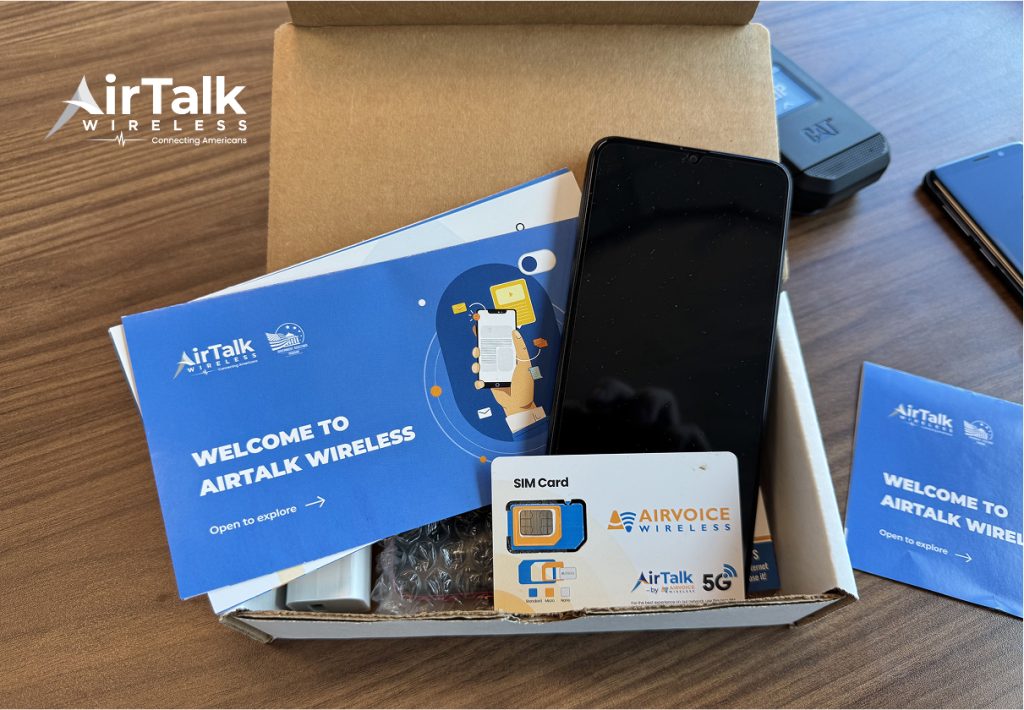
A bring-your-own-device option may also be available if you want to use your existing device.
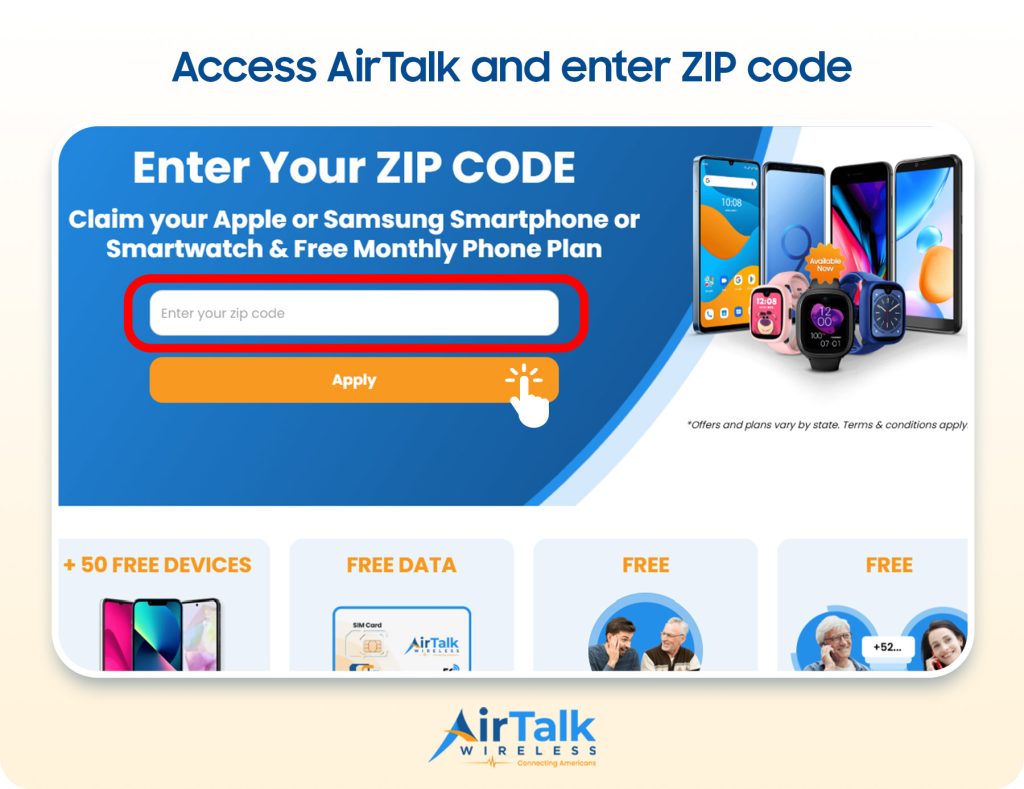
The application normally begins with a ZIP code check, followed by plan and device selection and eligibility verification.
Once approved, the applicant receives activation instructions or waits for the selected SIM card or device to arrive.
IMPORTANT: The government does not subsidize devices. Lifeline programs cover basic service costs only. Free or discounted devices, upgrade plans, or top-ups are exclusive benefits provided by Cintex and AirTalk Wireless as part of the promotional offers. Terms and conditions apply. Limited-time promotion—offers vary by state, stock availability, and eligibility.
Conclusion
It is straightforward to understand how to clean SIM card starting with a dry, lint-free cloth and light pressure. You can use a tiny amount of isopropyl alcohol to remove stubborn residue, but the card must be completely dry before it is returned to the phone.
Also, don’t forget to test the SIM and device independently if cleaning fails to restore service. A damaged card, a faulty tray, an inactive account, or a carrier issue will require a different solution.