If you are considering upgrading your phone, you may be wondering does iPhone 15 have SIM card slot. In fact, while some iPhone 15 models no longer include a physical SIM card slot, others still support traditional nano SIM cards alongside eSIM.
This blog post will explain the differences between regional models, the SIM options available on the iPhone 15, and other crucial information you should know.
1. Does iPhone 15 Have SIM Card?
Apple removed the physical SIM card tray from US iPhone 14 models in 2022, and the iPhone 15 sold in the United States continues this trend.
U.S. models are eSIM-only and do not have a physical SIM card slot.
However, Apple produces multiple versions of each iPhone model for use in different countries to support different 5G frequencies and bands.
That is why many international iPhone 15 models come with both a physical nano SIM slot and eSIM support (configurations vary by country and carrier). This dual capacity provides flexibility to people worldwide.
Despite this, you can have only two active lines at once: either both eSIMs or an eSIM and a traditional SIM.
2. Why Did Apple Remove the Physical SIM Card from Some iPhone 15 Models?
Apple eliminated the physical SIM card slot from iPhone 15 models in the United States to simplify device design and encourage greater use of eSIM technology.
An eSIM eliminates the need for a detachable SIM card and tray, enabling a more streamlined design with fewer physical components.
Some key benefits of eSIM vs nano SIM card include:
- Faster activation: Set up a cellular plan digitally without waiting for a physical SIM card.
- Enhanced security: An eSIM cannot be removed from the device if it is lost or stolen.
- Easier carrier switching: Change providers or plans without swapping SIM cards.
- Support for multiple plans: Store multiple eSIM profiles on a single device and switch between them as needed.
- Greater convenience for travel: Activate local or international plans without purchasing a physical SIM card.
- Less risk of physical damage: Unlike traditional SIM cards, eSIMs cannot be scratched, bent, or lost.
3. How to Check Whether Your iPhone 15 Has a Physical SIM Slot?
Now you know does iPhone 15 have SIM card. But how to verify if your device has a SIM card slot? Here are 3 effective methods:
Inspect the SIM Tray
Examining the sides of your iPhone 15 is the simplest way to check if it has a physical SIM slot.
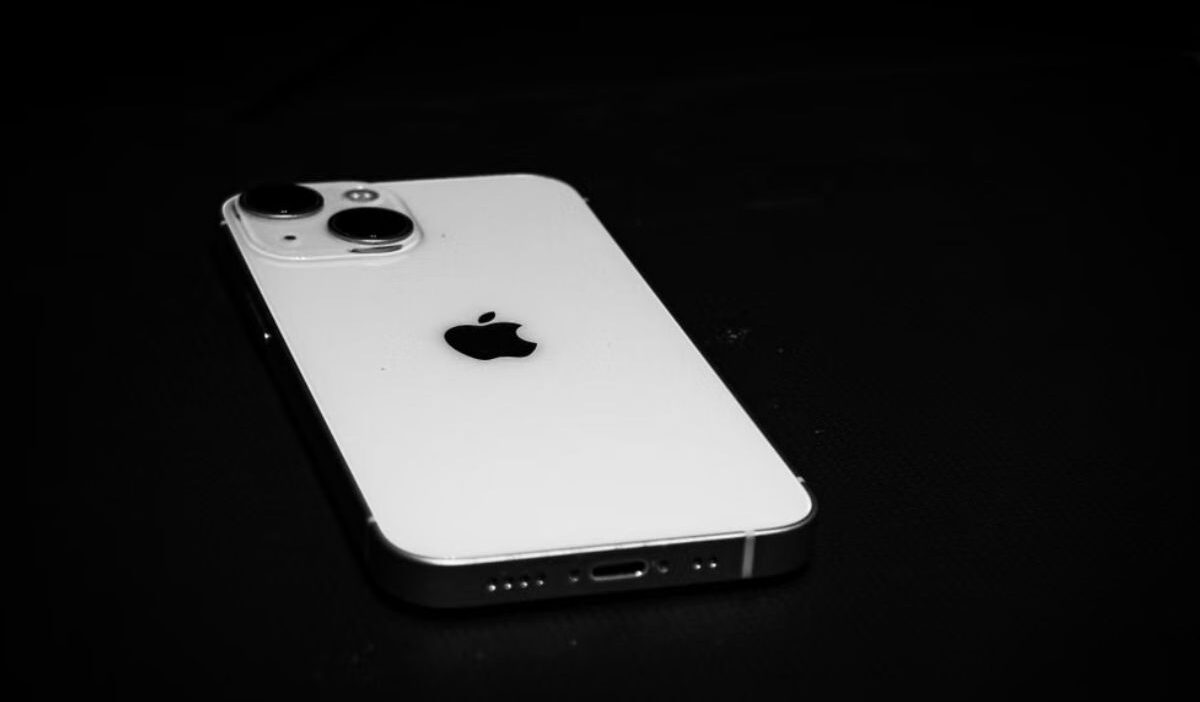
Many international iPhone 15 versions often come with a tiny SIM tray and an ejector pinhole. If you can’t locate a SIM tray on the phone, it might be a US model that only uses eSIM technology.
Check Your Model Number
Your model number can help identify the region version when compared with Apple’s official list.
Go to Settings > General > About and locate the model number.
You can then compare it with Apple’s official specifications to see whether your iPhone 15 model has a SIM tray or is eSIM-only.
View Cellular Settings
Open Settings > Cellular and look for options related to eSIM setup, such as “Add eSIM.”
While all iPhone 15 models support eSIM, devices without a physical SIM slot are designed to rely entirely on digital cellular plans.
Thus, reviewing the available cellular options can help confirm how your device connects to a mobile network.
>>>Read more: Unlock SIM Card: A Simple Guide to PUK Codes & Carrier Unlocking
4. How to Set Up eSIM on iPhone 15?
Below are 3 common strategies to install eSIM on iPhone 15:
Activate Through Your Carrier
If you’ve previously set up your iPhone and agreed with your carrier to activate an eSIM using Carrier Activation, follow these steps:
- Tap the message “Carrier cellular plan ready to be installed.”
- In the Settings menu, choose “Carrier cellular plan ready to be installed.”
- Tap “Continue.”
Making a call lets you test your iPhone’s cellular connectivity. If the call does not go through, contact your carrier for assistance.
If your new plan replaces the plan on your physical SIM card (this option is only available if you purchased your iPhone 15 outside of the U.S.), remove the physical SIM and restart your device.
Transfer an Existing eSIM
You may easily transfer your existing eSIM from your previous iPhone to your new iPhone 15 using eSIM Quick Transfer.
Here is what to do:
On your new phone, select the plan you want to transfer from another iPhone. Otherwise, choose “Transfer from nearby iPhone.”
Follow the directions on your old iPhone. Tap “Transfer” to confirm, or if the on-screen instructions request a verification code, input the code displayed on your new iPhone.
Allow the plan to activate on your new iPhone. Once the new eSIM is activated, the SIM on your old smartphone will be deactivated immediately.
If you get a notification on your new iPhone reading, “Finish setting up your carrier’s cellular plan,” tap it. This will direct you to your carrier’s website to perform the eSIM transfer.
Use a QR Code for Activation
Another helpful method is to use a QR code. However, you will need WiFi to install the eSIM.
- Navigate Settings > Cellular > Add eSIM
- Select Use QR Code
- Scan the QR code provided by your eSIM mobile carrier
- When prompted, label the line
- Set the default line for calls as your primary number
- Set Mobile Data to the travel eSIM
- Leave Data Roaming OFF for now
5. Can You Use Both eSIM and Physical SIM on iPhone 15?
Yes, you can use both eSIM and a physical SIM card on all iPhone 15 models (15, 15 Plus, 15 Pro, and 15 Pro Max).
This dual-SIM capability lets you keep two active phone lines on a single device without physically swapping SIM cards.
It’s worth noting that iPhone 15 devices sold in the United States lack a physical SIM tray. Instead, they enable dual active eSIMs.
6. A Useful Program to Get a Free iPhone 15
If you’re interested in getting an iPhone 15 at a lower cost, the Lifeline program may be worth exploring.
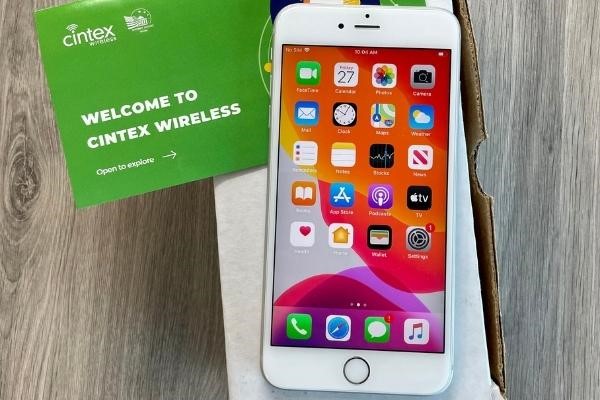
Lifeline is an FCC program that helps eligible low-income households access affordable wireless service through participating providers such as Cintex Wireless.
Notably, Cintex Wireless is merging with AirTalk Wireless to offer applicants more benefits and a streamlined application process.
You generally qualify for Lifeline when your household meet the income limit or participation in qualifying programs like SSI, SNAP, Section 8, etc.
Depending on your eligibility, state, and available promotions, you may qualify for discounted or free devices, a free SIM card, free wireless service, or other connectivity benefits.
IMPORTANT: The government does not subsidize devices. Lifeline programs cover basic service costs only. Free or discounted devices, upgrade plans, or top-ups are exclusive benefits provided by Cintex Wireless as part of our promotional offers. Terms and conditions apply. Limited-time promotion—offers vary by state, stock availability, and eligibility.
Just remember that because the iPhone 15 is a premium smartphone, it may not always be offered for free, and available inventory can sell out quickly.
Therefore, it is a good idea to check current offers and apply early if an iPhone 15 is available.
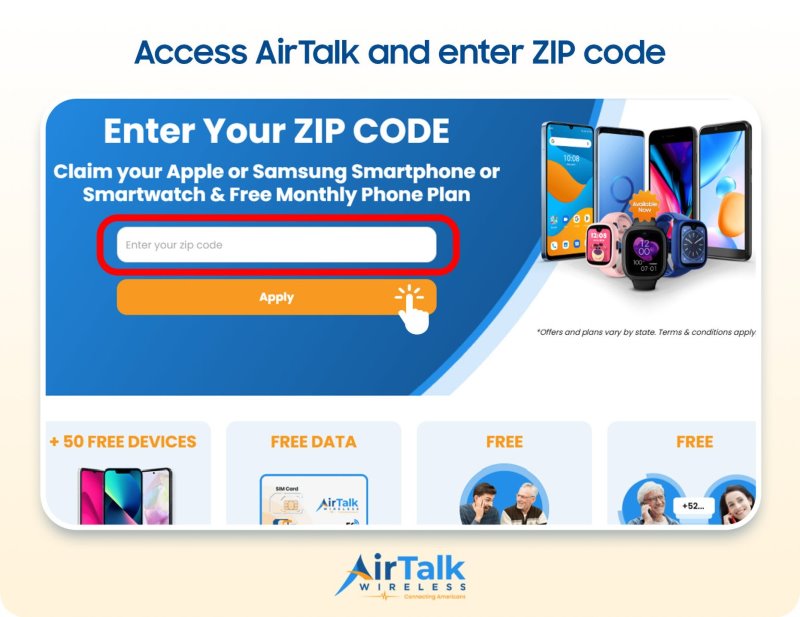
To apply, just check service availability, fill out an online application, and provide any supporting documentation required by your state.
FAQs
How to take SIM card out of iPhone 15?
If your iPhone 15 model has a physical SIM tray, insert a SIM ejector tool into the small hole next to the tray and gently press it until the tray pops out. Then, remove the tray and the SIM card, and reinsert it when completed.
Where is the SIM card on iPhone 15?
This depends on where the iPhone 15 was purchased. US models are eSIM-only and lack a traditional SIM card slot.
On the other hand, many international versions continue to include a nano SIM tray, often on the device’s side, in addition to eSIM capability.
Can you transfer your old SIM card to iPhone 15?
You can transfer your old SIM card to the iPhone 15 if both use a compatible physical nano SIM card. For eSIM users, many carriers allow you to transfer your existing number and plan digitally during iPhone setup or via the carrier’s activation tools.
Conclusion
In conclusion, the answer to does iPhone 15 have SIM card support depends on the model and region where the device was purchased.
While U.S. iPhone 15 models rely exclusively on eSIM technology, many international versions continue to support physical nano SIM cards alongside eSIM.