IM technology has advanced, so knowing its evolution is critical for making informed choices. Ranging from the regular SIM to the Nano SIM and the now-ubiquitous eSIM, the options can leave many people confused.
For this reason, this blog post will compare the distinctions between two popular formats, eSIM vs nano SIM. Let’s look into it!
1. What are eSIM and Nano SIM?
Assume that your smartphone and a SIM card are your ignition key. This “key” was once the size of a credit card, then shrank to a microchip, and is now nearly invisible.
Here are some basic differences between eSIM vs nano SIM.
What is eSIM?
An eSIM, or embedded SIM, is a microchip embedded directly on your device. It enables you to connect to mobile networks without using a physical SIM card.
An eSIM operates in the same way as a standard SIM card, but in digital form.
Once activated, the eSIM connects your device to the carrier network associated with the installed mobile plan, supporting 4G LTE and 5G networks when the device, carrier, and plan are compatible.
In fact, eSIM technology holds great promise for the future. Customers benefit from a simpler, digital setup process, while supply chain needs and costs are minimized.
What is Nano SIM?
A nano SIM card is the smallest physical SIM card available today.
Because it is smaller, it requires a smaller SIM card slot, giving manufacturers more choice about where the SIM sits, how it fits into the device’s design, and how compact the device can be.
A nano SIM card connects your device to your carrier’s wireless network and is currently the most widely used SIM card in smartphones.
2. What are the Differences between eSIM vs Nano SIM?
As we close the digital gap, the decision between eSIM and nano SIM becomes critical for anyone wanting dependable mobile connection.
For those asking what the distinctions are between eSIM vs nano SIM, here comes the answer:
| eSIM | Nano SIM | |
| Form Factor | MFF2 embedded in device, 5mm x 6mm x 1mm | 12.3mm x 8.8mm x 0.67mm |
| Installation & Activation | No physical insertion required | Physical insertion |
| Device Support | eSIM-capable devices | All modern smartphones since around 2014 |
| Security | Less vulnerable to physical SIM removal or SIM-swapping through direct access to the device. | Can be removed, misplaced, or physically damaged. |
Size details
This is the biggest difference between eSIM vs nano SIM.
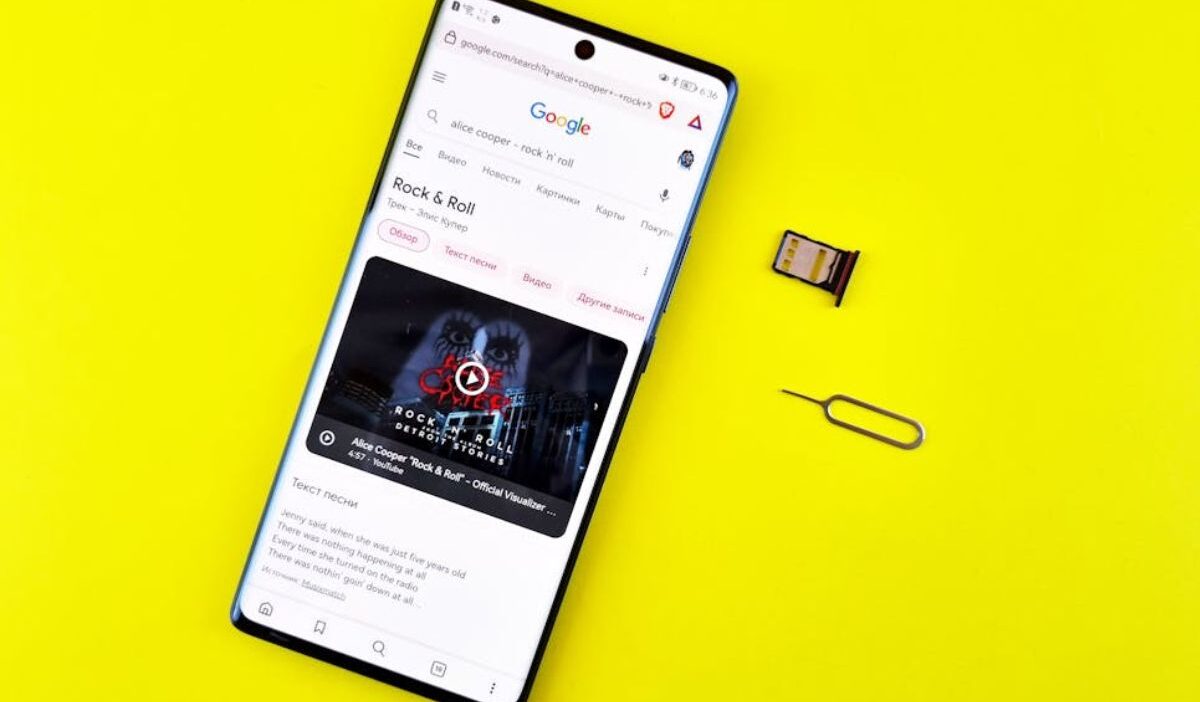
A nano SIM measures 12.3 mm × 8.8 mm × 0.67 mm and must be manually inserted into or removed from a device’s SIM tray.
An eSIM, on the other hand, uses the MFF2 form factor, which is permanently embedded inside the device and measures just 5 mm × 6 mm × 1 mm.
Because an eSIM is built directly into the hardware, there is no need to physically swap SIM cards when changing carriers or plans.
Its significantly smaller size also frees up internal space, allowing manufacturers to create sleeker device designs and accommodate additional components.
Device Compatibility
Nano SIMs have been widely supported in smartphones since the early 2010s and remain the standard physical SIM format today.
This includes all recent iPhones, Samsung Galaxy, and Google Pixel models
In contrast, eSIMs require hardware that supports embedded SIM technology.
While not available on every device, eSIM compatibility is becoming increasingly common, especially in newer smartphones such as recent iPhone models and Google Pixel devices.
Activation and Management
A nano SIM setup requires you to insert a tool into a hole and switch cards. For many users, the nano SIM is still the easier option because it does not require a solid WiFi connection to activate the initial cellular service.
On the other hand, an eSIM setup is entirely digital, which may vary across iPhone and Android devices:
On iPhone
If your carrier sent you a QR code, use it to set up an eSIM on your iPhone.
- Turn on and set up your iPhone.
- When the Set Up Cellular screen displays, choose Use QR Code.
- Follow the on-screen instructions.
>>>Read more: Free Government Phone eSIM iPhone: A Guide For Apple Fans
On Android
After purchasing an eSIM plan, go to your Android phone’s settings and install the eSIM:
- Go to Settings > Connections.
- Tap the SIM card manager.
- Choose Add Mobile Plan.
- Select between two ways to add the eSIM to your phone: Scan a QR code or enter an activation code.
Note: The setup process varies by manufacturer, but most Android devices allow you to add an eSIM through the network or SIM management settings.
Security Considerations
A nano SIM can be physically removed from a device. Therefore, it is more vulnerable to loss, theft, or unauthorized transfer to another phone.
On the contrary, an eSIM is embedded directly into the device and cannot be removed.
Moreover, eSIMs also rely on encrypted remote provisioning to activate and manage carrier profiles.
3. Which Option Is Right for You: Nano SIM vs eSIM?
In general, selecting between eSIM vs nano SIM often depends on device compatibility, travel needs, and personal preference.
A physical SIM card, such as a nano SIM, is convenient and easily accessible in any remote region.
Users who frequently move SIM cards between devices may find nano SIMs more convenient because they can be physically transferred without requiring digital activation.
Meanwhile, digital eSIM is useful as long as there is a connection. Travelers and gadget enthusiasts will benefit from eSIM, saving both time and money.
4. Stay Connected with a Free SIM from Cintex Wireless
Nowadays, staying connected is not only a necessity but a need.
Luckily, for many people, especially those with limited income, they have a high chance of getting a free smartphone with a SIM card through the participating providers of the Lifeline program.
Lifeline is a federal assistance program that helps eligible low-income households access affordable phone service through a monthly discount.
You may qualify based on your income or participation in programs such as SNAP, Medicaid, SSI, or Federal Public Housing Assistance.
The program does not handle the support directly, but works with Eligible Telecommunication Carriers, like Cintex Wireless, to deliver the discount. And these carriers may take it further by offering a free phone with a SIM card to eligible households.
Notice: The government does not cover device costs, only basic service through Lifeline. Any free or discounted devices, upgrades, or top-ups are limited-time Cintex Wireless offers and may vary by state, eligibility, and availability. Terms and conditions apply.
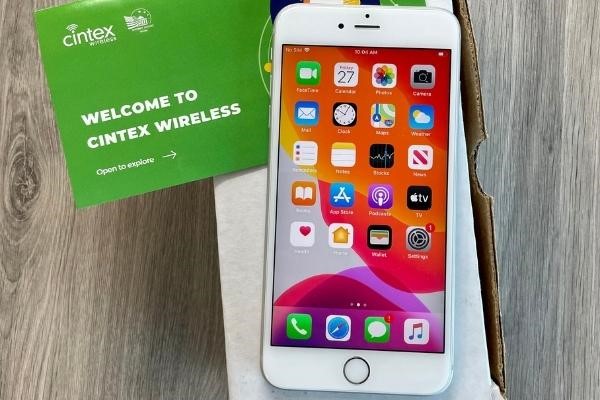
Cintex Wireless has been a Lifeline ETC, helping eligible users receive free wireless service and SIM cards.
As Cintex merges into AirTalk Wireless, another reputable ETC in the industry for more than two decades, customers can continue to access Lifeline-supported services through a provider that remains focused on keeping people connected.
Here are some benefits you can get if you apply for Lifeline through AirTalk Wireless:
- Various phone options from popular brands like Apple, Samsung, etc
- Free SIM card with talk and text, along with generous monthly data
- Caller ID, Call Waiting, 3-Way Calling, and Voicemail
- Dedicated customer support
- Straightforward application process, etc
FAQs
Can a phone use both eSIM and nano SIM?
Many modern smartphones support both an eSIM and a nano SIM, allowing users to have two active phone lines on the same device.
Is eSIM faster than a nano SIM?
SIM card format does not affect network performance. Data speeds, call quality, and signal strength depend on your device, carrier, and network coverage.
Can I switch from a nano SIM to an eSIM?
You can easily switch from a nano SIM to eSIM if your phone supports eSIM technology. Simply contact your carrier to transfer your mobile plan.
Do all phones support eSIM?
eSIM support is only available on compatible devices. While many newer smartphones support eSIMs, older devices often rely solely on physical SIM cards.
Conclusion
Ultimately, the final decision between eSIM vs nano SIM depends on your specific requirements and preferences. If you prioritize ease, security, and digital efficiency, an eSIM is a wise choice.
However, if you like the traditional method with the ability to simply swap carriers, a nano SIM may be a better option.