Is iPhone 14 eSIM only? Yes, but only for models purchased in the United States. International versions still include a physical SIM tray alongside eSIM support.
This guide explains the difference by region and shows you a quick way to confirm which version you have.
1. Is iPhone 14 eSIM Only?
Yes, for US models. All four iPhone 14 models purchased in the United States are eSIM only. There is no physical SIM card tray.
On the other hand, iPhone 14 models sold internationally include both a nano-SIM tray and eSIM support.
China mainland models use two physical nano-SIM cards and do not support eSIM at all.
| Region | Physical SIM tray | eSIM |
| United States | No | Yes, eSIM only |
| International (Europe, Canada, Australia) | Yes, nano-SIM | Yes |
| China mainland | Yes, dual nano-SIM | No |
2. How to Check Whether Your iPhone 14 Is a US or International Model
Not sure which version you have? Two quick checks confirm it in under a minute.
- Check the EID: Open the Phone app, go to the keypad, and dial *#06#. If an EID number appears on screen, your device supports eSIM hardware, but activation still depends on carrier support.
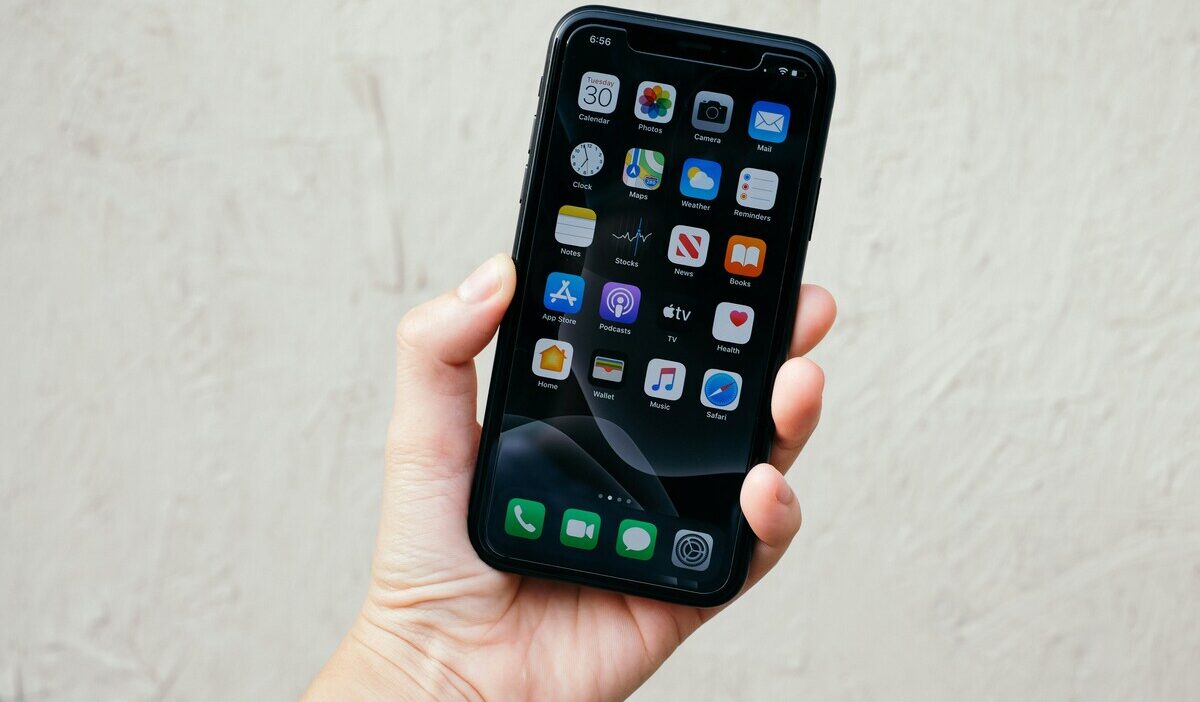
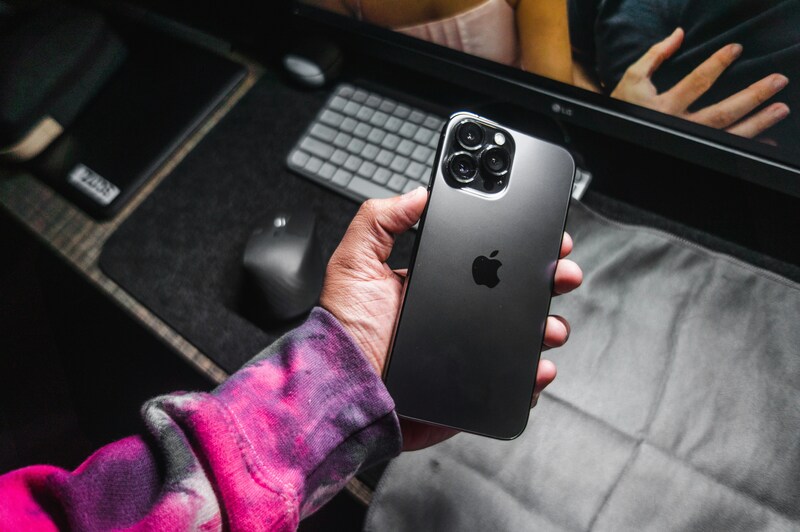
- Check the SIM slot: Look at the left side of your iPhone. No visible tray hole means you have a US eSIM-only model. A tray with an eject hole means you have an international model.
>>> Read more: Does iPhone 14 Have eSIM? Activation and Dual SIM Guide
3. How Many eSIMs Can iPhone 14 Have?
The iPhone 14 holds more eSIM profiles than most users expect.
- Stores up to 8 eSIM profiles on the device at one time
- Only 2 lines can be active at once (Dual SIM mode)
- US models: both active lines are eSIM
- International models: active lines can be nano-SIM plus eSIM, or eSIM plus eSIM
- You can label each profile (Personal, Work, Travel) and switch active lines at any time in Settings -> Cellular
- Switching between stored eSIMs does not delete them
This makes it practical to store a travel eSIM without losing your main number, or to keep a work line separate from your personal line.
4. What Does “iPhone 14 SIM Free” Mean?
“SIM free” is a retail term that gets confused with a few related but different concepts. Here is how they compare:
| Term | What it means | How it relates to iPhone 14 |
| SIM free | Sold without a SIM card included, typically unlocked | Most retail iPhone 14 listings outside carrier contracts are SIM free |
| Unlocked | Not tied to any specific carrier’s network | A SIM free phone is usually unlocked, but the two terms are not identical |
| eSIM only | No physical SIM tray at all | All US iPhone 14 models are eSIM only, regardless of lock status |
| Carrier-locked | Restricted to one carrier’s network by software | A SIM free or eSIM-only phone can still be carrier-locked if purchased on a contract |
In practice, a “SIM free” iPhone 14 from a retailer is usually unlocked and ready to activate with any compatible carrier. A US model will always be eSIM only, regardless of how it was sold, while an international model sold SIM free will still include a physical nano-SIM tray.
5. Using an eSIM-Only iPhone 14? Here Are Your Options
Since your iPhone 14 activates entirely through eSIM, switching to a more affordable plan does not require any physical SIM swap. If you qualify for government assistance, the Lifeline program may be a practical next step.
How Does Lifeline Work?
The Lifeline program is a federal assistance program that helps eligible low-income households access phone service at reduced or no cost each month.
Standard households can receive a discount of up to $9.25 per month, while households on Tribal lands qualify for an enhanced discount of up to $34.25 per month.
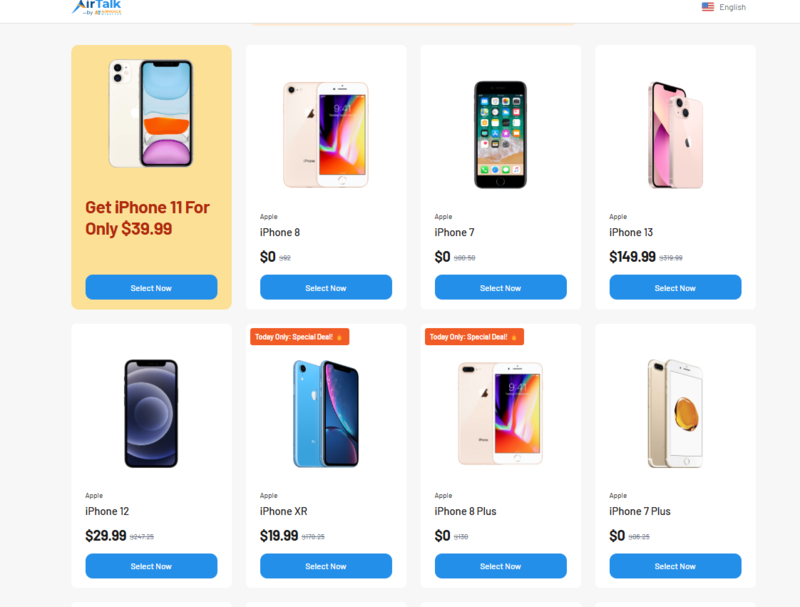
Approved Lifeline providers like Cintex Wireless apply this subsidy directly to their service plans, which is how many eligible users end up with $0 monthly service instead of paying out of pocket.
Eligible users may receive a free phone, unlimited talk and text, and a monthly data allowance through this benefit.
Cintex Wireless recently combined operations with AirTalk Wireless, a Lifeline provider already serving more than 2 million households nationwide. The result for applicants is a broader network footprint, faster review of applications, and bigger plan rewards than either provider offered separately.
Note: Eligibility varies by state and program. Offers depend on availability and qualifications. Cintex and AirTalk Wireless operates under the federal Lifeline Program as an Eligible Telecommunications Carrier (ETC). Service is non-transferable and limited to one service per household.
Prepare These Documents First
Having the right paperwork ready speeds up your application:
- Proof of participation in a qualifying program, such as SNAP, Medicaid, SSI, or Section 8
- Income documents, such as pay stubs or tax records
- Identity verification, such as a government-issued ID
Submitting complete and clear documents helps the provider verify your eligibility faster. Many applicants are approved the same day, which can help secure a device before inventory runs low.
How to Apply
- Choose a trusted Lifeline provider, visit the website, and enter your ZIP code to confirm if the service is available at your location.
- Review the available plan and device options for your area
- Provide some essential information and required documents
- Submit and wait for the approval.
6. Troubleshooting iPhone 14 eSIM Issues
If your iPhone 14 eSIM is not working as expected, here are the most common causes and fixes.
| Problem | Likely cause | Fix |
| Add eSIM option not visible in Settings | Update iOS first, then contact your carrier to confirm eSIM is active on your account | Update iOS first, then contact carrier to confirm eSIM is active on your account |
| eSIM shows “No Service” after activation | Carrier activation not yet processed | Carrier has not enabled eSIM, or iOS needs to be updated |
| eSIM deleted after factory reset | eSIM profiles are wiped on reset | Request a new eSIM QR code from your carrier and reactivate from Settings |
| Cannot activate second eSIM line | Two lines already active | Go to Settings, then Cellular, then deactivate one line before adding another |
| EID number not showing on *#06# | China mainland model or older iOS | Cannot activate the second eSIM line |
7. FAQ
Q1. Is the iPhone 14 Pro Max eSIM only?
Yes, in the United States. The iPhone 14 Pro Max purchased in the US is eSIM only with no physical SIM tray, the same as every other iPhone 14 model bought in the US market. International versions of the Pro Max include a physical nano-SIM tray alongside eSIM support.
Q2. Can I use a physical SIM card in a US iPhone 14?
No. US iPhone 14 models cannot accept physical SIM cards. The device activates and switches carriers entirely through eSIM. To set up service, contact your carrier and request eSIM activation, then follow the steps in Settings, then Cellular, then Add eSIM.
Q3. Does buying a SIM free iPhone 14 mean it is unlocked?
In most cases, yes. SIM free devices are typically sold unlocked and work with any compatible carrier. Always confirm with the seller, especially when buying second-hand. You can verify lock status by going to Settings, then General, then About, then Carrier Lock.
Final Words
Is iPhone 14 eSIM only? Yes, for every US model, while international versions keep a physical nano-SIM tray alongside eSIM.
Check the left side of your device or dial *#06# to confirm which version you have.