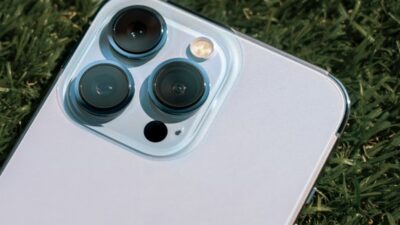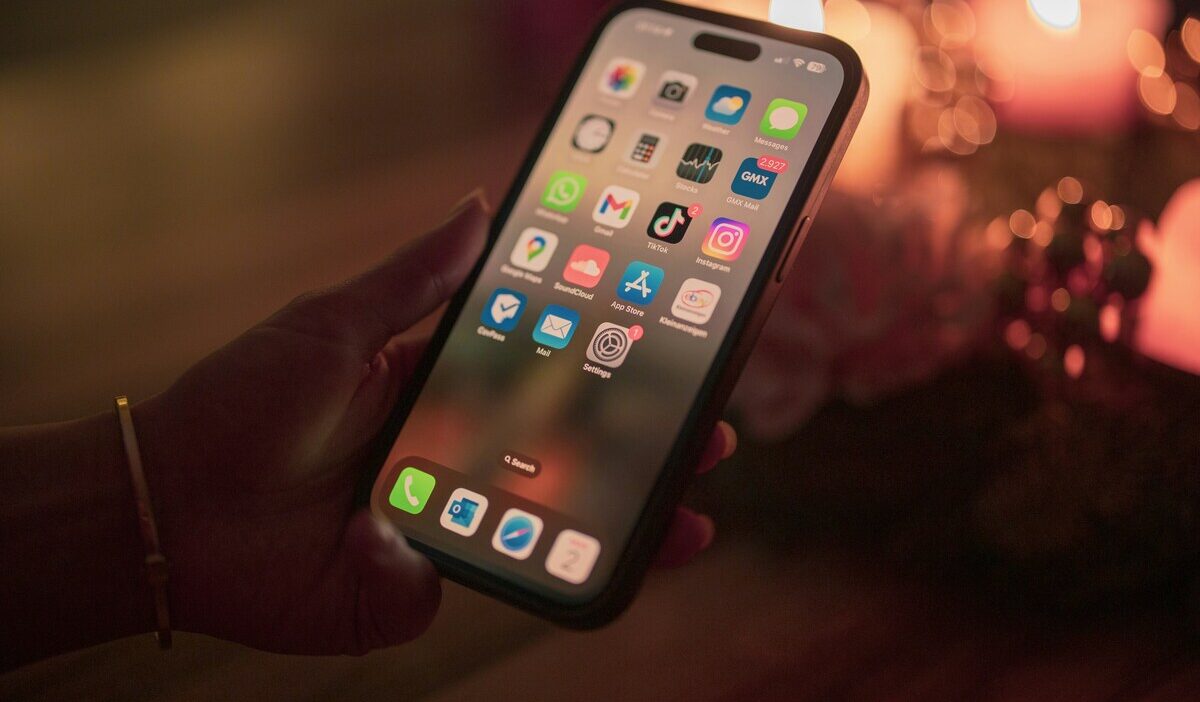
An iPhone 14 Pro SIM free device is not tied to any single carrier and can activate on any compatible network. This model in the US is eSIM only with no physical SIM tray.
This guide explains what SIM free means for this model, how to activate service, and what to check before buying.
1. Is the iPhone 14 Pro SIM Free?
A SIM free US iPhone 14 Pro is not locked to a specific network. It has no physical SIM tray and relies entirely on digital eSIM technology.
You can activate it with any compatible carrier by scanning a QR code or transferring your plan directly in Settings.
While SIM free and unlocked are often used interchangeably, they are not identical terms in all listings.
SIM free usually describes how the device was sold, while “unlocked” refers to its carrier restriction status.
Because sellers use both terms inconsistently, it is important to verify the device status directly in settings rather than relying on listing labels.
Unlike the iPhone 13 and earlier, the US iPhone 14 Pro has no physical SIM card slot. All connectivity is managed through eSIM, which stores up to 8 profiles and supports two active lines simultaneously.
2. How to Activate an eSIM on an iPhone 14 Pro SIM Free
Activating eSIM service on a SIM free iPhone 14 Pro is handled entirely through your carrier’s digital system.
Once your carrier creates an eSIM profile, you will receive activation instructions either as a QR code or through direct carrier activation.
From there, the setup is completed inside Settings under Cellular, where the new plan is added and confirmed on the device.
The iPhone 14 Pro supports multiple saved eSIM profiles and allows dual SIM usage, meaning you can keep more than one line configured and switch between them without needing a physical SIM card. This makes it simple to keep a personal number active while testing a new carrier’s plan.
>>> Read more: iPhone 14 Pro Max SIM Free: How to Verify and Buy 2026
3. Common Misunderstandings When Buying a SIM Free iPhone 14 Pro
A few points catch buyers off guard when purchasing a SIM free iPhone 14 Pro.
- SIM free does not guarantee compatibility with every network. The device still needs to support your carrier’s specific LTE and 5G frequency bands. Removing the carrier lock is not the same as ensuring full network compatibility
- “Unlocked” is not always accurate in secondhand listings. A device can be marketed as unlocked while still being locked to its original carrier if the account was not properly settled
- US iPhone 14 Pro has no physical SIM tray. If a seller claims it uses a nano-SIM, they either have an international version or are describing the device incorrectly
- Carrier-locked devices are sometimes labeled SIM free. Always verify independently
Before buying, check all four of these:
Before purchasing, it is important to confirm the device status using more than one verification method. Start by checking Carrier Lock under Settings -> General -> About. If it shows “No SIM restrictions,” the device is generally unlocked, but this should still be cross-checked.
Next, verify the IMEI through your carrier’s official compatibility or device check tool to ensure the phone is not blacklisted or tied to unpaid financing.
Finally, confirm Activation Lock status by ensuring the device is fully signed out of iCloud and not linked to another Apple ID.
4. Chances to Receive iPhone 14 Pro With Telecommunication Services
Getting an iPhone 14 Pro offer through carrier programs is uncommon and typically a limited-time promotion with strict eligibility requirements, but it is possible.
Approved Lifeline providers occasionally offer newer iPhone models as part of limited promotional runs, and the iPhone 14 Pro, when it appears, tends to move quickly.
If you know how the program works, you are in a better position to act when a deal becomes available.
Who May Qualify?
The Lifeline program is a federal assistance program that helps eligible low-income households access phone service at reduced or no cost each month.
Standard households can receive a discount of up to $9.25 per month, while households on Tribal lands qualify for an enhanced discount of up to $34.25 per month.
You may qualify based on income or program enrollment. Your household income must be at or below 135% of the Federal Poverty Guidelines, or you must currently participate in Medicaid, SNAP, SSI, Section 8, or Veterans Pension.
The program works with Eligible Telecommunications Carriers (ETCs) to deliver the support. And in many cases, these carriers tend to offer more than just the discount on communication service; they often include a free device with a SIM card/eSIM to ensure the connectivity support received is sustainable.
How to Start Your Application Process
Cintex Wireless is a federally approved Eligible Telecommunications Carrier (ETC). Eligible users may receive a free phone, unlimited talk and text, a monthly data allowance, and $0 monthly service cost.
Notably, Cintex Wireless is merging with AirTalk Wireless, a Lifeline provider already serving more than 2 million households nationwide. Customers across both networks will benefit from expanded coverage, faster enrollment processing, and stronger monthly plan rewards.
Note: iPhone 14 Pro promotions through Lifeline carriers are rare, and availability is extremely limited when they do appear.
For example, AirTalk Wireless occasionally offers a promotion plan that allows eligible Lifeline users to purchase an iPhone 14 Pro at a significantly reduced price, and in some cases, completely free.
These promotions are rare and inventory moves quickly, so if you see available deals, apply directly.
You can follow 4 easy steps below to get promotion iPhone through ETCs.
- Visit a trusted provider’s website and enter your ZIP code to confirm the service availability.
- Review available options and choose the suitable plan and device
- Provide essential information and eligibility documents (if required)
- Submit and wait for approval. Once approved, your shipping will typically arrive in 7 to 14 business days
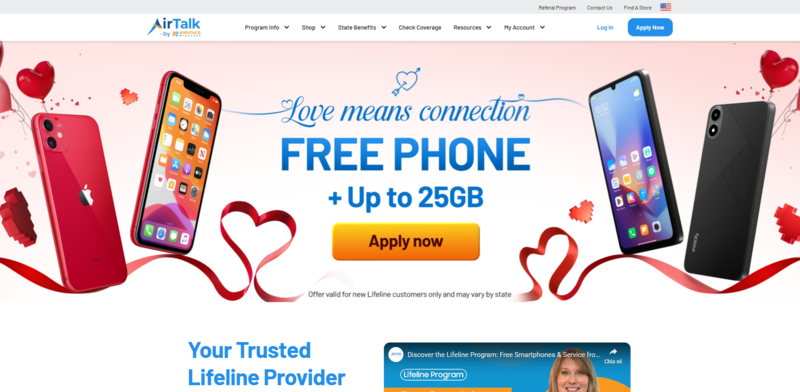
Note: Eligibility varies by state and program. Offers depend on availability and qualifications. Cintex and AirTalk Wireless operate under the federal Lifeline Program as an Eligible Telecommunications Carrier (ETC). Service is non-transferable and limited to one service per household.
>>> Read more: Does iPhone 14 Have eSIM? Activation and Dual SIM Guide
5. FAQ
Q1. Can I use a physical SIM card on a US iPhone 14 Pro?
No. Every US iPhone 14 Pro is eSIM only with no physical SIM tray. Activation happens entirely through eSIM, set up digitally by your carrier.
Q2. Is a SIM free iPhone 14 Pro the same as an unlocked one?
They are closely related but not always identical in every listing. SIM free usually refers to a device sold without carrier activation and is often factory unlocked, though the exact meaning can vary depending on the seller or marketplace. Confirm the Carrier Lock status directly in Settings to be certain.
Q3. How many eSIM profiles can the iPhone 14 Pro store?
It can store up to 8 eSIM profiles, with two lines active at the same time. This makes it practical to keep a personal number active while setting up a new carrier’s plan.
Final Words
The iPhone 14 Pro SIM free model offers full flexibility to use eSIM-based carriers without being tied to a specific network, making it a practical choice for users who switch plans or buy secondhand devices. Since most units today come from the resale market, confirming Carrier Lock and IMEI status before purchase is essential to avoid activation issues later.
If the upfront cost is a barrier, an approved Lifeline provider may offer a free phone at no monthly cost instead.