The iPhone 15 lineup continues Apple’s move toward eSIM technology, giving users greater flexibility when managing mobile plans. Whether you travel frequently, maintain separate work and personal numbers, or simply want a backup carrier, understanding eSIM capacity can help you get the most from your device.
If you’re wondering how many eSIMs can iPhone 15 have, the answer involves both stored eSIM profiles and active cellular lines. Knowing the difference can make it easier to manage multiple carriers and switch between plans when needed.
1. How Many eSIMs Can iPhone 15 Have?
The iPhone 15 can store up to 8 eSIM profiles, but only 2 eSIMs can be active for calls, messages, and data at the same time. Carrier limitations may further restrict the number of profiles or active lines.
This means users can save multiple carrier profiles on the device and switch between them as needed, without repeatedly scanning QR codes or reinstalling plans.
While multiple profiles can be stored on the device, only 2 lines can operate simultaneously for calls, messages, and cellular data.
To sum up, the exact number of stored eSIMs may vary slightly due to carrier restrictions or future software updates, but Apple currently supports up to 8 saved profiles on iPhone 15 models.
2. How Multiple eSIMs Work on iPhone 15
Now you understand how many eSIMs can iPhone 15 have. In addition, the iPhone 15 makes managing several cellular plans relatively straightforward.
Add a new eSIM
Users can install additional eSIM profiles directly from the Settings app. Simply open: Settings → Cellular → Add eSIM
Depending on the carrier, activation may involve:
- Scanning a QR code
- Downloading a carrier profile
- Transferring service from another iPhone
- Activating directly through the carrier’s app
Label eSIMs
After adding multiple plans, iPhone allows users to assign custom labels. Common examples include:
- Personal
- Business
- Travel
- Data
- Secondary
These labels make it easier to identify which line handles calls, texts, or mobile data.
Switch Between eSIM Profiles
Stored eSIMs can be enabled or disabled whenever needed.
Users can activate a different plan without removing existing profiles, which is particularly useful for:
- International travel
- Temporary work assignments
- Seasonal data plans
- Carrier promotions
One of the advantages of eSIM is that users can easily switch between saved mobile plans whenever needed, without changing a physical card.
Note: While multiple profiles can be stored, only 2 can be active at a time. To use another line, simply deactivate one of the active eSIMs before enabling the new one.
3. How to Set Up Multiple eSIMs on iPhone 15?
Setting up more than one eSIM usually takes only a few minutes.
- Open Settings.
- Select Cellular or Mobile Data.
- Tap Add eSIM.
- Follow your carrier’s activation instructions.
- Assign a label to the new line.
- Assign each line for specific uses such as calls, texting, or mobile data, depending on how you want to manage your connections.
After setup, you can adjust preferences for:
- Default voice line
- Cellular data line
- iMessage and FaceTime
- Individual contact preferences
Users who manage multiple numbers often find these settings particularly helpful.
>>> Read more: Does iPhone 14 Have a SIM Card? US vs International Models Explained
4. What are the Pros and Cons of Having Multiple eSIMs on iPhone 15?
The ability to store several eSIM profiles gives iPhone 15 users much greater flexibility than traditional SIM cards.
It can be particularly useful for people who travel frequently, maintain separate work and personal numbers, or switch between carriers regularly.
However, while managing multiple eSIMs offers several advantages, there are also a few limitations to consider.
The table below highlights the main benefits and potential drawbacks.
| Pros | Cons |
| Store multiple carrier profiles on one device | Only two eSIMs can be active simultaneously |
| Convenient for international travel | Some carriers still have limited eSIM support |
| Separate personal and business numbers | Switching plans may require additional setup |
| No physical SIM card to lose or damage | Managing multiple profiles can become confusing |
| Easy to activate plans digitally | Certain carrier features may vary by region |
| Faster carrier switching in many cases | Troubleshooting may be less familiar to some users |
For many users, the advantages outweigh the limitations.
Travelers, remote workers, and people who regularly use multiple phone numbers often benefit the most from the iPhone 15’s multi-eSIM capabilities.
That said, people who often move their SIM card between different phones may find devices with a physical SIM slot more convenient.
5. Need a New eSIM Plan? Explore Lifeline Benefits
If you’re looking for an affordable wireless plan, the federal Lifeline program may be worth exploring.
The Lifeline program provides eligible consumers with assistance that can lower the cost of mobile service through approved telecommunications companies.
You may qualify if your household income is at or lower than 135% of the Federal Poverty Guidelines, or you participate in qualifying programs such as SNAP, SSI, etc.
Just note that the eligibility requirements vary by state and program. Offers are based on availability and qualifications. Moreover, the service is nontransferable and limited to one per home.
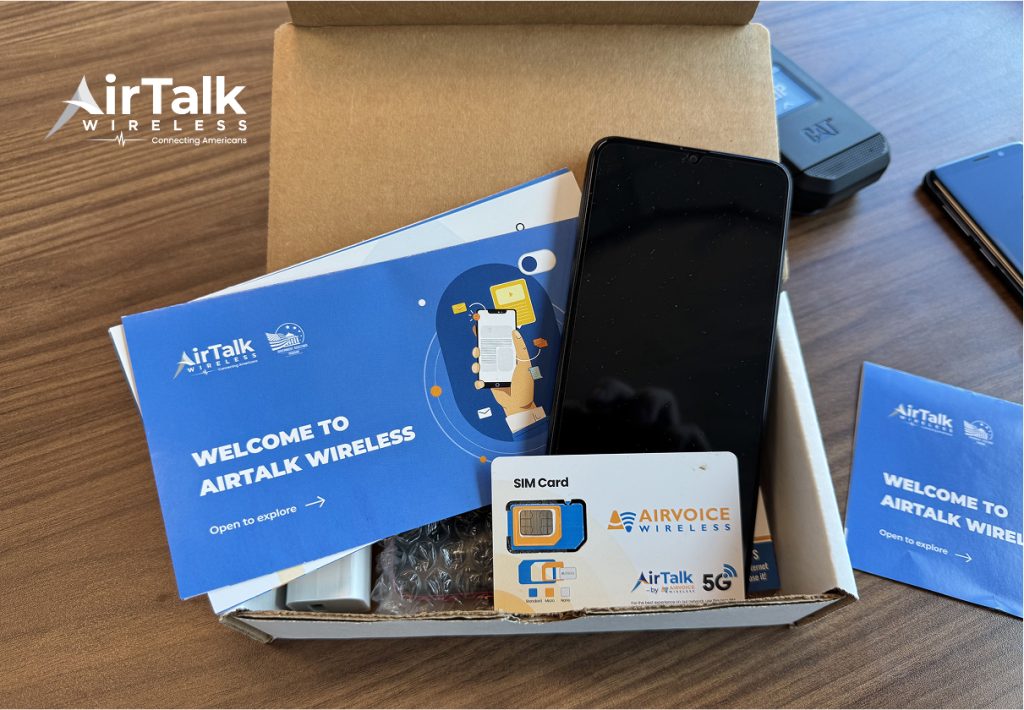
One great thing about Lifeline is that when applying for its support, eligible consumers can apply through providers such as Cintex Wireless, which is currently merging with AirTalk Wireless, to receive expanded services and device options.
Here is how to apply for the Lifeline program through AirTalk Wireless:
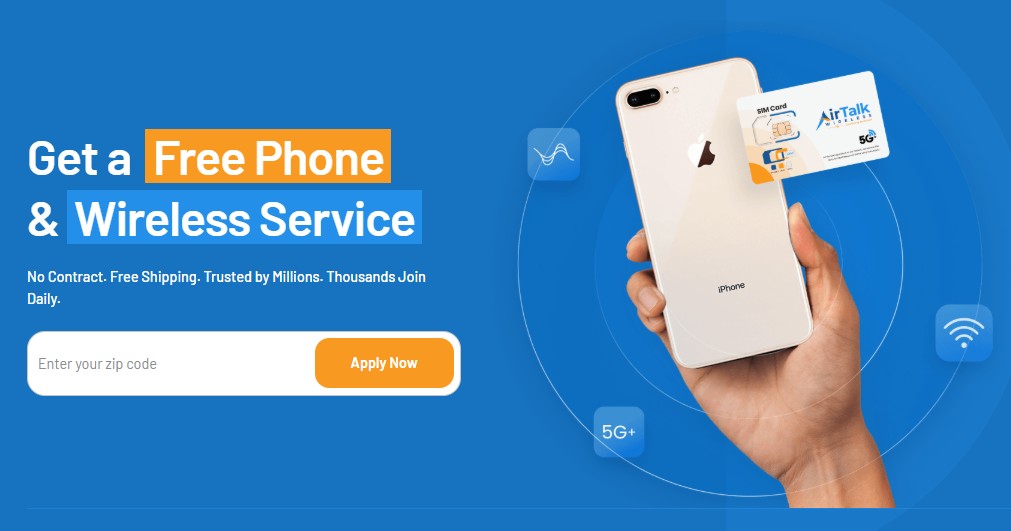
- Visit the official website at airtalkwireless.com and enter your state’s ZIP code.
- Browse and choose the available plans and devices, which vary by state and inventory.
- Fill out your personal information and submit the necessary documents if required by your state.
- Wait for approval and receive your device.
DISCLAIMER: The government does not cover device costs, only basic service through Lifeline. Any free or discounted devices, upgrades, or top-ups are limited-time Cintex Wireless offers and may vary by state, eligibility, and availability. Terms and conditions apply.
FAQs
Can I use more than two eSIMs on iPhone 15?
Yes. The iPhone 15 can store multiple eSIM profiles, but only two lines can remain active simultaneously.
Can I switch between stored eSIMs without deleting them?
Yes. Stored eSIM profiles can usually be activated or deactivated through the Cellular settings menu.
Does iPhone 15 have a physical SIM card slot?
On iPhone 15 models sold in the U.S., Apple no longer includes a physical SIM tray, meaning users need to activate cellular service using eSIM instead. In many regions outside the U.S., devices are still designed to work with a nano SIM card in addition to eSIM functionality.
How to transfer an eSIM from an old iPhone to iPhone 15?
The procedure can vary from one carrier to another, but many users can continue using their current number after activating the new device.
When supported, the iPhone may provide on-screen options to complete setup without a physical SIM card.
Conclusion
Understanding how many eSIMs can iPhone 15 have helps users take full advantage of the device’s flexibility. Although only two eSIM profiles can be active at a time, the ability to store multiple eSIM profiles makes the iPhone 15 particularly useful for travelers, business users, and anyone managing multiple mobile plans.
By learning how to add, organize, and switch between eSIMs, you can make better use of the device’s built-in connectivity features.