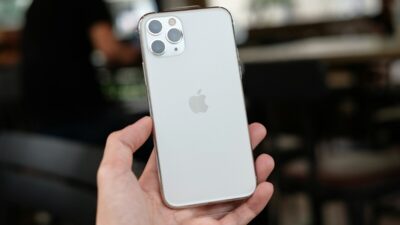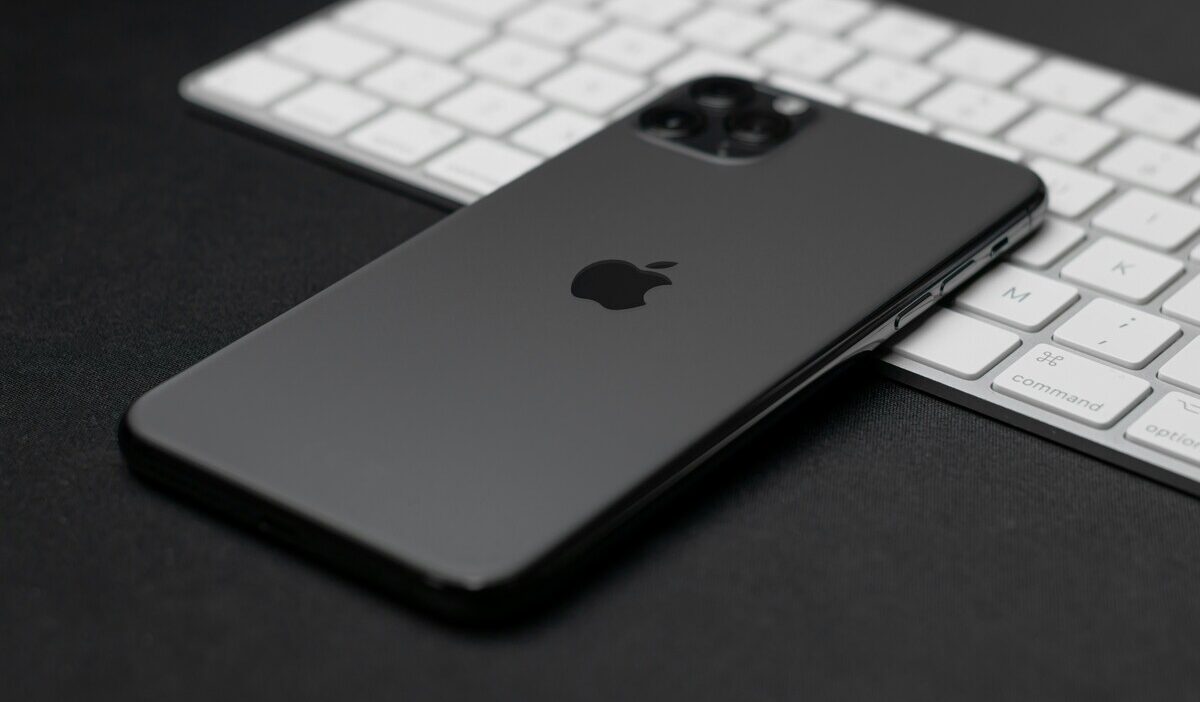
Does iPhone 11 have eSIM? Yes, it does, with one limit worth knowing before you set it up. The iPhone 11 supports Dual SIM, pairing one physical nano-SIM with one digital eSIM at the same time. This works differently from newer iPhones, which can run two eSIMs at once with no physical SIM needed.
This guide explains exactly how it works, how to check your model, and how to activate yours.
1. Does iPhone 11 Have eSIM?
Yes, the iPhone 11 has an eSIM. It features Dual SIM capability, allowing you to use one physical nano-SIM and one digital eSIM at the same time. This applies to the standard iPhone 11, iPhone 11 Pro, and iPhone 11 Pro Max.
The iPhone 11 supports one eSIM and one physical SIM at the same time, but does not support dual eSIM functionality. Starting with iPhone 13, Apple changed this so two eSIMs can run at once with no physical SIM needed at all.
Regional exception: Models sold in Mainland China, Hong Kong, and Macao use two physical nano-SIM slots instead and do not support eSIM at all.
>>> Read more: Does iPhone 14 Have eSIM? Activation and Dual SIM Guide
2. How to Check Your eSIM Compatibility
Two quick checks confirm whether your specific iPhone 11 supports eSIM.
- Check your model number: go to Settings -> General -> About and tap Model Number to view it. A model number tied to a Chinese region indicates no eSIM support
- Check for an EID: go to Settings -> General -> About and scroll down to look for an EID number. A 32-digit EID confirms your device supports eSIM
Quick shortcut: Dial *#06# to view device identifiers such as IMEI, and on most eSIM-capable iPhones, the EID may also appear.
3. How to Activate eSIM on iPhone 11
Once you confirm compatibility, activating an eSIM only takes a few minutes.
- Update your iPhone 11 to the latest supported iOS version
- Connect to a Wi-Fi network
- Contact your carrier and request eSIM activation, or ask for a QR code
- Go to Settings -> Cellular and tap Add eSIM (or Add Cellular Plan)
- Tap Use QR Code and scan it, or follow your carrier’s app instructions
- Confirm the new line appears under Settings -> Cellular
Since the iPhone 11 supports only one active eSIM at a time, activating a new one will not let you keep a previous eSIM active alongside it. You can store several profiles and switch between them whenever needed.
4. Already Have an iPhone 11? You May Qualify for a More Affordable Plan
Since your iPhone 11 already supports eSIM, you do not need a new phone to switch to a more affordable plan. If you qualify for government assistance, you may be able to activate a free monthly plan through the Lifeline program.
The Lifeline program is a federal assistance program that helps eligible low-income households access phone service at reduced or no cost each month.
- Standard households can receive a discount of up to $9.25 per month
- Households on Tribal lands qualify for an enhanced discount of up to $34.25 per month
You may qualify through one of two paths:
- Income-based: Your household income is at or below 135% of the Federal Poverty Guidelines
- Program-based: You are an active participant in Medicaid, SNAP, SSI, Section 8, or Veterans Pension
One thing you should know about the program is that the benefit is non-transferable and limited to one service per household.
Importantly, the program does not handle all the execution. Instead, it partners with approved carriers, known as Eligible Telecommunication Carriers (ETCs), to handle the support-giving process. And households applying for the benefit with these carriers
Cintex Wireless is one of the approved ETCs that partners with Lifeline, known for its simple application process, to offer promotional iPhone plans with eSIM or BYOD, featuring larger service levels and higher data allowances.
UPDATE: Cintex Wireless is merging with AirTalk Wireless, a Lifeline provider already serving more than 2 million households across the country. The combined network will bring customers faster enrollment, broader coverage, and stronger monthly plan benefits. So when applying to Cintex, during the transition, applicants may see a notice about this update and will be redirected to AirTalk Wireless to continue the application process. The application flow remains the same.
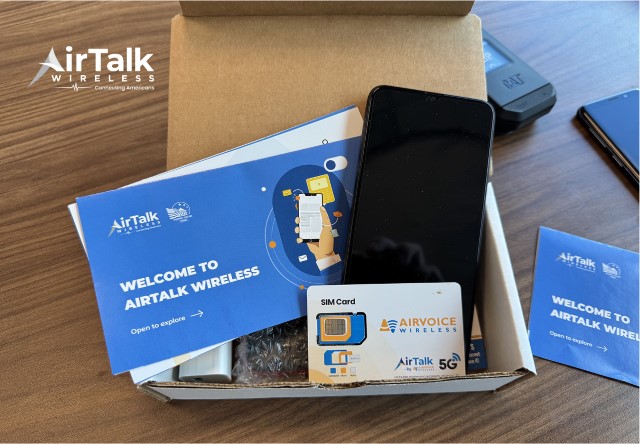
DISCLAIMER: The government does not subsidize devices. Lifeline programs cover basic service costs only. Free or discounted devices, upgrade plans, or top-ups are exclusive benefits provided by Cintex and AirTalk Wireless as part of our promotional offers. Terms and conditions apply. Limited-time promotion—offers vary by state, stock availability, and eligibility.
>>> Read more: How Do I Know If My Phone Is Unlocked? iPhone and Samsung
5. FAQ
Q1. Can the iPhone 11 run two eSIMs at the same time?
No. The iPhone 11 supports only one active eSIM, paired with one physical nano-SIM. You can store multiple eSIM profiles, but only one works at a time. Two active eSIMs became possible starting with iPhone 13.
Q2. How do I enable eSIM on my iPhone 11?
Go to Settings > Cellular > Add eSIM, then scan the QR code your carrier provides or follow their in-app activation steps. Make sure your iPhone 11 is updated to the latest iOS version and connected to Wi-Fi before starting. The process takes under five minutes.
Q3. Which is safer, SIM or eSIM?
eSIM is generally considered more secure. Because it is embedded in the device, it cannot be physically removed and used in another phone. A physical SIM card can be stolen and inserted elsewhere. That said, both types benefit from having a strong device passcode and carrier account PIN as additional layers of protection.
Final Words
Does iPhone 11 have eSIM? Yes, every model except certain China, Hong Kong, and Macao versions.
Remember that only one eSIM can be active at a time, always paired with your physical nano-SIM. Check your EID in Settings to confirm compatibility before activating.