What is eSIM? An eSIM is a digital SIM chip built permanently into your device’s hardware. It connects to a carrier’s network the same way a physical card does, but without any tray, card slot, or store visit required.
This guide explains how eSIM works step by step, which phones support it, and the honest advantages and drawbacks to know before you switch.
1. What Is eSIM?
An eSIM, or embedded SIM, is a digital SIM card built directly into your phone’s hardware. It replaces the traditional, removable plastic SIM card and lets you activate a cellular plan digitally without needing to visit a store or wait for a physical card to arrive.
The “e” in eSIM stands for embedded. Unlike a nano-SIM or micro-SIM, you cannot remove or swap an eSIM. It is manufactured directly into the phone’s circuit board at the factory.
You manage activation through your device Settings using a QR code, carrier app, or other activation method provided by your carrier.
>>> Read more: eSIM vs Physical SIM: The Comparison Guide 2026
2. How Does eSIM Work?
The eSIM activation process happens digitally in four steps. The exact menu names may look slightly different depending on your device’s operating system and carrier app.
Step 1: Carrier Creates a Digital SIM Profile
Your carrier creates a digital SIM profile tied to your phone number and account details. This profile contains the same network credentials a physical SIM card would store.
Step 2: User Downloads the Profile
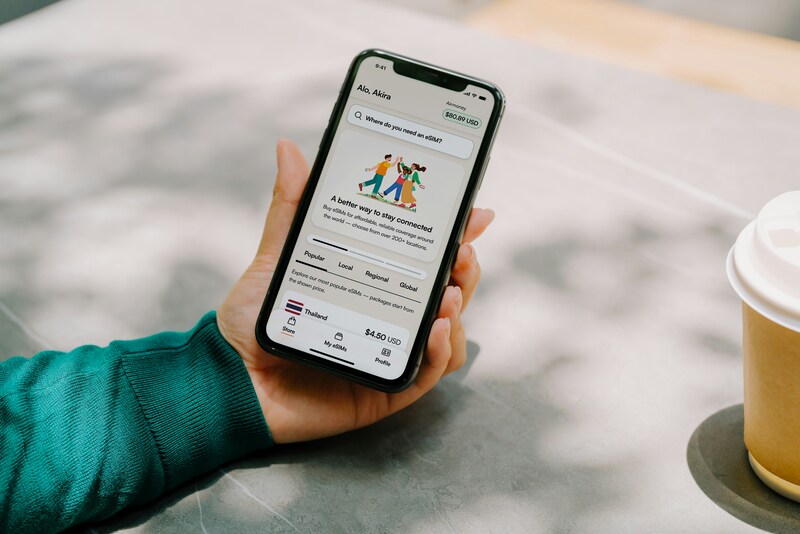
Your carrier sends you a QR code or a direct link through their app. You scan the code or follow the link from your device’s Settings. Your phone downloads the profile over Wi-Fi or mobile data.
Step 3: Device Activates the Plan
Your device confirms the profile and registers it with the carrier’s network. This step typically completes in under a minute.
Step 4: Phone Connects to the Carrier Network
Once the profile is saved, your phone connects to the carrier network automatically. Calls, texts, and data are available right away.
3. Which Phones Support eSIM?
eSIM support has expanded widely since 2018. Most modern smartphones from major brands now include it, but availability depends on the specific model and the region where the device was sold.
Apple iPhones With eSIM
iPhone XS and newer models support eSIM. This includes the XR, the iPhone 11 through 16 series, and all iPhone SE models from the second generation onward. iPhones sold in the United States from the iPhone 14 onward are eSIM-only. They do not include a physical SIM tray at all.
Android Phones With eSIM
Many Android devices now support eSIM, including:
- Google Pixel: Pixel 3 and newer, though availability varies by carrier and region
- Samsung Galaxy: Galaxy S20 and newer, select A-series models, varies by market version
- Other recent flagship and mid-range Android devices from supported manufacturers
eSIM availability on Android varies by region, carrier, and the specific version of a model sold. Always check your device’s full specifications before assuming eSIM is included.
How to Check if Your Phone Supports eSIM
Three quick ways to confirm:
- Settings: On iPhone, go to Settings > General > About and look for an EID number. On Android, check Settings > About Phone for an EID or eSIM entry. An EID number confirms eSIM hardware is present.
- Carrier support: Contact your carrier with your device model and IMEI number. They can confirm whether eSIM activation is available for your account and plan.
- Manufacturer specifications: Search your phone’s full model name on the manufacturer’s website and look for eSIM listed under connectivity or network features.
4. Pros and Cons of eSIM
Before switching, you should consider the advantages and disadvantages of eSIM. The tables below will give you a clear and objective view of both aspects.
| Benefits of eSIM | Drawbacks of eSIM |
| Activate a new plan in minutes from Settings. No store, no wait | Moving to a new phone may require transferring or reactivating your eSIM through your carrier. |
| Download a local carrier plan before you travel and potentially avoid expensive roaming charges. | Activation requires Wi-Fi or an active data connection |
| Run two lines on one device with Dual SIM support | Not all phones or carriers support eSIM, especially older or budget models |
| The eSIM profile cannot simply be removed and inserted into another device like a physical SIM card. | Settings-based setup is less familiar to users used to physical cards |
| No card to lose, bend, or scratch. The chip is sealed inside the hardware | Restoring service after a device failure can take longer than swapping a physical SIM |
| No plastic card, packaging, or shipping needed for activation | — |
5. Using an eSIM-Compatible Phone? Explore Lifeline Service Options
Now that you understand how eSIM works, the next question is whether your current plan is actually worth what you are paying.
If your device supports eSIM and you qualify for government assistance, you can activate a free monthly service plan through the Lifeline program without buying a new phone.
Lifeline Program Overview
The Lifeline program is a federal assistance program regulated by the Federal Communications Commission (FCC).
It helps eligible low-income households reduce or eliminate the cost of monthly phone service.
Who Qualifies
You may qualify in one of two ways.
- By program enrollment: You are an active participant in Medicaid, SNAP, SSI, Section 8, or Veterans Pension.
- By income: Your household income is at or below 135% of the Federal Poverty Guidelines.
Qualifying Tribal households may also be eligible through TANF, FDPIR, or Bureau of Indian Affairs General Assistance programs and receive the higher monthly discount of $34.25.
How Lifeline Works With Providers
Instead of handling the support process by itself, the Lifeline program partners with Eligible Telecommunication Carriers (ETCs) to help them reach those in need.
What matters is that these carriers go a bit further than just offering a Lifeline service; they also provide a free, promotional device so that the connectivity support can be more long-lasting.
Cintex Wireless is one of the ETCs that has been serving eligible households and is known for its simple application process.
As Cintex merges into AirTalk Wireless, consumers who apply through Cintex can benefit from a broader selection of devices, a more streamlined application process, and dedicated customer support.
AirTalk Wireless is another reputable carrier that has spent more than two decades helping underserved communities access the affordable connectivity they need.
These Lifeline providers offer two plan options for eligible applicants:
| Plan Option | Best For | How It Works |
| BYOP (Bring Your Own Phone) | You already have an eSIM-compatible device | Keep your phone, activate service via eSIM or a free SIM kit. Your phone must be carrier-unlocked and compatible with the provider’s network |
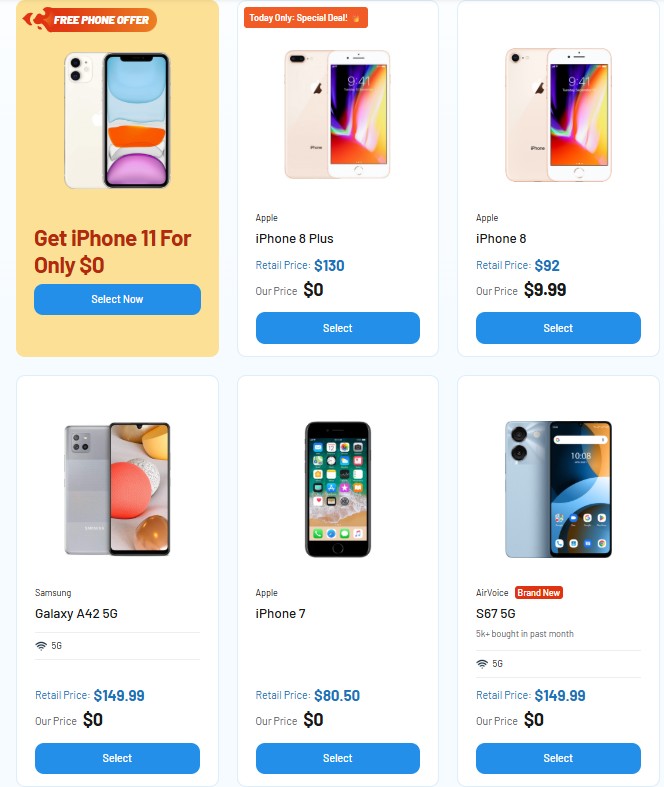
| Free or discounted smartphone | You need a new device | Receive a promotional phone with a SIM kit included at no cost or reduced cost. Availability depends on your ZIP code, inventory, and current promotions |
If your phone supports eSIM, the BYOP option lets you activate your Lifeline plan entirely through your device Settings using the same steps covered earlier in this guide.
Note: Eligibility varies by state and program. Offers depend on availability and qualifications. Cintex and AirTalk Wireless operate under the federal Lifeline Program as an Eligible Telecommunications Carrier (ETC). Service is non-transferable and limited to one service per household.
>>> Read more: Does iPhone 14 Have eSIM? Activation and Dual SIM Guide
FAQ
Q1. Is eSIM the same as a regular SIM card?
A regular SIM is a removable plastic chip you insert into a tray. An eSIM is a permanent chip built into your phone that you activate through software. Both connect your phone to a carrier’s network for calls, texts, and data.
Q2. Can I use both an eSIM and a physical SIM at the same time?
Yes, on most modern phones that support Dual SIM. You can run one eSIM and one physical SIM simultaneously, which is useful for keeping separate personal and work numbers or adding a travel data plan without removing your home SIM.
Q3. How do I know if my phone supports eSIM?
On iPhone, go to Settings > Cellular and check for an “Add eSIM” option. On Android, go to Settings > Network & Internet > SIMs and look for “Add eSIM” or “Download a SIM instead?” You can also dial *#06# and check if an EID number appears alongside your IMEI.
Final Words
Now you know what eSIM is and how it works from profile download to network connection. It offers real advantages for travelers, people managing two lines, and anyone who wants to skip the physical card entirely. The main trade-offs are device compatibility and internet requirements during setup. If you qualify for Lifeline, you may be able to activate a free eSIM or SIM kit plan through an approved provider at no monthly cost.