Delete eSIM iPhone removes the digital SIM profile from your device and cuts service on that line right away. But it does not cancel your plan with the carrier. Your subscription stays active, and billing continues until you contact your carrier directly.
Whether you are switching phones, selling your device, or clearing unused lines, knowing what happens before you tap confirm prevents costly surprises.
This guide covers how to delete an eSIM iPhone, what to check first, and the exact steps.
1. What Does Delete eSIM iPhone Actually Do?
Deleting an eSIM on iPhone removes the digital SIM profile from your device. Your phone loses service on that line immediately.
In most cases, deleting an eSIM removes the cellular profile from your iPhone, but the mobile plan remains active on your carrier account. If you want to cancel the plan entirely, you must contact your carrier directly after deleting the eSIM.
If you are switching devices, check whether your carrier supports eSIM Quick Transfer or carrier activation before deleting the eSIM from your old iPhone. In many cases, activating the plan on the new iPhone will deactivate the previous SIM automatically.
2. What to Know Before You Delete
You should read below before tapping Confirm.
- Your plan stays active. Deleting the eSIM from your iPhone removes the profile from the device, but your carrier subscription remains open. You will still be billed unless you contact your carrier separately to cancel.
- You will lose service immediately. Once deleted, that line goes dark on your iPhone. Calls, texts, and data on that line stop working until the eSIM is reinstalled.
- Reinstalling may require a new QR code. Reinstalling may require your carrier to issue a new eSIM setup method, such as a QR code, carrier activation, carrier app setup, or manual activation details.
- Do not delete as a troubleshooting step. Deleting an eSIM is not a standard fix for signal or activation problems. If you’re having connectivity issues, contact your carrier first. They can tell you whether deleting and reinstalling the eSIM is actually necessary or whether the problem lies elsewhere (network settings, account status, device compatibility).
3. How to Delete eSIM on iPhone
The steps differ slightly depending on how many eSIM plans are stored on your device.
If You Have One Plan
- Open Settings
- Tap Cellular (or Mobile Data or Mobile Service on some iOS versions)
- Tap Delete eSIM
- Confirm by tapping Delete eSIM again
If You Have Multiple Plans
- Open Settings
- Tap Cellular
- Tap the specific plan you want to delete
- Scroll down and tap Delete Plan
- Confirm when prompted
To Delete All eSIMs at Once (for Selling or Factory Reset)
- Open Settings
- Tap General
- Tap Transfer or Reset iPhone
- Tap Reset
- Select Delete All eSIMs
This option deletes stored eSIM profiles, but it does not erase your photos, apps, accounts, or personal data. If you are selling, trading in, or giving away the iPhone, also use Erase All Content and Settings and choose whether to delete or keep eSIMs during the reset process.
>>> Read more: What Is eSIM? Everything You Needs to Know
4. What to Do After Deleting Your eSIM
After deleting your eSIM, your next steps depend on why you deleted it.
- Switching to a new device: Contact your carrier to request a fresh activation QR code. Then set up the eSIM on your new iPhone using the same steps as a first-time activation.
- Switching to a different carrier: Contact the new carrier and request eSIM activation on your iPhone before or right after deletion. Have your IMEI number ready, as most carriers ask for it during setup.
- Selling or returning the phone: Once the eSIM profile is deleted, no further eSIM removal step is usually needed. However, if you are selling, returning, or trading in the iPhone, you should also erase all content and settings before handing over the device.
- Reinstalling the same plan: Contact your carrier and ask for a new eSIM QR code for the same line. Most carriers can issue one on the same day through their app or customer service line.
5. Switching to a New Plan After Deleting?
If you just deleted your eSIM because you are looking for a better plan, there may be a more affordable option available than what you had before.
If you qualify for government assistance, you may be able to activate a free monthly plan through the Lifeline program entirely through eSIM on your existing iPhone.
What is Lifeline, and who qualifies?
The Lifeline program is a federal assistance program that helps eligible low-income households to afford connectivity without stretching the budget too much.
You may qualify if you participate in Medicaid, SNAP, SSI, Section 8, or Veterans Pension, or if your household income is at or below 135% of the Federal Poverty Guidelines. Households on qualifying Tribal lands may receive an enhanced benefit of up to $34.25 per month.
And since it is the government’s support, it is notable that the rule is one Lifeline benefit per household, and it is non-transferable.
How does it work with providers?
Lifeline works through carriers, not directly with consumers. These carriers are called Eligible Telecommunications Carriers, or ETCs, and they’re the ones the FCC has approved to deliver the benefit.
The government provides a monthly subsidy, and the ETC applies that subsidy as a discount on your bill, often bringing the cost to $0 per month.
The carrier also handles the practical side: verifying your eligibility, processing your application, and activating service, which is why your experience with Lifeline depends a lot on which ETC you choose.
Cintex Wireless is one of these trusted ETCs, meeting FCC requirements for service quality and compliance while helping eligible households get connected through Lifeline.
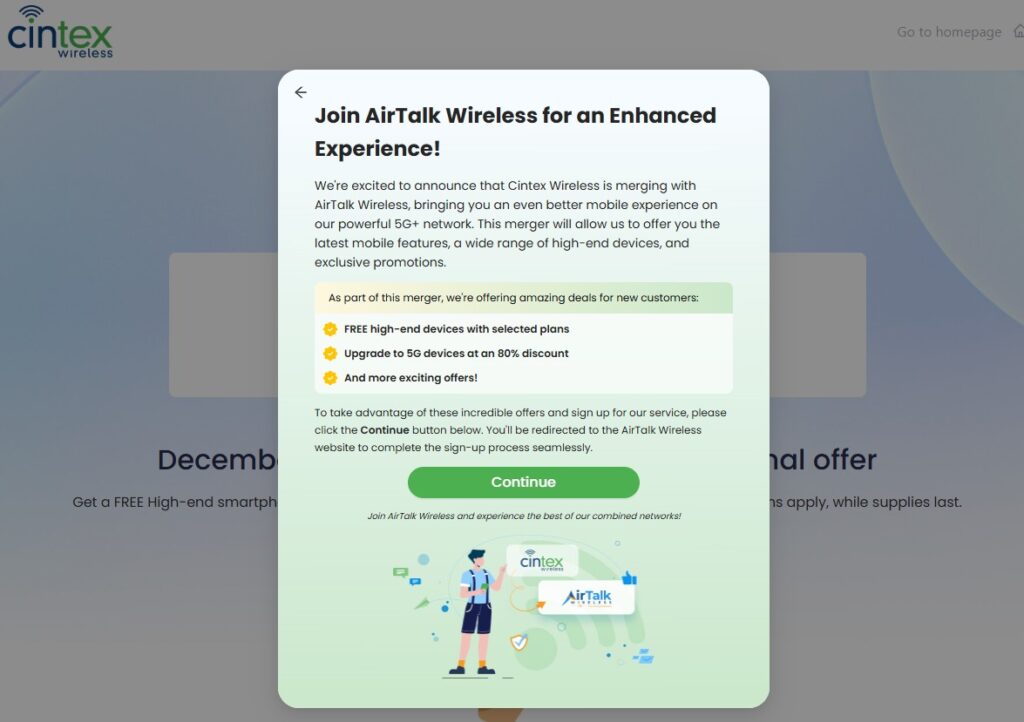
Cintex Wireless is now merging with AirTalk Wireless, another reputable carrier that has served the industry for more than two decades, and the change is built around consumer benefit.
Combining device inventories means a broader range of phone and tablet options for new applicants. Shared enrollment systems should also speed up application processing, and the merged company brings a more dedicated customer support structure to back it all up.
Note: Eligibility varies by state and program. Offers depend on availability and qualifications. Cintex and AirTalk Wireless operate under the federal Lifeline Program as an Eligible Telecommunications Carrier (ETC). Service is non-transferable and limited to one service per household.
Example plans available in California
The screenshot below reflects plans shown on the AirTalk Wireless enrollment page for a California ZIP code. Both plans are currently listed at $0 per month.
| Plan | Data | Device | Monthly Cost |
| Lifeline Data Boost Plan [CA] | 25GB on 5G + Unlimited Standard Speed | BYOD — no device included | $0/mo |
| Lifeline Standard Plan [CA] | 12GB on 5G Network | Free or discounted phone available | $0/mo |
The Data Boost Plan is designed for users who already own a compatible phone. Since you are on a phone compatible with eSIM support, you can bring your device and activate service digitally. No physical SIM card required. Your phone must be carrier-unlocked and compatible with the provider’s network to use this option.
The Standard Plan includes the option to receive a free or discounted smartphone if you need a new device alongside the plan.
Note: Plan availability, data amounts, and device options vary by state and ZIP code. California residents may receive higher data allowances due to additional state-level Lifeline funding.
>>> Read more: Does iPhone 14 Have eSIM? Activation and Dual SIM Guide
6. FAQ
Q1. Does deleting an eSIM cancel my phone plan?
No. Deleting the eSIM will erase the profile from your iPhone, but your plan will remain active with your carrier. You will continue to be charged until you contact your carrier directly. If you want to cancel your plan, contact your carrier separately after deleting the eSIM from your device.
Q2. Can I restore a deleted eSIM on iPhone?
Not from the device itself. Once deleted, the eSIM profile is permanently removed from your iPhone. To use the same plan again, contact your carrier and ask them to issue a new eSIM QR code or carrier activation for the same line.
Q3. How do I delete all eSIMs before selling my iPhone?
Go to Settings > General > Transfer or Reset iPhone > Reset and select Delete All eSIMs. This clears every stored eSIM profile from the device at once. It is the recommended step before handing your iPhone to a new owner or returning it to a retailer.
Conclusion
Knowing how to delete eSIM iPhone properly helps you avoid losing service, delaying a phone transfer, or continuing to pay for a plan you no longer use. Deleting an eSIM removes the cellular profile from your iPhone, but it does not cancel your carrier account or stop billing automatically.
Before deleting, make sure you know whether you are switching devices, changing carriers, selling your phone, or simply removing an unused line. If you still need the same number or plan, contact your carrier first to confirm the right transfer or reactivation method. Taking these steps helps you remove your eSIM safely while keeping control of your mobile service.