What is the difference between eSIM vs Physical SIM? Both options connect your device to a wireless network and support calls, texts, and data. But they work in completely different ways.
An eSIM is a chip built permanently into your phone and activated without a physical card. A physical SIM is a removable chip you insert into a tray.
This guide compares both across every major category so you can choose the right option.
1. eSIM vs Physical SIM: What Each One Does
An eSIM is a digital, programmable SIM built directly into your phone. It lets you activate a plan without a plastic card.
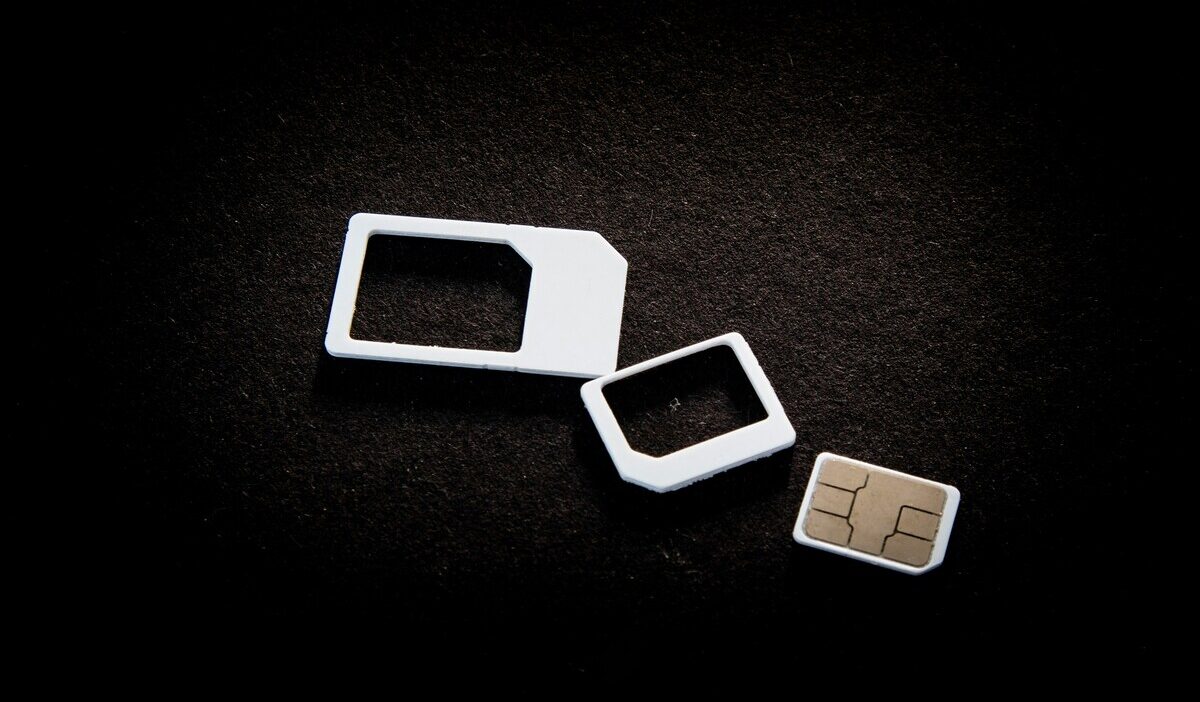
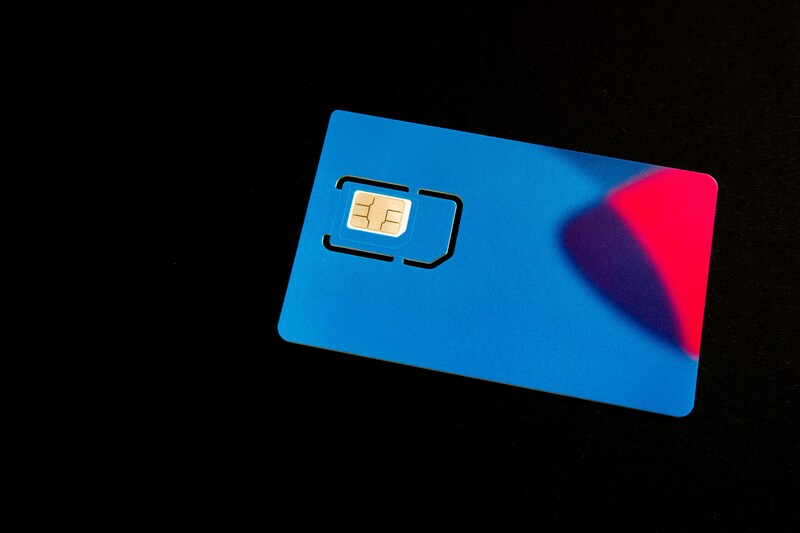
A physical SIM is the traditional, removable plastic chip you slide into a device’s SIM tray. Both connect your phone to a carrier’s network and serve the same fundamental purpose.
Both types store carrier login information and authenticate your device on the network.
The main difference lies in the form factor. One is embedded hardware, the other is a removable, handheld card.
2. How eSIM and Physical SIM Compare
The table below covers every feature that matters to everyday users — from how you activate each type to how they handle travel and security.
| Feature | eSIM | Physical SIM |
| Activation | Activated digitally through your carrier | Insert the SIM card into the phone and activate it if required by the carrier |
| Multiple profiles | Can store multiple eSIM profiles (the exact number depends on the device) | One carrier at a time |
| Device switching | Transfer or reactivate the eSIM through your carrier | Move the SIM card into the new phone |
| Security | Cannot be physically removed from the device | Can be removed and used in another phone |
| Carrier switching | Often faster because no physical SIM card is needed | Yes, Wi-Fi or active data is needed |
| International travel | Download a local plan digitally before you arrive | Search for a local SIM card at the destination |
| Physical risk | None, embedded permanently | Can be lost, damaged, or stolen |
| Device compatibility | Newer devices only, generally post-2018 | Works with virtually any phone |
| Setup requires the internet | Yes, Wi-Fi or active data needed | No, card inserts without internet |
Neither option is objectively better. The right choice depends on your device, how often you switch carriers, and whether you travel frequently.
>>> Read more: How to Lock SIM Card: iPhone and Android Security Guide
3. eSIM vs Physical SIM Signal Strength
No difference. eSIM and physical SIM offer identical signal strength under the same conditions. Both connect to the same cellular towers using the same network infrastructure.
The type of SIM does not amplify or reduce your signal. Any difference you notice comes from your carrier, your location, or your device hardware, not which SIM type you use.
An eSIM can indirectly improve your connectivity by making it easier to switch to a carrier with better coverage in your area.
But this is a carrier choice, not a technology advantage. The eSIM chip itself does not produce a stronger signal than a physical card.
If you switch from a physical SIM to an eSIM on the same carrier and the same plan, your signal strength will remain the same.
4. How to Convert Physical SIM to eSIM
If your phone supports eSIM and your carrier allows conversion, switching from a physical SIM to an eSIM can be done directly from Settings. The steps differ slightly between iPhone and Android.
On iPhone:
- Verify your carrier supports eSIM conversion on your current plan
- Go to Settings > Cellular (or Mobile Data)
- Tap Convert to eSIM
- Confirm when prompted
- Wait for the eSIM to activate
- Your physical SIM deactivates automatically once the eSIM is live
Note: Not every carrier supports in-place conversion.
On Samsung Android:
- Confirm your device and carrier support eSIM; availability varies by model, region, and carrier
- Open Settings > Connections > SIM Manager
- Look for Convert to eSIM or Download SIM
- Follow the on-screen instructions
- Confirm activation with your carrier
If the Convert to eSIM option does not appear in your Settings, your carrier does not support direct conversion on your current plan. Contact your carrier and request an eSIM activation QR code instead, then follow the standard eSIM setup steps for your device.
5. eSIM or Physical SIM? Find a Plan That Fits Your Device
Whether you use an eSIM or a physical SIM, the plan you activate matters just as much as the technology.
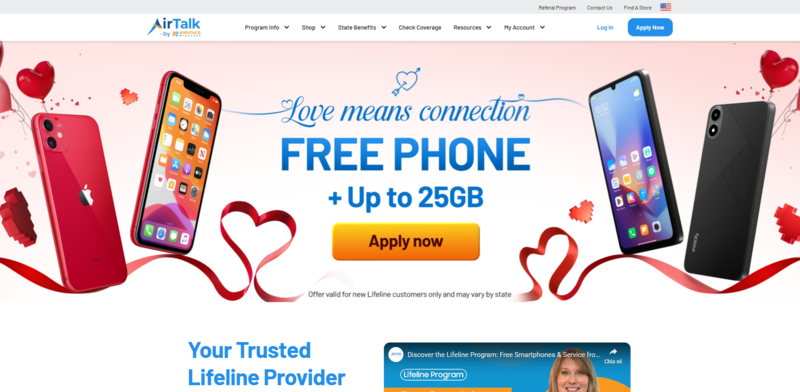
If you qualify for government assistance, you may be able to access a free monthly plan through the Lifeline program, and approved providers support both SIM types.
What is the Lifeline program?
Lifeline is a federally funded assistance program that helps eligible low-income households reduce or eliminate the cost of monthly phone service.
It is regulated by the Federal Communications Commission (FCC) and available in all 50 states.
The program helps eligible households with a monthly discount on phone service or internet service:
- Standard households can qualify for a discount of up to $9.25 per month.
- Households on qualifying Tribal lands may receive up to $34.25 per month.
Who qualifies?
You may qualify through program enrollment or household income.
- Active participants in Medicaid, SNAP, SSI, Section 8, or Veterans Pension are eligible.
- Your household income may also qualify if it is at or below 135% of the Federal Poverty Guidelines.
How does Lifeline work with providers?
The Lifeline program does work alone. Instead, it partners with approved Eligible Telecommunications Carriers (ETCs), which are responsible for handling enrollment, activating service, and providing ongoing customer support.
While the Lifeline benefit itself is a monthly discount on eligible communication services, many ETCs also offer free or discounted devices as promotional offers to help qualifying customers get connected more sustainably.
Cintex Wireless has long been one of the trusted ETCs, known for its straightforward application process and easy-to-navigate enrollment experience.
As Cintex Wireless merges into AirTalk Wireless, applicants can continue applying through a unified system while benefiting from broader device selection and expanded support.
IMPORTANT: The government does not subsidize devices. Lifeline programs cover basic service costs only. Free or discounted devices, upgrade plans, or top-ups are exclusive benefits provided by Cintex and AirTalk Wireless as part of the promotional offers. Terms and conditions apply. Limited-time promotion—offers vary by state, stock availability, and eligibility.
What does the plan include?
A Lifeline plan through Cintex Wireless may include:
- Unlimited talk and text
- Monthly 5G data allowance
- Free SIM kit for physical SIM activation on a compatible phone
- eSIM activation for devices that support it
- A promotional smartphone option if you need a new device
If you already have a phone, you can bring it and activate service using either a SIM kit or an eSIM, depending on what your device supports. Your phone must be carrier-unlocked and compatible with the provider’s network to use the BYOP option.
>>> Read more: Does iPhone 14 Have eSIM? Activation and Dual SIM Guide
6. FAQ
Q1. Does eSIM drain more battery than a physical SIM?
No. eSIM and physical SIM consume the same amount of battery power. Both rely on your device’s modem to maintain a cellular connection. The type of SIM you use does not change how much power that process draws from your battery.
Q2. Can I switch back to a physical SIM after converting to eSIM?
Yes, but not automatically. Your carrier will activate a physical SIM for your account, after which you can remove the eSIM if desired, though the process and timeline vary by provider.
Q3. What happens to my phone number when I convert from physical SIM to eSIM?
Your phone number transfers to the eSIM during the conversion process. You keep the same number and the same plan. Once the eSIM activates successfully, the physical SIM card deactivates and can be safely removed from the tray.
Final Words
Now you know the key differences in the eSIM vs physical SIM comparison. Both types connect your device to the same network and deliver equivalent call, text, and data performance.
Your choice comes down to your device model, your carrier, and how often you switch plans or travel. If you qualify for Lifeline, you may be able to access either a free SIM kit or eSIM activation through an approved provider at no monthly cost.