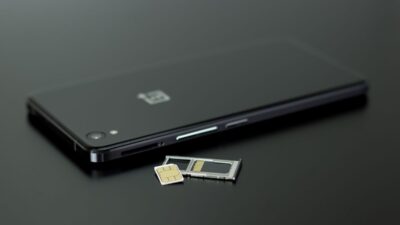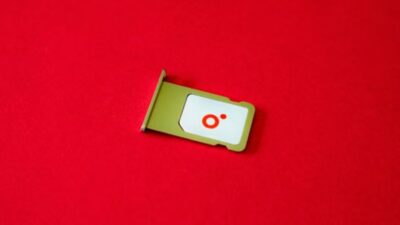
Consider a phone with no internet connectivity, no ability to send messages, or make calls. It sounds like floating without a network on the broad sea. In fact, it is the SIM card or eSIM that connects an iPhone to a carrier for cellular calls, texts, and mobile data, although the phone can still use Wi-Fi and internet-based apps without active cellular service.
In the article below, we discuss the four basic types of iPhone SIM card and how to determine which one is compatible with your device.
1. Different Types of iPhone SIM Card
A SIM card is a smart card that, like an ID card or passport, identifies a mobile phone user within the operator’s network.
Its primary role is to contain the IMSI (International Mobile Subscriber Identity) number and the accompanying keys required to identify and authenticate mobile network users.
iPhone devices adopt these four primary types:
Standard SIM Card
The standard SIM card used by early iPhones is also commonly known as a Mini-SIM.
This iPhone SIM card measures 25 mm × 15 mm and was used in the original iPhone, iPhone 3G, and iPhone 3GS.
Nowadays, the Mini-SIM is rarely used because modern devices use smaller physical SIM cards or eSIM technology.
Micro SIM Card
The development of smaller smartphones led to the introduction of the Micro-SIM.
The Micro-SIM measures 15 × 12 mm. Although it is smaller, it serves the same basic purpose by storing the information needed to identify a mobile subscription and authenticate it on a carrier’s network.
For iPhones, this SIM format was used only in the iPhone 4 and iPhone 4s. Later iPhones moved to the smaller Nano-SIM.
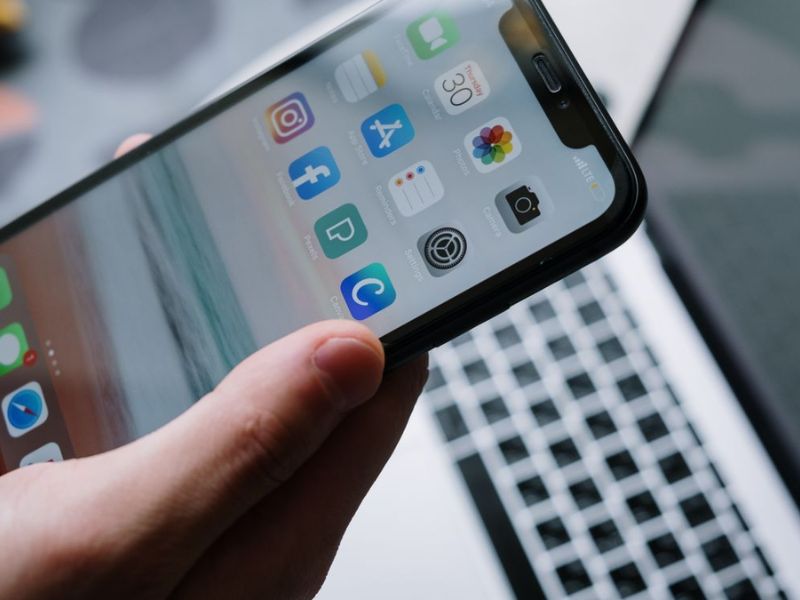
Nano SIM Card
The Nano-SIM is the most common physical iPhone SIM card type.
It measures approximately 12.3 × 8.8 mm. Most of the surrounding plastic has been removed, allowing the card to take up less internal space than earlier SIM formats.
However, the smaller size does not make cellular service or internet speeds faster. Connection speed depends on factors such as the carrier, network technology, plan, signal strength, and device capabilities.
Digital eSIM
Unlike a traditional SIM card that must be inserted into the device, an eSIM uses hardware built into the iPhone and a digital carrier profile that can be downloaded and activated.
Because it does not require a removable card, eSIM makes it possible to activate or change supported mobile plans digitally.
Some iPhones support both an eSIM and a physical Nano-SIM, while certain newer regional models use eSIM only.
>>>Read more: eSIM Vs Nano SIM: Which One Is Better In 2026
2. Which SIM Card for Each iPhone?
Are you wondering which iPhone SIM card is compatible with which iPhone?
Below is a table showing the various iPhone SIM card sizes so you know which one you may need when switching to a new SIM card.
| iPhone Model | SIM Card Size |
| Original iPhone, iPhone 3G, iPhone 3GS | Mini-SIM |
| iPhone 4, iPhone 4s | Micro SIM |
| iPhone 5 through iPhone X | Nano SIM |
| iPhone XS, XS Max, XR | Nano-SIM and eSIM in supported regions |
| iPhone 11 and 12 series | Nano-SIM and eSIM in supported regions |
| iPhone 13 series | Nano-SIM and eSIM; also supports two active eSIMs |
| iPhone SE 2nd generation | Nano-SIM; eSIM support varies by regional version |
| iPhone SE 3rd generation | Nano-SIM and eSIM in supported regions |
| iPhone 14, 15, and 16 series | US models are eSIM-only; most models sold elsewhere support Nano-SIM and eSIM |
| iPhone 17, 17e, 17 Pro, and 17 Pro Max | eSIM-only in selected markets; Nano-SIM and eSIM in many other regions |
| iPhone Air | eSIM-only |
However, note that the type of iPhone SIM card you need also depends on the region where it was sold.
For example, iPhone 14, 15, and 16 models purchased in the United States are eSIM-only and do not include a physical SIM tray. Many versions sold outside the United States support both a Nano-SIM and an eSIM.
The iPhone 17 lineup is eSIM-only in a wider selection of markets, including the United States, Canada, Mexico, Japan, and several Middle Eastern countries. In other supported regions, many iPhone 17 models still include a Nano-SIM tray.
Regional exceptions also apply. In mainland China, only the iPhone 17e and iPhone Air currently support eSIM, while certain Hong Kong and Macao models support two physical Nano-SIM cards.
3. How to Check If Your iPhone Has a SIM Tray or eSIM?
If you’re considering upgrading an iPhone, it is crucial to determine whether the model you want uses a physical SIM, an eSIM, or a combination of the two.
Older iPhones may have the SIM tray on the top or right side, while many physical-SIM models from the iPhone 12 onward have it on the left side. Some newer regional models do not have a SIM tray because they use eSIM only.
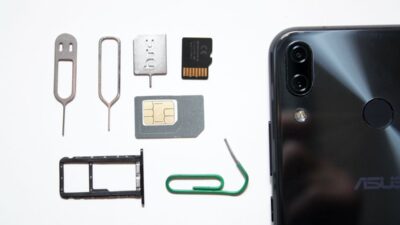
If your phone has a visible tray, use a SIM ejector tool or a straightened paperclip to open it carefully.
To discover whether your phone supports eSIM, you may either check an official list of eSIM-compatible devices or review your settings as follows:
- Go to Settings > Mobile Service or Cellular, depending on your region and language preferences.
- Look for Add eSIM or Set Up Cellular. If this option appears, the iPhone is generally able to add an eSIM.
However, the option alone is not always conclusive because eSIM availability can depend on the exact model, purchase region, carrier, and software. You can also go to Settings > General > About and check whether an EID is listed.
4. How to Insert and Remove a SIM Card from iPhone?
Below is a general guideline for removing your iPhone’s SIM card; however, the exact process depends on your iPhone model.
First, locate the SIM tray on your phone. Depending on the model, it may be on the top, right, or left side. Some newer eSIM-only models do not have a physical SIM tray.
After you’ve identified it, gently insert a SIM ejector tool or a straightened paperclip into the small hole beside the tray. Push inward toward the iPhone without forcing it until the tray opens.
To insert the SIM card, align the angled corner with the notch in the tray, then slide it back in until it snaps into place.
5. Your iPhone SIM Still Needs Active Service
An iPhone SIM card identifies your mobile subscription to the carrier’s network; it does not provide active service by itself.
To make calls, send texts, and use mobile data, you’ll need an active wireless plan from a participating carrier.
If your plan expires or your account is inactive, your iPhone won’t be able to access cellular services even if the SIM card is inserted correctly.
For those looking to save on monthly phone costs, the Lifeline program offers an affordable alternative.
This is a federal assistance program that help low-income citizens to be able to afford stable connectivity by providing a monthly discount on phone service or internet service.
You are qualified if your total household income is at or below 135% of the Federal Poverty Guidelines. Alternatively, participating in federal assistance programs such as SSI, Medicaid, etc., also makes you eligible.
What’s great about Lifeline is that it partners with Eligible Telecommunications Carriers (ETCs) like Cintex Wireless to offer the discount, which has already been applied to the service plan, resulting in a dramatic drop in the cost of these plans.
Furthermore, these carriers also take a step further by offering a free device, making it easier to stay connected without paying for an expensive mobile plan.
This also translate that applicant are enroll to these carriers, not the program directly.
Many household entrust their application to Cintex because it is simple and easy to navigate the website.
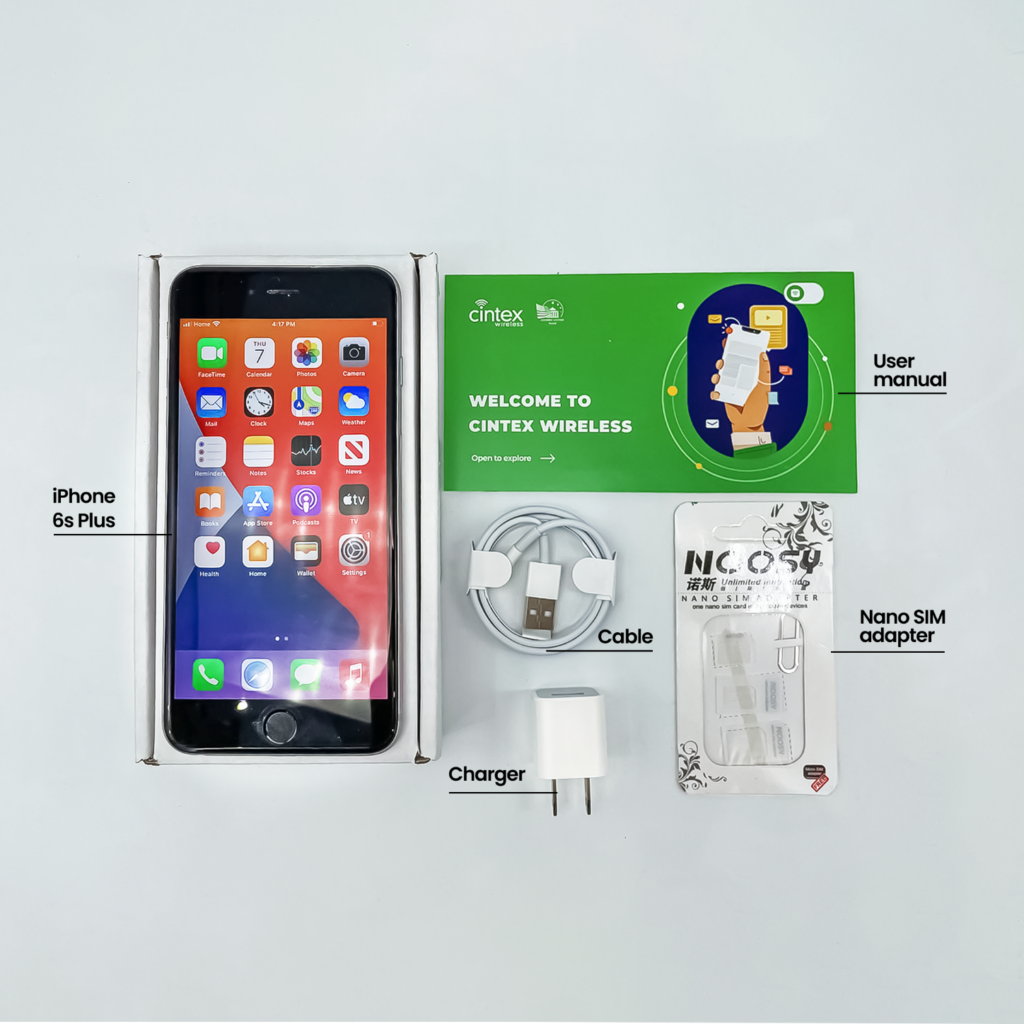
Plus, the carrier is merging with AirTalk Wireless, another reputable ETC who have more than 2 decades of experience serving eligible applicants across the state.
This means that when you choose to apply here, applicants will have access to a wider range of eSIM-compatible iPhone devices and even a more fulfilling overall application and support experience.
DISCLAIMER: Eligibility varies by state and program. Offers depend on availability and qualifications. Cintex and AirTalk Wireless operate under the federal Lifeline Program as an Eligible Telecommunications Carrier (ETC). Service is non-transferable and limited to one service per household.
Conclusion
Choosing the right iPhone SIM card becomes much easier once you understand how SIM formats and regional versions have changed across different iPhone generations. Older models rely on physical cards, while newer devices may support both a Nano-SIM and eSIM or use eSIM only.
Before changing carriers, traveling, or upgrading your phone, check the exact iPhone model, purchase region, and carrier compatibility. That simple step can help you avoid activation problems and make sure your mobile service works as expected.