A tablet with SIM card lets you stay connected wherever you go. You can browse the web, stream videos, join video calls, and work without relying on Wi-Fi. It is a great choice for travel, remote work, and everyday use.
The good news is that you may not have to pay full price. Many mobile carriers offer discounts on a tablet with SIM card when you choose an eligible plan. Some promotions can even help you get one for free.
1. Do SIM Cards Work on Tablets?
Yes, SIM cards function on tablets, but only if the tablet supports cellular connectivity.
A cellular tablet allows you to access mobile data by inserting a SIM card or activating an eSIM.
This enables you to access the internet, stream content, use online apps, and remain connected when WiFi is unavailable.
In contrast, a Wi-Fi-only tablet cannot connect directly to a carrier’s mobile network. However, the absence of a physical SIM tray does not always mean a tablet is Wi-Fi-only, since some cellular models use eSIM instead of a removable SIM card.
Before purchasing a SIM card, ensure that your tablet is compatible with your carrier and supports the necessary network bands.
2. Pros and Cons of a Tablet with SIM Card
A tablet with a SIM card provides greater versatility than a Wi-Fi-only device. It keeps you connected while you’re away from home, the office, or public hotspots.
Before making a decision, consider the following benefits and disadvantages.
| Pros | Cons |
| – Access the internet without WiFi Stay connected while traveling or commuting – Use built-in GPS for navigation on supported models with a mobile data connection – Enjoy a more reliable connection in places with poor WiFi – Work, stream, and browse from almost anywhere | – Higher upfront cost than WiFi-only tablets – A monthly mobile data plan may be required – Battery life can be shorter when using cellular data – Network coverage depends on your carrier – Not all tablets support SIM cards or eSIM |
3. Which Tablet Has a SIM Card?
There are various tablet models with cellular connectivity, making it easier to stay connected without relying on Wi-Fi. Here are some examples:
- iPad Pro Wi-Fi + Cellular models
- iPad Air Wi-Fi + Cellular models
- iPad Wi-Fi + Cellular models
- iPad mini Wi-Fi + Cellular models
SIM support varies by generation. Some older cellular iPads accept a physical nano-SIM, while many newer models use eSIM only. Always check the exact model and regional specifications before purchasing.

4. Are Tablets eSIM Compatible?
An eSIM is a built-in digital SIM that lets you activate a mobile plan without inserting a physical SIM card.
This makes it easier to switch carriers, add a new data plan, or stay connected while traveling.
Fortunately, many modern tablets are eSIM-compatible. However, support varies by brand and model.
Apple has included eSIM support in many cellular iPad models for several years. These devices improve mobility by connecting users to cellular networks without the requirement for a physical SIM card.
Samsung also offers eSIM on selected cellular versions of tablets such as the Galaxy Tab S9 and Tab S10 families. However, support varies by exact model, country of origin, region, and carrier, and Wi-Fi-only versions do not support eSIM.
Some compatible models include both a physical nano-SIM slot and eSIM support. Check the tablet’s regional specifications to confirm whether both lines can be stored, enabled, or used in the way you need.
As technology advances and more original equipment manufacturers integrate eSIM into their tablets, consumers will continue to gain from greater flexibility and mobile productivity.
>>>Read more: 4 Steps To Apply For A Free Android Tablet For Low Income
5. Where to Get a Tablet with SIM Card?
You can get a tablet with SIM card from mobile carriers, electronics stores, online retailers, and government-supported providers. The best option depends on your budget and the type of mobile plan you need.
Notably, some providers also offer discounted tablets to eligible low-income households through the Lifeline program.
Overview of Lifeline Program
The Lifeline program is a federal initiative managed by the Federal Communications Commission. It seeks to make essential telecommunications services more accessible to low-income consumers.
Lifeline offers qualifying clients monthly savings on mobile service and internet services, allowing them to stay connected.
Although the Lifeline subsidy largely covers service costs, Eligible Telecommunications Carriers, such as Cintex Wireless, regularly offer special bundles to attract new customers.
Companies that combine the government service savings with their own hardware supply may be able to give qualified participants a free government tablet or phone with a SIM card, depending on the state and inventory.
As a result, qualified applicants can now receive a productivity device as part of their enrolment incentive.
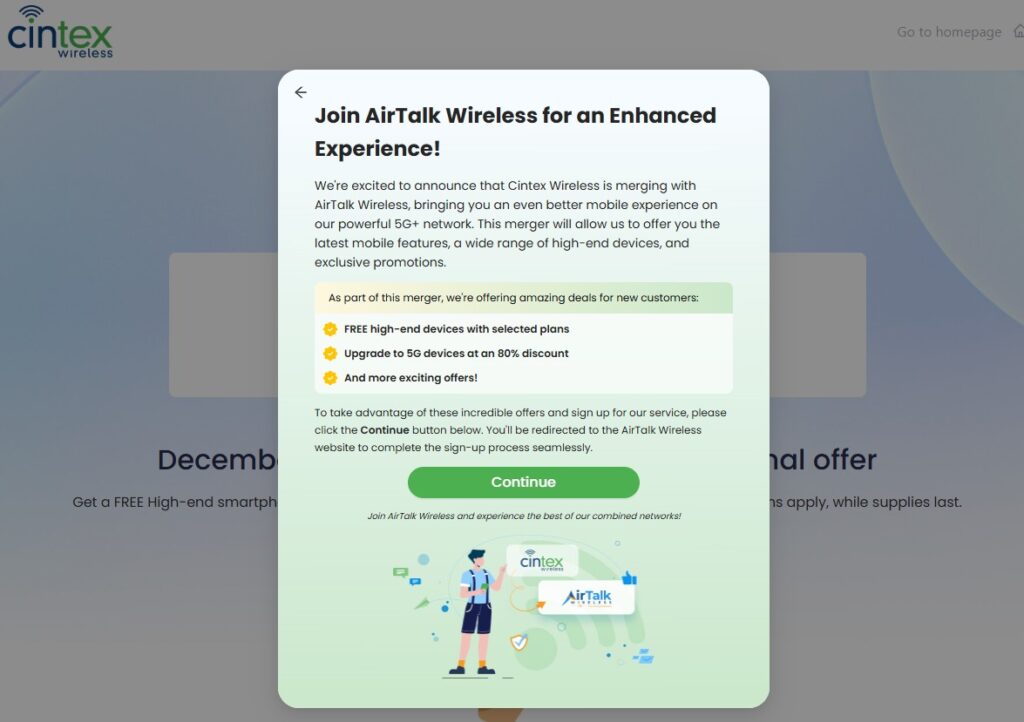
Note: Cintex Wireless is merging with AirTalk Wireless to offer a seamless application process and more device offers. Here are some tablet models to consider:
Eligibility Criteria
You may be eligible for a free government phone and tablet if you or another member of your family is already enrolled in one or more of the qualifying public-assistance programs stated below:
- Medicaid
- SSI
- SNAP (formerly Food Stamps)
- Veterans Pension
- Federal Public Housing Assistance
- Survivors Benefits
- Qualifying Tribal programs
Alternatively, your household income should be at or below 135% of the Federal Poverty Level. The real income limit depends on the size of your household.
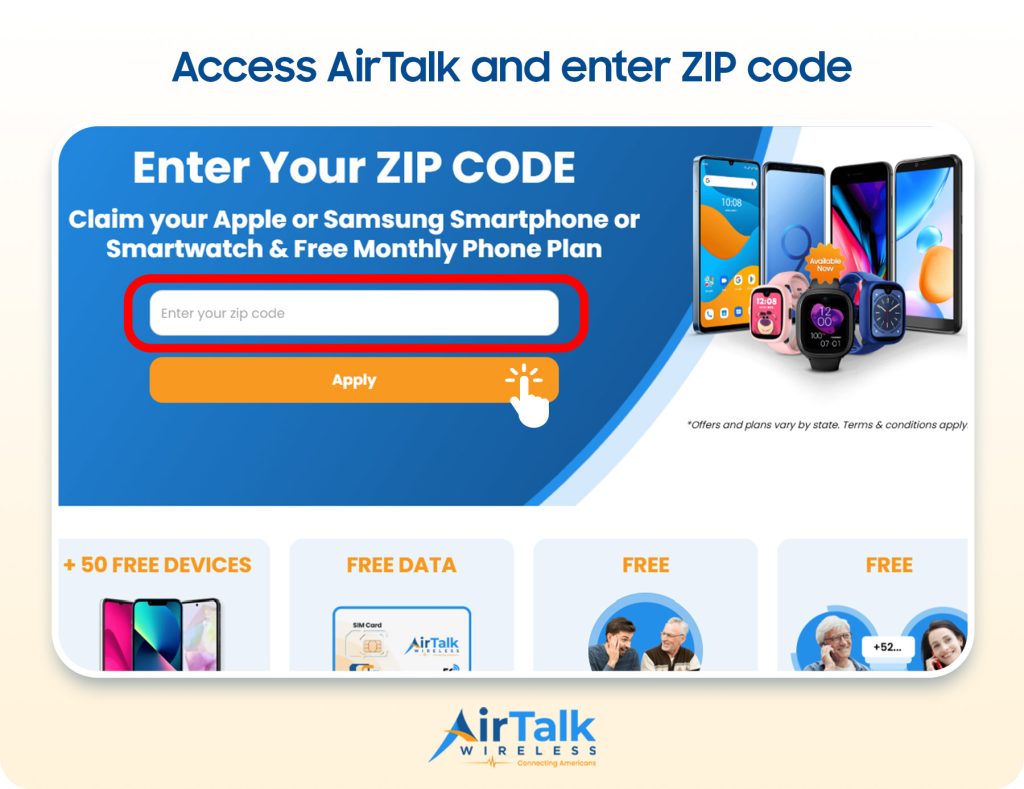
DISCLAIMER: The government does not cover device costs, only basic service through Lifeline. Any free or discounted devices, upgrades, or top-ups are limited-time Cintex Wireless and AirTalk Wireless offers and may vary by state, eligibility, and availability. Terms and conditions apply.
Conclusion
Staying connected should not depend on whether a reliable Wi-Fi network happens to be nearby. For people who travel, work remotely, study on the go, or simply want a dependable backup connection, the right cellular tablet can make everyday tasks feel easier and less restrictive.
Choosing a tablet with SIM card gives you that added freedom, but the details still matter. Before buying, check whether the device supports a physical SIM, eSIM, or both, and confirm that it works with your carrier and data plan. A little research now can help you choose a tablet that keeps you connected when it matters most.