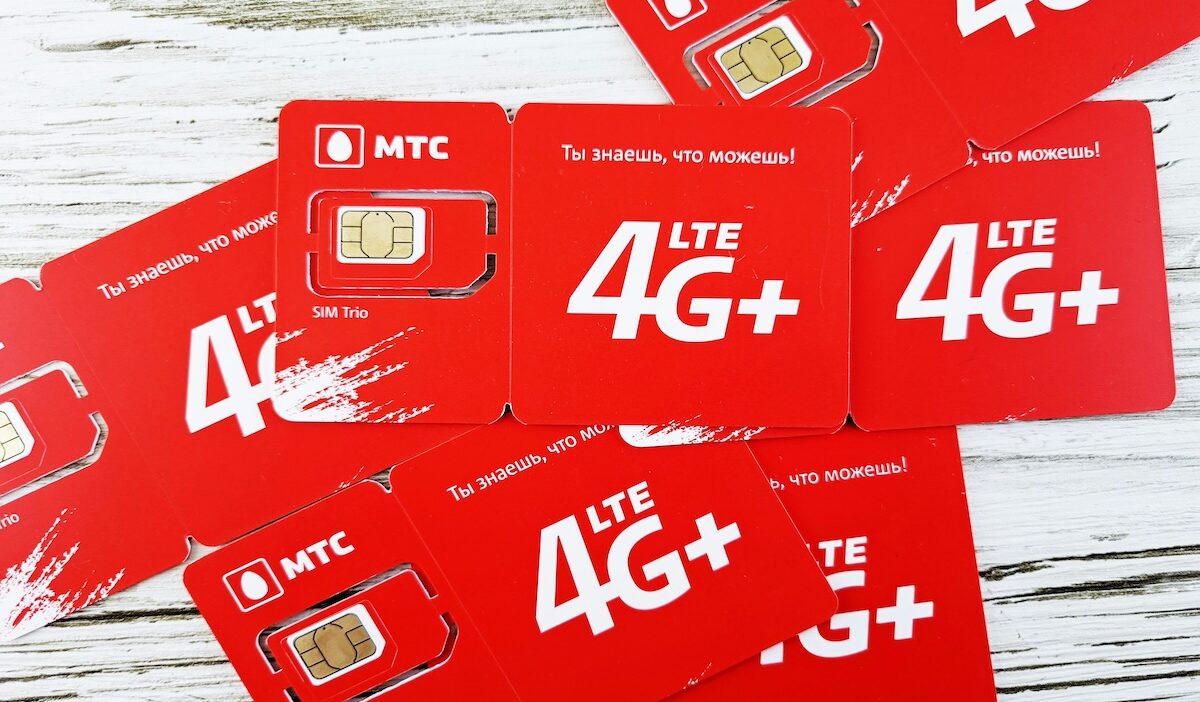
4G SIM card compatibility can be confusing when you’re changing phones, switching carriers, or trying to figure out why LTE is not showing up. A SIM can affect whether your line is properly provisioned for a network, but it does not create faster speeds by itself.
The phone, carrier, coverage, and service plan all matter too. Here is how a 4G SIM works, whether you can still use one today, and when replacing it actually makes sense.
1. What Is a 4G SIM Card?
A 4G SIM card is a Subscriber Identity Module designed to authenticate your device on a carrier’s 4G LTE network. Like other SIMs, it identifies your subscription and helps authenticate your device on the carrier’s network.
What are 4G SIM cards? In practical terms, they allow a compatible phone and active line to access LTE services supported by the carrier.
With the right phone, plan, and network, that can include:
- 4G LTE mobile data
- Voice over LTE (VoLTE), when supported
- Calling, texting, and other carrier services
The important distinction is that the SIM itself does not make your internet faster or improve streaming and gaming. Those results depend mainly on your phone, network coverage, congestion, and service plan.
2. Can You Still Get and Use a 4G SIM Card?
Yes. Despite the expansion of 5G, 4G SIM card technology is still widely available and supported by most carriers.
If you’re wondering, can you still get a 4G SIM card? Yes, although a carrier may now provide a newer physical SIM or eSIM that supports both LTE and newer network technologies rather than specifically calling it a “4G SIM.”
And for the concern, can I still use a 4G SIM card? It is totally yes as long as the SIM remains active and compatible with your carrier and device.
A 4G SIM can also work in many 5G phones. Depending on the carrier and SIM version, it may connect only to LTE or may also support some 5G service.
That means upgrading to a 5G phone does not automatically mean you need to replace a working 4G SIM.
>>> Read more: What Is A 5G SIM Card? Do You Need A New Phone To Use It?
3. How Is a 4G SIM Different From an Older SIM?
SIM cards can look identical while supporting different generations of carrier technology.
| Feature | Older SIM | 4G SIM Card |
| LTE support | May not support it | Supports LTE when properly provisioned |
| VoLTE compatibility | May require replacement | Can support VoLTE with compatible carrier, phone, and line |
| Data performance | SIM itself does not determine speed | SIM itself does not determine speed |
| Network compatibility | May be limited to older services | Designed for current LTE service |
| Newer 5G features | Often limited | Some SIMs support 5G; others may need an upgrade |
This is why an older SIM can sometimes continue working but still need replacement when a carrier introduces newer network features.
4. How Do I Know If My SIM Card Supports 4G?
There are several simple ways to check whether your SIM card supports 4G or not.
Start by reviewing these items:
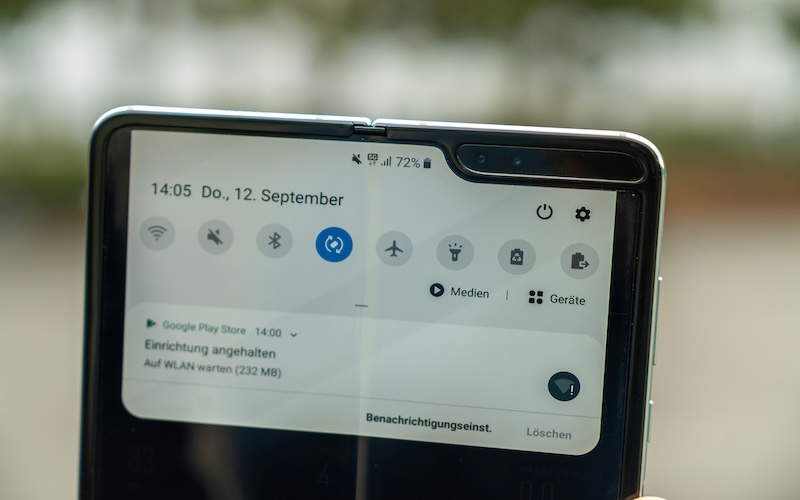
- Check the status bar: Seeing LTE or 4G while mobile data is active confirms the line is connecting to LTE.
- Review your carrier account: Some carriers show SIM or line information online or in their app.
- Check your phone compatibility: The phone itself must support the carrier’s LTE bands.
- Ask your carrier: They can confirm whether your current SIM needs to be replaced for LTE or newer network features.
Note: Do not rely only on the appearance of the SIM. Older and newer cards can look almost identical.
5. When Should You Replace a 4G SIM?
Most SIM cards last for years, but there are situations where replacing your 4G SIM card makes sense.
Consider getting a new SIM if you:
- The phone repeatedly fails to recognize the SIM.
- The card is physically damaged.
- Your carrier confirms the SIM is outdated.
- A newer network feature requires an updated SIM.
- Connection problems remain after other causes have been ruled out.
If LTE stops working, check coverage, phone compatibility, network settings, and your account before assuming the SIM is responsible.
| Replace Your SIM If… | You Can Usually Keep It If… |
| It is damaged or unreadable | It connects normally |
| Your carrier says it is outdated | LTE works reliably |
| A required network feature needs a newer SIM | Your carrier confirms compatibility |
| It repeatedly causes SIM errors | There are no SIM-related errors |
In other words, replace the SIM because there is a confirmed compatibility or hardware problem, not simply because a newer network exists.
>>> Read more: What Is Stored On A SIM Card? Key Information You Should Know (2026)
6. Need a Compatible SIM and Service? Explore Affordable Options
Having a compatible 4G SIM card is only one part of getting connected. Choosing a wireless service that works with your phone and your budget is just as important.
If budget for the phone service is one of the main concerns, then maybe it’s time you take a look at the Lifeline program. This is a federal assistance program that helps eligible households stay connected without stretching their financial situation further.
Specifically, eligible households may qualify for discounted monthly wireless service when they qualify for the federal Lifeline program and apply through Eligible Telecommunications Carriers (ETCs)
Eligibility is generally based on household income or participation in a qualifying assistance program.
As an official ETC, Cintex Wireless offers eligible customers a Lifeline-supported service plan and a free device with SIM/eSIM to make the support more long-lasting.
The carrier is now merged into AirTalk Wireless, which means that applicants can access more device options and a much more streamlined application process.
Getting started is simple:
- Check the service availability using your ZIP code.
- Choose a suitable service plan for your needs and a free or discounted device
- Complete the online application.
- Submit your application and wait for the approval.
Whether you’re replacing an older 4G SIM card or setting up a new device, choosing the right service and confirming compatibility can help you get connected with fewer activation issues.
Note: Eligibility varies by state and program. Offers depend on availability and qualifications. Cintex and AirTalk Wireless operate under the federal Lifeline Program as an Eligible Telecommunications Carrier (ETC). Service is non-transferable and limited to one service per household.
7. FAQs
Can a 4G SIM work in a 5G phone?
Yes. A compatible 4G SIM can usually work in a 5G phone, and some carriers even allow certain 4G SIMs to access 5G. Other 5G features, especially Standalone 5G, may require a newer SIM.
Will a 5G SIM work in a 4G phone?
Usually, yes, if the SIM, phone, and carrier are compatible. The 4G phone will still connect only to the network technologies its hardware supports, so a 5G SIM cannot turn it into a 5G device.
Do I need a new SIM to use faster mobile networks?
Not always. Some existing SIMs already support newer network technologies, while others may need replacement for features such as Standalone 5G. Check with your carrier before replacing a working SIM.
Conclusion
A SIM does not determine your mobile speed by itself. A working 4G SIM card can remain useful as long as it is compatible with your device, carrier, and the network features you need.
As LTE and 5G continue to operate alongside each other, the more useful question is not whether your SIM has an older label, but whether it still supports the service your phone and carrier are ready to provide.