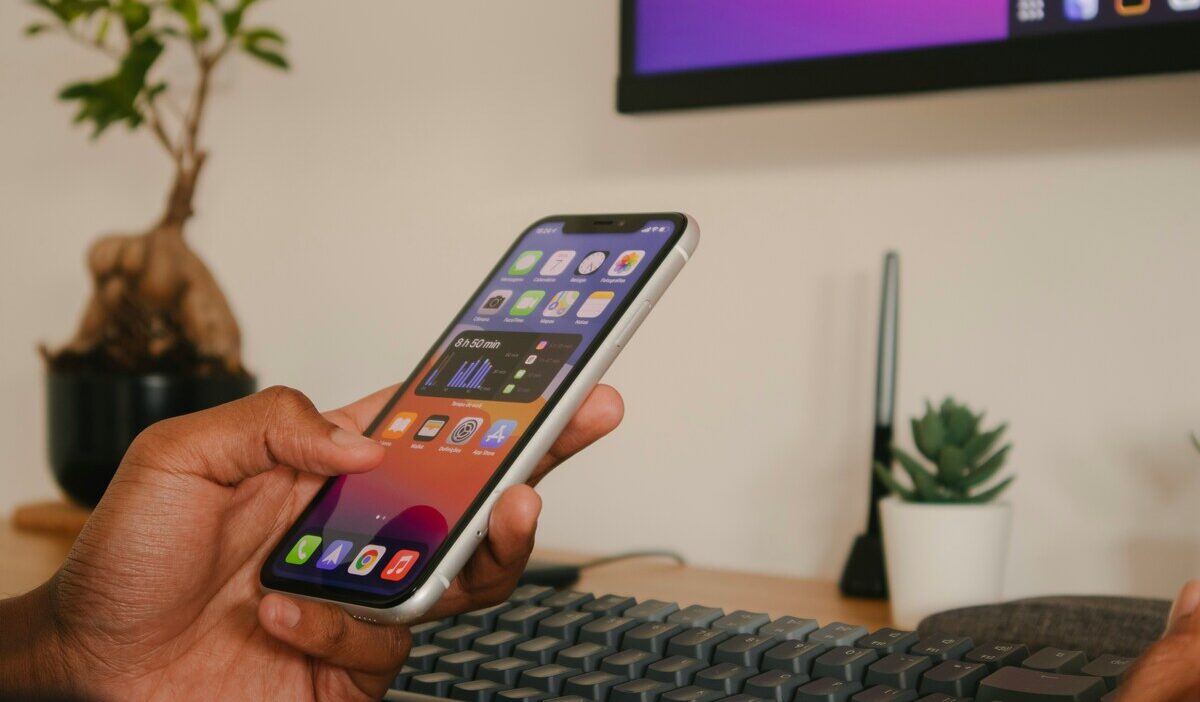
Does iPhone XR have eSIM? Yes, and it was one of the very first iPhones to support it. The iPhone XR includes Dual SIM capability, letting you run one physical nano-SIM alongside one active eSIM.
This guide confirms exactly how the feature works on this model, walks through QR code activation, and covers manual setup for carriers that do not provide a scannable code. Read on to get your iPhone XR connected the right way.
1. Does iPhone XR Have eSIM?
Yes, the iPhone XR supports eSIM. It features Dual SIM capability, allowing you to use one physical nano-SIM and one active eSIM at the same time. The iPhone XR was one of the first iPhones to include eSIM hardware, launching in 2018 alongside the XS and XS Max.
The iPhone XR can store multiple eSIM profiles, but only one eSIM can be active at a time alongside the physical SIM. Running two active eSIMs simultaneously was not available until the iPhone 13.
There is one regional exception. iPhone XR models purchased in China mainland, Hong Kong, or Macao use Dual SIM with two physical nano-SIM cards instead of one nano-SIM and one eSIM.
2. How to Check if iPhone XR Is eSIM Compatible?
- Check Cellular Settings: Go to Settings > Cellular and look for an Add eSIM option
- Look for an EID Number: Found under Settings > General > About
- Confirm Carrier Support: Contact your carrier to verify eSIM activation is available on your specific plan
- Verify Your iPhone Model if Necessary: Check your exact model number against Apple’s regional specifications if you are unsure where the device was manufactured
- Check carrier lock status: If you want to use an eSIM from a different carrier, your iPhone XR must be unlocked.
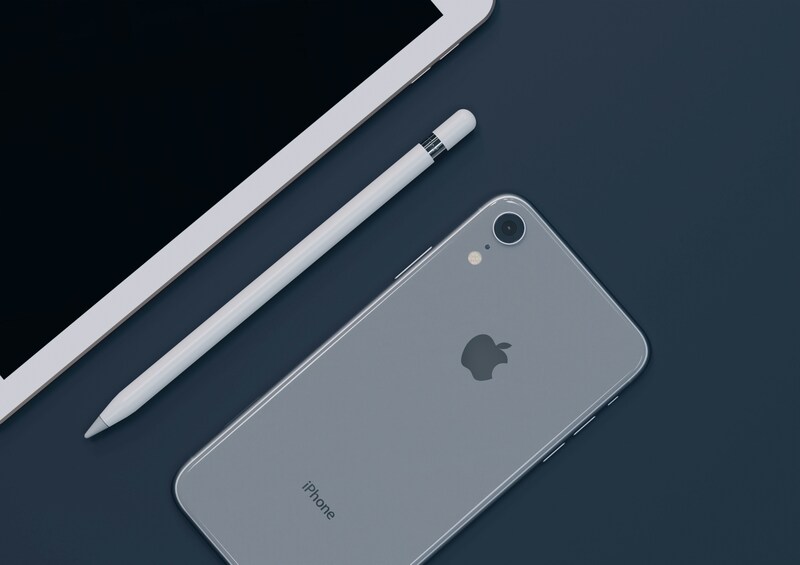
3. How to Activate eSIM on iPhone XR With a QR Code
If your carrier provides a QR code, this is one common activation path. Some carriers may instead use eSIM Carrier Activation, a carrier app, a carrier link, or manual setup details.
- Open Settings > Cellular
- Tap Add eSIM (or Add Cellular Plan, depending on iOS version)
- Tap Use QR Code
- Scan the QR code your carrier provided
- Follow the on-screen prompts to confirm and activate
- Confirm the new line appears under Settings > Cellular
Some carriers support automatic activation through their app instead. If your carrier offers this, open their app and follow the in-app instructions rather than using a QR code.
>>> Read more: Does iPhone 11 Have eSIM? Dual SIM and Activation Guide
4. How to Manually Add eSIM on iPhone XR?
If your carrier does not provide a QR code, or the QR code has expired, you can enter the eSIM activation details manually instead. Your carrier will give you an SM-DP+ address and an activation code.
- Open Settings > Cellular
- Tap Add eSIM
- Tap Enter Details Manually
- Enter the SM-DP+ address exactly as provided by your carrier
- Enter the activation code if your carrier requires one
- Tap Next and follow the on-screen prompts
- Confirm the new line appears under Settings > Cellular once activation is complete
Manual entry requires exact input. A single character error in the SM-DP+ address will cause activation to fail. If your carrier sent the details by email or message, copy and paste rather than typing them by hand.
5. iPhone XR Already Has eSIM: Get a More Affordable Plan
Your iPhone XR already supports eSIM, which means switching to a new plan can happen entirely online. There is no SIM card to wait for and no store visit required. If you qualify for government assistance, you may be able to activate a free monthly plan through the Lifeline’s approved provider using the device you already own.
What is the Lifeline program?
The Lifeline program is a federal assistance program that helps qualifying low-income households to access wireless service without putting a financial strain by offering a monthly discount on phone service or internet service.
Most eligible households can save up to $9.25 per month, and those living on Tribal lands may receive an even larger discount of up to $34.25 per month.
The program does not handle the discount-giving alone. Instead, it works with Eligible Telecommunication Carriers to handle the process. So when you apply for the benefit, you will apply with these approved carriers, not directly at the federal office.
What matters is that these carriers may take it further by offering a promotional free device.
Who qualifies?
You may qualify based on income or program enrollment. Your household income must be at or below 135% of the Federal Poverty Guidelines, or you must be an active participant in Medicaid, SNAP, SSI, Section 8, or Veterans Pension.
Lifeline benefit levels
Many households choose to apply to Cintex Wireless because of its streamlined, easy-to-navigate application process. Besides, the carrier is in transition, so it can bring more value to the consumer.
It is currently merging into AirTalk Wireless, another reliable ETC that has been serving households across the state for more than 2 decades. This means that consumer apply at either carrier will have access to broader device options and more dedicated support.
Note: Eligibility varies by state and program. Offers depend on availability and qualifications. Cintex and AirTalk Wireless operate under the federal Lifeline Program as an Eligible Telecommunications Carrier (ETC). Service is non-transferable and limited to one service per household.
Generally, eligible participants are presented with two types of plans:
| Plan Option | Best For | What You Get |
| BYOP (keep your iPhone XR) | Lowest-effort path, activate today | $0 service plan via eSIM, no new device needed |
| Free and Discounted Phone | Want a different or newer device | Promotional smartphone, including iPhone XR or newer eSIM-ready models, plus $0 service plan |
Note: Promotional pricing depends on your ZIP code, current inventory, and the active offer at the time you apply. Prices are subject to change.
Want to upgrade instead?
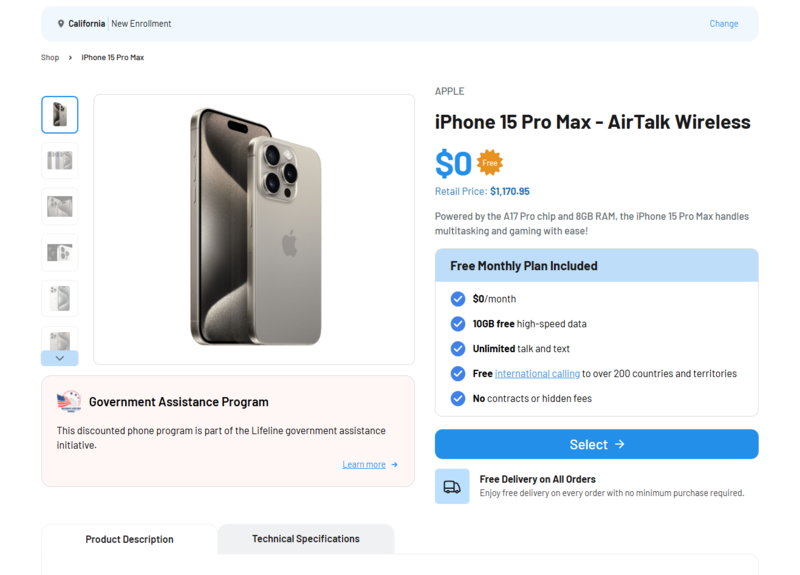
If you decide you would rather move to a newer device, AirTalk Wireless (over 2m+ Lifeline users) is currently offering a limited promotion on select eSIM-ready models. iPhone 11 through iPhone 15 may be available at a larger discount, with some models listed at no cost during the promotion period.
>>> Read more: Is My Phone eSIM Compatible? Check Your Device in Seconds
6. FAQ
Q1. Was the iPhone XR the first iPhone with eSIM?
Yes, along with the iPhone XS and XS Max. All three launched in September 2018 and were the first iPhones to include eSIM hardware. Most iPhones released after that support eSIM, but regional exceptions still apply. In the U.S., iPhone 14 and newer models are eSIM-only.
Q2. Can an iPhone XR do an eSIM?
Yes, the iPhone XR supports one active eSIM alongside one physical SIM. You can store multiple eSIM profiles and switch between them, but only one can run at a time. Running two active eSIMs simultaneously became possible starting with the iPhone 13.
Q3. What is an SM-DP+ address and where do I get it?
An SM-DP+ address is the server address your iPhone connects to when downloading an eSIM profile manually. Your carrier provides it, usually alongside an activation code, when they set up your eSIM. It is only needed if your carrier does not support QR code activation.
Q4. Why does my iPhone XR not show the Add eSIM option?
This usually means your specific iPhone XR is a regional model without eSIM hardware, such as one manufactured for China, Hong Kong, or Macau. It can also happen if your carrier has not enabled eSIM on your account. Check your EID under Settings > General > About, and contact your carrier to confirm eSIM support if the option still does not appear.
Final Words
Does iPhone XR have eSIM? Yes, with Dual SIM support since launch in 2018. Whether your carrier provides a QR code or requires manual entry, activation takes just a few minutes through Settings.
Double-check your EID first if the option does not appear, since regional models may lack eSIM hardware. If you qualify for Lifeline, you can activate a free eSIM plan on a compatible iPhone XR through an approved provider.