Micro SIM card compatibility usually becomes a question when an older phone meets a newer SIM tray. The card may still work perfectly well, but its physical size can decide whether it fits the device at all.
That is the key distinction to keep in mind: Micro SIM, Nano SIM, and older Mini SIM cards do essentially the same job, but they come in different shells. Before trimming, adapting, or replacing anything, first identify which size your device actually needs.
1. What Is a Micro SIM Card?
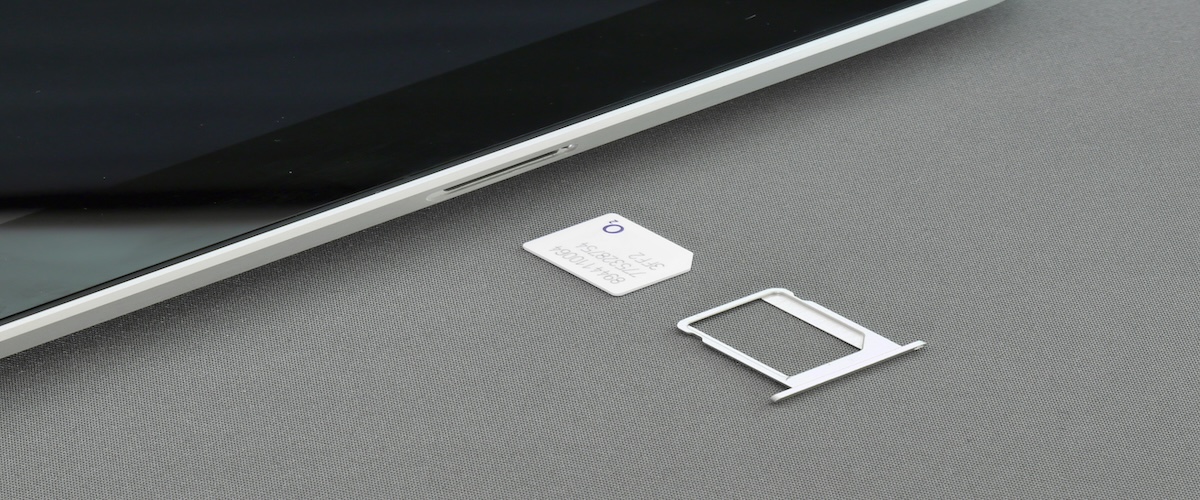
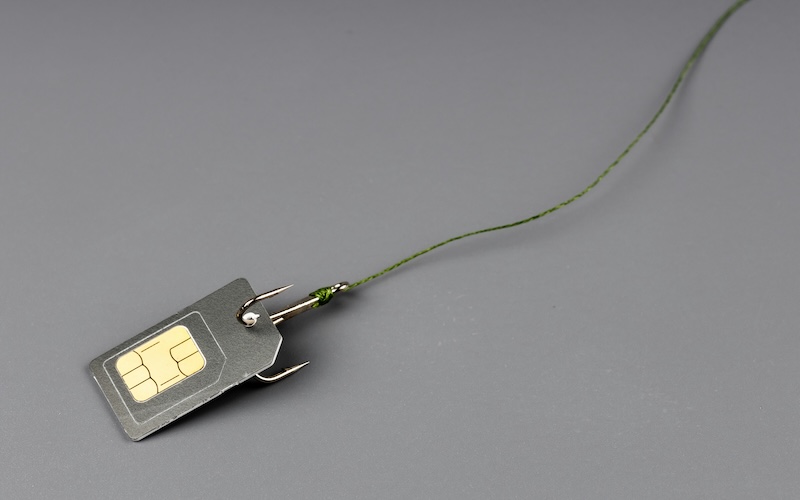
A Micro SIM card is the 3FF physical SIM format, measuring 15 × 12 mm. It is smaller than the older Mini SIM at 25 × 15 mm but larger than the Nano SIM at 12.3 × 8.8 mm.
Like other physical SIM formats, a Micro SIM helps identify and authenticate your mobile subscription on the carrier’s network.
The smaller size did not change that basic function; manufacturers simply reduced the amount of plastic surrounding the contacts as phones became thinner.
ETSI specifically designed newer SIM form factors to retain existing SIM functionality.
Micro SIMs became common in smartphones during the early 2010s before Nano SIM gradually took their place.
2. Micro SIM vs Other SIM Sizes
The easiest way to understand the difference is to line the three common removable formats up side by side.
| SIM Type | Size | Typical Use |
| Mini SIM (2FF) | 25 × 15 mm | Older feature phones and legacy equipment |
| Micro SIM (3FF) | 15 × 12 mm | Many smartphones from the early 2010s |
| Nano SIM (4FF) | 12.3 × 8.8 mm | Most newer phones that still accept physical SIMs |
The network does not run faster simply because the card is smaller. Think of the SIM size as the shape of the key, not the speed of the car. Your device, carrier network, coverage, and plan have much more influence on actual mobile performance.
2. Do Phones Still Use Micro SIM?
Yes, but far less often than before. If you’re wondering do phones still use Micro SIM, the answer depends on the age of the device.
You may still find Micro SIM slots in:
- Older Android smartphones.
- Some tablets.
- Certain GPS devices and IoT equipment.
- A few legacy business phones.
For current smartphones, Micro SIM has largely stepped out of the spotlight. Nano SIM and eSIM now dominate.
Apple’s current iPhone lineup uses Nano SIM and/or eSIM depending on model and region, while recent Pixel models use Nano SIM or eSIM, with some U.S. versions now eSIM-only.
So if you are moving a Micro SIM into a new phone, checking the new device’s SIM specification should come before anything else.
>>> Read more: SIM Cards For Phones: Common Types & How To Choose The Best One
3. Is My SIM Card Micro or Nano? Here’s How to Tell
If you’re unsure is my SIM card Micro or Nano, the quickest clue is the amount of plastic around the metal contacts.
If eyeballing it still feels like guesswork:
- Check the phone manufacturer’s specifications
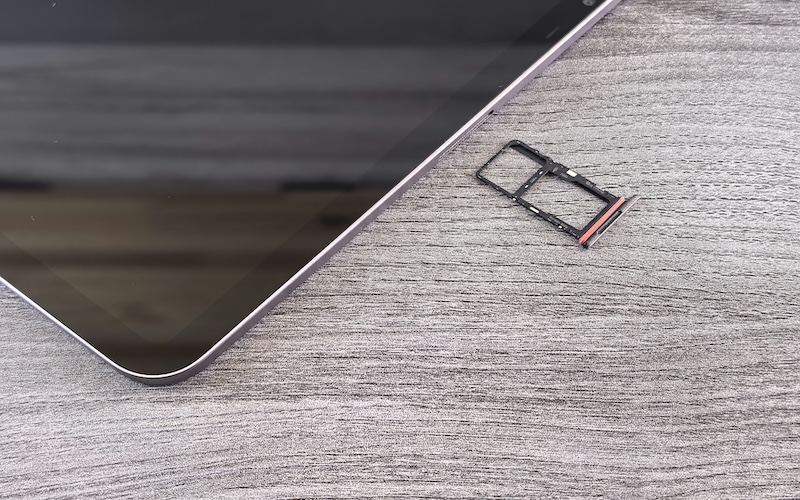
- Compare the card with the phone’s SIM tray
- Look up the exact device model
- Ask the carrier which SIM format the phone requires
Do not force a card into a tray just because it looks close. A few millimeters can be the difference between a clean fit and a damaged SIM reader.
4. Can You Cut a Micro SIM Card or Use an Adapter?
Technically, people have cut larger SIM cards to fit smaller trays, but it is not the recommended solution.
Apple warns that modifying or cutting a SIM can prevent the phone from connecting to the cellular network and may damage the SIM tray or device. Damage caused by a modified SIM may also fall outside hardware coverage.
Instead of reaching for scissors, the safer route is to ask your carrier for a correctly sized replacement while keeping the same mobile line.
Adapters can sometimes let a smaller SIM fit an older, larger slot, but they also need to fit perfectly. A loose or poorly aligned adapter can become stuck in the tray.
The order of preference should therefore be:
- Use the exact SIM size designed for the device
- Request a replacement SIM from the carrier when needed
- Use an adapter only when it is compatible with the device and fits securely
- Avoid manually cutting the SIM
Getting the size right once is much easier than trying to rescue a damaged tray afterward.
>>> Read more: How Many GB Do You Need SIM Card? Practical Data Guide for Every User
5. Need a Compatible Micro SIM Card? Here’s How Cintex Wireless Can Help
If your phone still uses a micro SIM card, replacing the SIM is only part of getting your device ready. You’ll also want to make sure your wireless service is compatible so activation goes smoothly.
If your household participates in qualifying assistance programs like Medicaid, SSI, SNAP, etc., or meets the program’s income requirements, you may also qualify for the federal Lifeline program.
It is a government assistance program that helps eligible households reduce the monthly cost of wireless service, making it easier to stay connected while managing everyday expenses.
Do note that the program is a benefit, not a wireless carrier. Therefore, eligible participants receive supported service through an Eligible Telecommunications Carrier (ETC).
Cintex Wireless is an Eligible Telecommunications Carrier (ETC) that provides Lifeline-supported service to qualified customers.
After confirming service availability, customers can choose an available Lifeline-supported plan, then select a device option, either keeping a compatible phone through BYOD or choosing an available new device.
Each option includes a compatible physical SIM or eSIM so the customer can activate and use the service.
The carrier is also merging into AirTalk Wireless, which can bring added benefits for eligible households.
Through the combined experience, customers may gain access to a broader range of available devices, a faster and more streamlined application process, and improved fulfillment, making the path from choosing a plan to getting connected smoother overall.
Whether your phone uses a Micro SIM card, Nano SIM card, or eSIM, choosing a compatible device and a wireless service that fits your needs can help you stay connected with less hassle.
IMPORTANT: The government does not subsidize devices. Lifeline programs cover basic service costs only. Free or discounted devices, upgrade plans, or top-ups are exclusive benefits provided by Cintex and AirTalk Wireless as part of the promotional offers. Terms and conditions apply. Limited-time promotion—offers vary by state, stock availability, and eligibility.
6. FAQs
Will changing SIM size change my phone number?
No, not if your carrier moves the same mobile line to the replacement SIM. Your phone number is tied to the carrier line, so changing the physical SIM format does not normally require a new number.
Can I keep using my old SIM after switching phones?
Yes, if the SIM is physically compatible, still supported by the carrier, and works with the new phone. Some newer devices may reject older SIM generations even when they fit, so compatibility matters as much as size.
Does a Micro SIM affect mobile network speed?
No. A micro SIM card does not determine your data speed. Performance depends mainly on the device, carrier network, coverage, congestion, and service plan.
Should I replace an old Micro SIM card?
Replace it if it is damaged, unsupported by the new phone or carrier, or the carrier recommends an updated SIM. Age alone is not a reason to replace a card that still works correctly.
Conclusion
A micro SIM card is not obsolete simply because newer formats exist. It can still work perfectly well in the older phones and connected devices designed for it.
What matters is matching the card to the hardware in front of you. SIM technology has kept shrinking from Mini to Micro to Nano and now into eSIM, but the smartest move remains the same: use the format your device was built to accept rather than trying to make the wrong one fit.