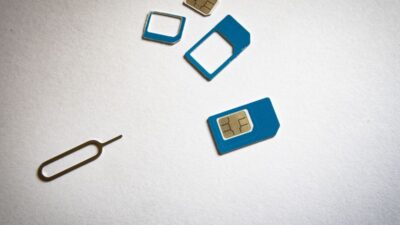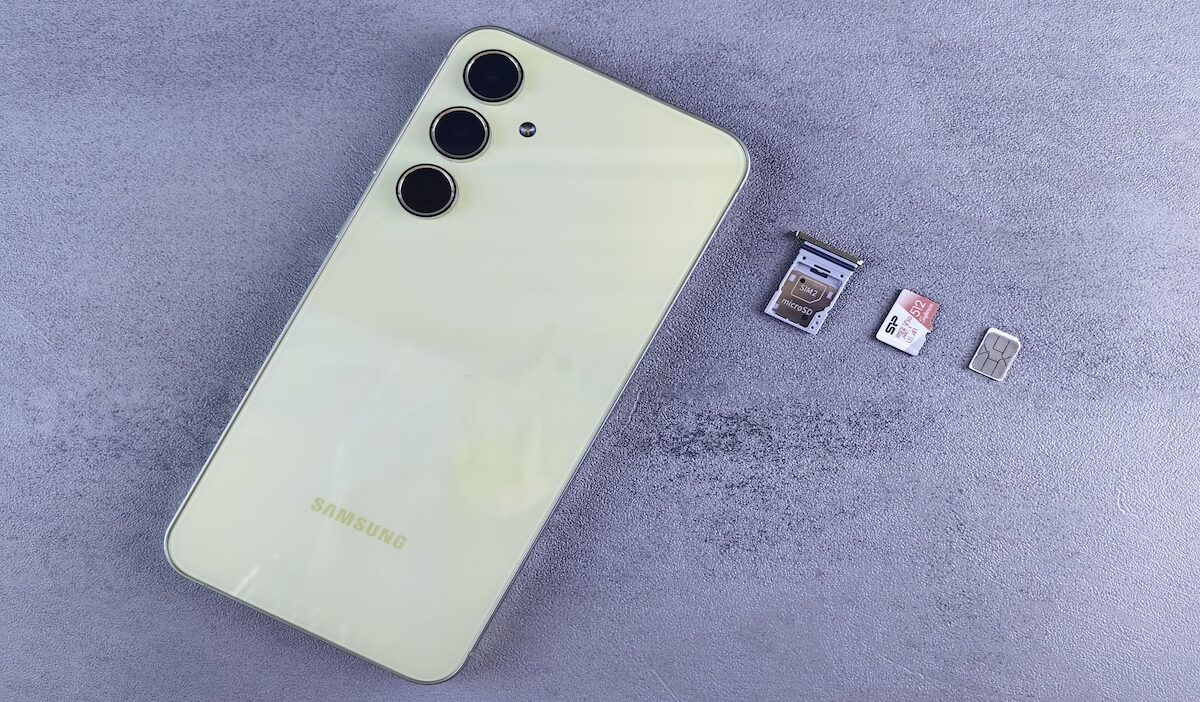
What is my SIM ID? In most phone-activation contexts, the SIM ID means the ICCID, or Integrated Circuit Card Identifier. It is the unique serial number used to identify a physical SIM card or, in the case of eSIM, a specific downloaded SIM profile. (nist.gov)
That sounds simple until your phone also shows an IMEI, EID, and several other long strings of numbers. Knowing which one belongs to the SIM can save you from copying the wrong identifier when activating service or asking for support.
1. What Does a SIM ID Look Like?
If you are asking What is the ID of my SIM card?, the answer is usually the ICCID (Integrated Circuit Card Identifier).
A SIM ID typically:
- Can contain up to 20 digits
- Commonly begins with 89, which identifies the telecommunications industry
- Uniquely identifies the SIM or eSIM profile
- Changes when you receive a different SIM or eSIM profile
ICCID is described as the unique serial number assigned to and maintained within the SIM, and notes that it is usually printed on a physical card.
So what does a SIM ID look like? Think of a long string such as:
89XXXXXXXXXXXXXXXXXX
The exact length and digits vary, so do not identify it by length alone. Look specifically for a label such as ICCID, SIM ID, or SIM number.
For an eSIM, the ICCID belongs to the installed subscription profile rather than to a removable piece of plastic.
2. How Do I Check My ID SIM Number on iPhone and Android?
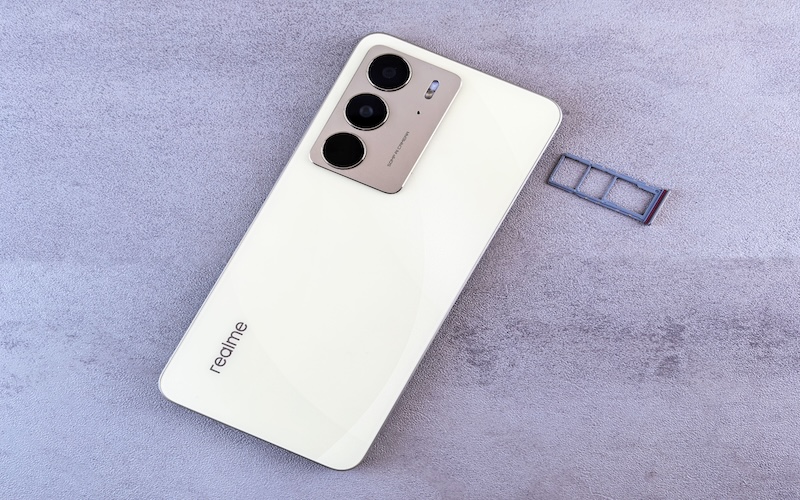
If How do I check my ID SIM number? is what brought you here, start with your phone’s Settings rather than pulling the SIM tray out immediately.
Find the SIM ID on iPhone
On an iPhone:
- Open Settings.
- Tap General.
- Tap About.
- Scroll to ICCID.
Apple also displays related identifiers such as EID and IMEI in this section, so make sure you copy the number beside ICCID, not simply the first long number you see.
Find the SIM ID on Android
Android menus are less uniform.
Depending on your phone, look under areas such as:
Settings > About phone > SIM status
or
Settings > Network & internet / Connections > SIMs or SIM manager
Look specifically for ICCID or SIM serial number. Some Android versions do not display it directly, so if it is missing, check the physical SIM, original SIM packaging, your wireless account, or ask your provider where to find it.
Find the SIM ID on a physical SIM
If you use a removable SIM, take it out carefully and look for the long serial number printed on the card.
NIST notes that the ICCID is usually imprinted on the SIM, although the printing can be tiny and may be difficult to read.
Find the ID for an eSIMFor an eSIM:
An eSIM introduces one extra number that is easy to confuse with the ICCID.
The ICCID identifies the individual eSIM profile, while the EID identifies the eUICC that can store and manage those profiles.
So if an activation screen asks for EID, do not enter the ICCID simply because both numbers appear in the same settings menu.
>>> Read more: How to Get Free Government Phone Service With eSIM
3. SIM ID vs. IMEI vs. EID: Which Number Do You Need?
If what is my SIM ID is the question, this table is the easiest way to keep the alphabet soup straight.
| Identifier | What It Identifies | Common Use |
| ICCID / SIM ID | Physical SIM or eSIM profile | SIM identification and some activation/support tasks |
| IMEI | Mobile device | Device compatibility, identification, and support |
| EID | eUICC used for eSIM | eSIM provisioning and activation |
The easiest mental shortcut is:
- ICCID = subscription profile
- IMEI = phone
- EID = eSIM hardware environment
Your provider may ask for more than one depending on what you are trying to do. Google, for example, notes that eSIM setup may require a device’s IMEI or EID.
4. What Is My SIM ID Used For When Setting Up Service?
The ICCID helps a wireless provider tell one SIM or eSIM profile from another.
You may be asked for it when:
- Activating a physical SIM
- Troubleshooting a SIM that will not activate
- Replacing a damaged or lost SIM
- Associating a SIM with an existing wireless line
- Contacting support about SIM-related problems
It is less accurate to say that you always need your ICCID when transferring your phone number. Number transfer and SIM activation are separate processes, and the information required depends on the provider and setup.
That is why reading the label on the form matters. If it asks for IMEI, EID, or ICCID, those numbers are not interchangeable even though they may all look like a row of telephone poles.
5. Need a SIM or eSIM for Your Phone? Check Your Options
If you are looking up your SIM ID because you are preparing to activate service, the identifier is only the technical half of the job. You still need a wireless plan behind it.
Lifeline is a federal assistance program that helps eligible households reduce the cost of eligible phone service or internet service.
Eligibility can be based on household income or participation in qualifying programs such as Medicaid, SNAP, SSI, Federal Public Housing Assistance, or qualifying Veterans benefits.
Lifeline itself does not operate the wireless network. Instead, it works with Eligible Telecommunications Carriers (ETCs) so these carriers can deliver the benefit to those in need.
These carriers tend to offer a free or discounted device for the eligible household so they can make use of the benefit and turn it into something more long-lasting.
And Cintex Wireless is one of the ETCs that provides Lifeline-supported wireless service.
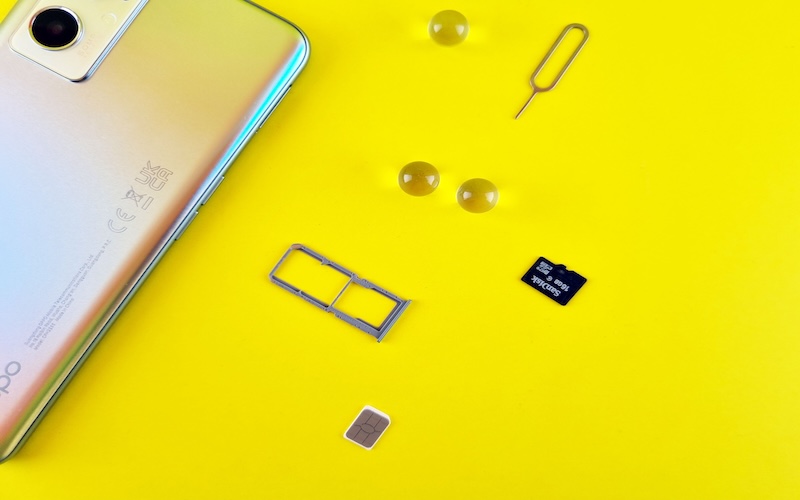
Depending on the setup you choose, Cintex can provide a physical SIM or support eSIM on compatible devices (your own device if compatible or a new device depending on the carrier’s stock)
A physical SIM receives its own ICCID, while an eSIM profile also has an ICCID and may involve the device’s EID during setup. Cintex currently offers both SIM and eSIM options with supported service.
Cintex is also merging into AirTalk Wireless. The move brings customers into a more unified enrollment and account experience, with access to a broader range of available device options.
Knowing your ICCID will not choose the plan for you, but it can make activation and support much smoother once you have chosen how you want to connect.
IMPORTANT: The government does not subsidize devices. Lifeline programs cover basic service costs only. Free or discounted devices, upgrade plans, or top-ups are exclusive benefits provided by Cintex and AirTalk Wireless as part of the promotional offers. Terms and conditions apply. Limited-time promotion—offers vary by state, stock availability, and eligibility.
6. FAQs
Is SIM ID the Same as ICCID?
Usually, yes. In phone activation and support contexts, SIM ID generally means ICCID, but always check the exact label because a provider may separately ask for IMEI or EID.
Can I Find My SIM ID Without Removing the SIM?
Yes, often. iPhone displays ICCID under Settings > General > About, while Android locations vary by device and software version.
Can I Find My SIM ID if My Phone Is Lost?
Possibly. Check the original SIM packaging, account records, or any saved activation information. You can also contact your wireless provider and ask what SIM details are available after account verification.
Conclusion
If you have been wondering what is my SIM ID, think of the ICCID as the serial number that keeps your SIM from getting lost in the crowd. It tells the network and provider exactly which SIM or eSIM profile they are dealing with.
Once you know where that number fits beside IMEI and EID, those long strings of digits stop looking like alphabet soup and start becoming useful tools when activation or troubleshooting comes knocking.