If you’re thinking about activating a digital cellular plan, you may be asking, does iPhone 13 have eSIM support?
Fortunately, Apple’s iPhone 13 lineup is designed to work with both eSIM and physical SIM technology, giving users greater flexibility when choosing a carrier or managing multiple phone numbers.
This blog post will discuss how eSIM works on the iPhone 13, how to activate it, and whether it’s the right choice for your mobile needs.
1. Does iPhone 13 Have eSIM?
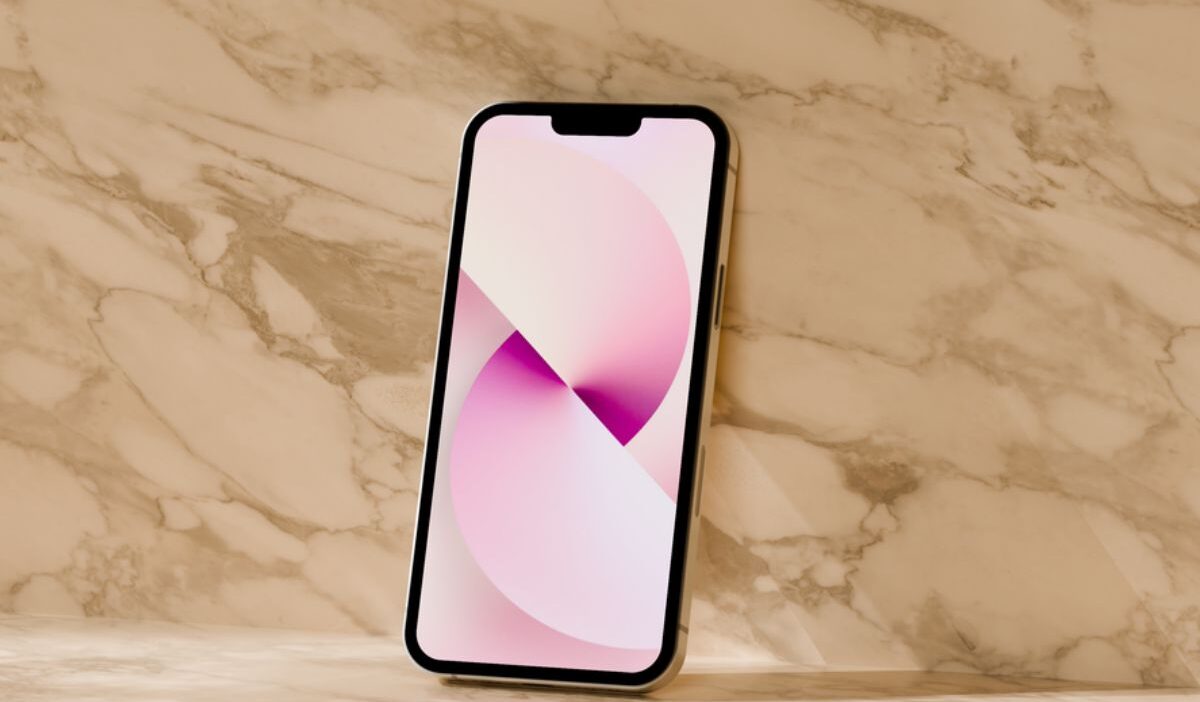
The iPhone 13 series, which includes the iPhone 13, iPhone 13 Pro, and iPhone 13 Pro Max, fully supports eSIM technology.
This means these devices are compatible with digital SIM cards, allowing you to connect to mobile networks worldwide without a physical SIM card.
However, iPhones sold in certain locations, including mainland China, may have eSIM capabilities restricted or absent, while only a few iPhone models sold in Macao and Hong Kong support eSIMs.
This is because eSIM availability varies by region, as Apple sells different hardware configurations in certain markets.
2. Can You Use eSIM and a Physical SIM on iPhone 13?
The answer to the question “Does iPhone 13 have eSIM?” is yes. What’s more, this phone model supports dual SIM, allowing you to use a traditional SIM card alongside an eSIM.
Particularly, dual SIM technology enables you to:
- Maintain different phone numbers for personal and professional use on the same device.
- When traveling overseas, add a local data plan to avoid data roaming while keeping your home SIM.
- Use various providers for phone and data to save money or improve coverage.
Even if you have two active phone numbers with dual-SIM capability, you can only use one cellular data network at a time.
You can choose which line to use for phone calls, texts, or mobile data in the iPhone’s settings.
>>>Read more: Does iPhone 13 Pro Max Have eSIM? Complete eSIM Guide
3. How to Set Up eSIM on iPhone 13?
Before you set up an iPhone 13 eSIM, make sure you check the following:
- The device’s unlock status: Ensure that your iPhone is unlocked and works with your carrier’s network. If your device is locked, check out our guide on how to unlock SIM card on an iPhone.
- iOS version: To fully utilize eSIM capabilities, update to the latest iOS version.
- Internet connection: You will require an internet connection to download and activate your eSIM profile.
Now, you can choose one of the two methods to activate eSIM on your iPhone 13:
QR Code Activation (Recommended)
Using a QR code to set up eSIM is the most common method as it is straightforward and quick. Here is how to do:
- Open Settings and tap Cellular or Mobile Service.
- Select Add eSIM, then choose Use QR Code.
- Scan the QR code provided by your carrier or eSIM provider.
- When the new cellular plan is detected, tap Continue.
- Follow the remaining on-screen instructions to complete activation.
Manual eSIM Activation
If you don’t have a QR code or it isn’t working, you can activate your eSIM manually.
- Go to Settings > Cellular > Add eSIM.
- Tap Enter Details Manually.
- Enter the SM-DP+ Address and Activation Code provided by your carrier.
- Tap Next and complete the setup by following the prompts on your screen.
4. Is It Better to Use eSIM or Physical SIM on iPhone 13?
Now you know does iPhone 13 have eSIM, but is it better to use eSIM or nano SIM? The answer depends on your needs.
If you frequently switch carriers or travel internationally, eSIM offers greater flexibility and convenience.
On the other hand, a physical SIM card may be a better choice if you often move your mobile service between devices or use a carrier that doesn’t support eSIM.
The table below compares the advantages and disadvantages of each option.
| eSIM | Physical SIM card | |
| Pros | Instant digital activation, easier carrier switching, supports multiple profiles, cannot be lost or removed. | Widely supported by carriers, easy to transfer between compatible phones, and simple to replace. |
| Cons | Not supported by every carrier, transferring between devices may require carrier assistance. | Can be lost, damaged, or stolen, requires a SIM tray, and physical handling. |
5. Need Mobile Service? Explore Lifeline Benefits
Once you’ve decided whether to use an eSIM or a physical SIM on your iPhone 13, you’ll need an active mobile plan.
If you’re looking for an affordable option, the Lifeline program can help. You may qualify based on your income or participation in programs such as SNAP, Medicaid, SSI, or Federal Public Housing Assistance.
This federal assistance program provides eligible low-income households with discounted or free wireless service through a participating provider.
For example, Cintex Wireless provides applicants a free SIM card, monthly talk, text, and data, and in some cases, a free or discounted smartphone (varies by state).
Especially, the company is now merging with AirTalk Wireless to bring more device offers and streamline the application process. Here is how to apply:
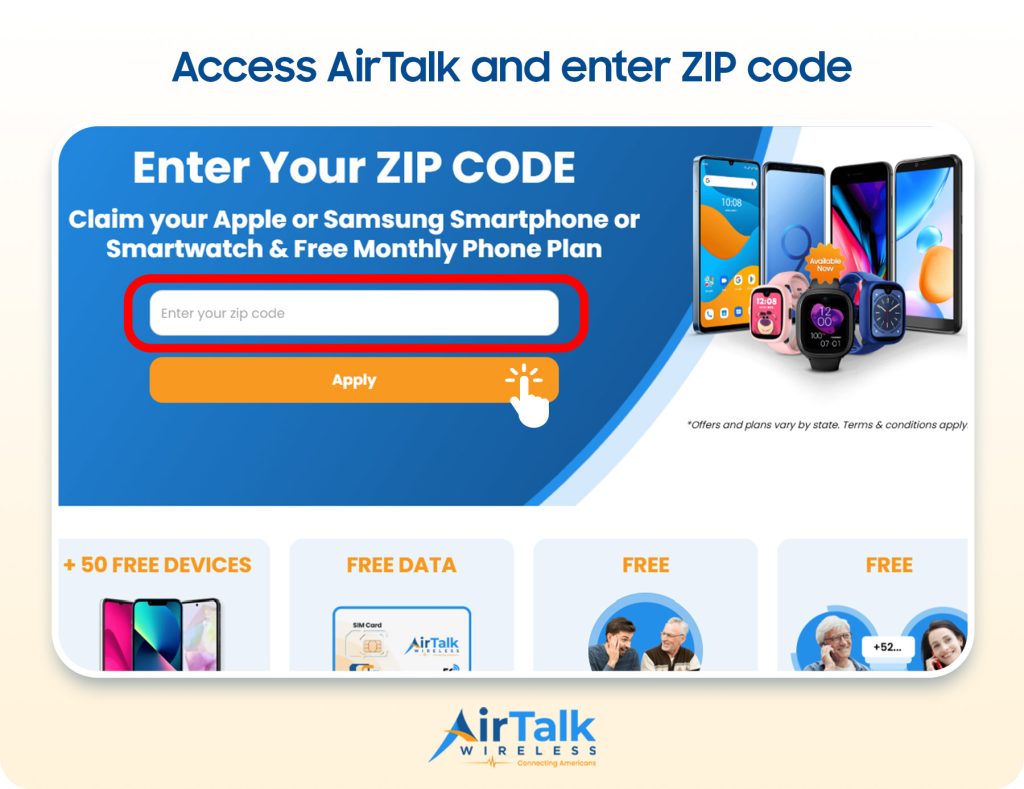
- Visit the AirTalk Wireless website and enter your ZIP code to check service availability.
- Choose the available service plan and device options for your area. You can choose the BYOD option to continue using your device.
- Complete the online application with your personal information.
- Upload any required documents to verify your identity and Lifeline eligibility.
- Wait for your application to be approved through the Lifeline verification process.
- Receive your SIM card or device and activate your wireless service.
Notice: The government does not cover device costs, only basic service through Lifeline. Any free or discounted devices, upgrades, or top-ups are limited-time Cintex Wireless offers and may vary by state, eligibility, and availability. Terms and conditions apply.
Conclusion
Ultimately, the answer to does iPhone 13 have eSIM is that the device supports both eSIM and a physical nano SIM, giving users flexible options for activating cellular service. Whether you prefer the convenience of eSIM or the familiarity of a traditional SIM card, the iPhone 13 makes it easy to choose the setup that best fits your needs.