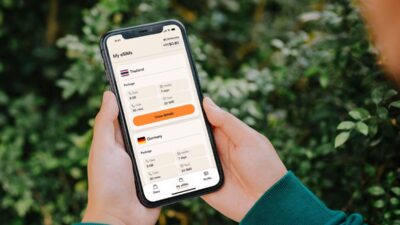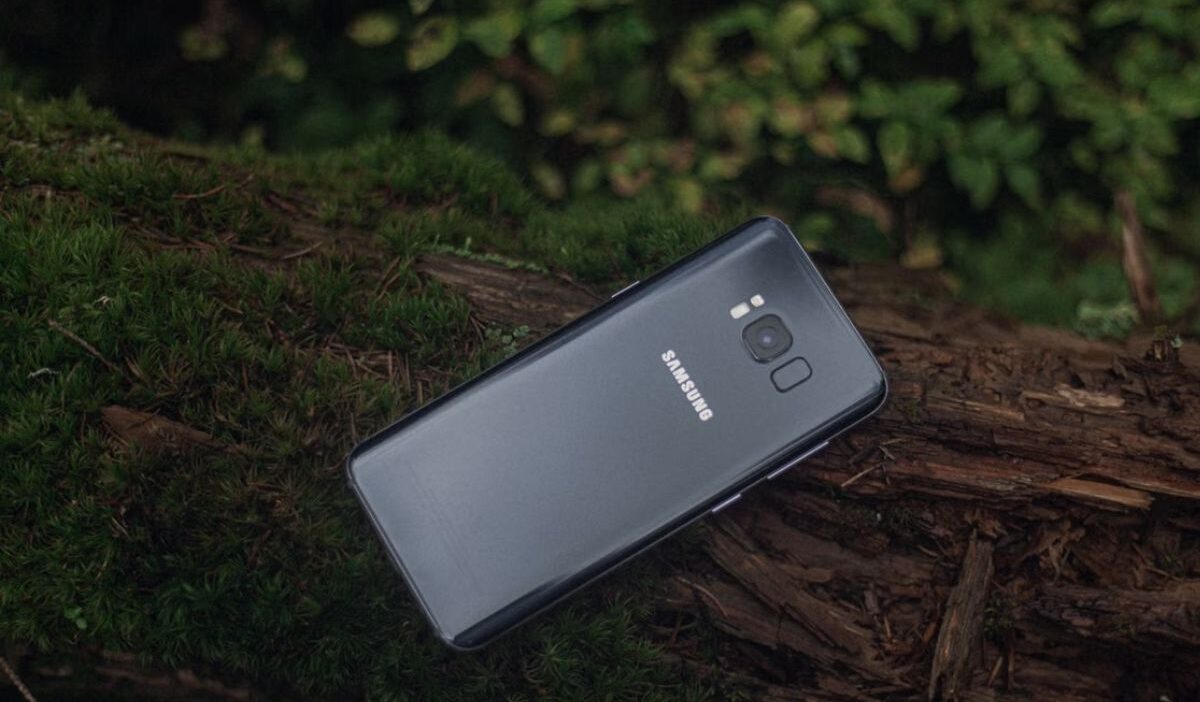
Knowing where to buy SIM card for Samsung phone is only the beginning. A phone cannot connect to a mobile network without the correct SIM configuration. The card must also match the device, network, and plan you intend to use.
Luckily, you can purchase one from a carrier store, a large retailer, or a wireless provider’s website. Before ordering, check the exact Samsung model, lock status, supported SIM format, carrier compatibility, and full service cost.
1. Which Types of SIM Cards Do Samsung Phones Support?
Since Samsung has produced phones in several generations, the model and market in which the device was marketed determine which SIM format is supported.
| SIM Type | Common Use on Samsung Phones | What to Know |
| Micro SIM | Older Galaxy phones | Larger than the SIM used in most newer devices |
| Nano SIM | Most current Galaxy phones | The standard physical SIM format on modern Samsung models |
| eSIM | Selected newer Galaxy models | Activated digitally without inserting a plastic card |
Recent Samsung devices commonly use nano-SIMs, while selected Galaxy models also support eSIMs.
However, eSIM Samsung availability can vary by phone model, wireless provider, and region.
2. Where to Buy SIM Card for Samsung Phone?
There is no single best seller for every shopper.
The right place depends on whether you value immediate setup, a wider choice of plans, or the convenience of ordering from home.
Carrier Stores
A carrier store is useful when you want help checking your phone, choosing a plan, and activating service in the same visit.
Store staff can inspect the model number, run an IMEI compatibility check, and provide the appropriate nano-SIM or eSIM setup.
This can be especially helpful when you are transferring a number or using an older Samsung phone.
However, an IMEI check does not guarantee strong coverage or support for every carrier feature in every location.
Prices, activation charges, and promotions may also differ between stores and online channels.
Before agreeing to the plan, ask for the full amount due, including the SIM kit, setup fee, taxes, and first month of service.
Big Retail Stores
Don’t know where to buy SIM card for Samsung phone? Large retailers often sell prepaid SIM kits in their electronics or mobile phone departments.
This option works well when you need a card quickly but do not want to visit a dedicated wireless store.
Depending on the provider and package, a retail SIM kit may include:
- A nano-SIM
- Multi-size SIM cutouts or adapters
- Basic activation instructions
- A starter plan or service credit
However, read the package carefully because the contents vary. A low shelf price may cover only the SIM kit, while activation and a service plan must be purchased separately.
Retail employees may also have limited information about a specific Samsung model.
Thus, it is better to complete your own compatibility check before opening the package, since return policies for opened or activated SIM kits vary by retailer.
Wireless Providers’ Websites
Ordering directly from a wireless provider’s website usually gives you a clear view of available plans, coverage, activation terms, and bring-your-own-phone requirements.
Many providers allow you to enter the phone’s IMEI before checkout. This check can confirm whether the carrier considers the Samsung phone eligible for activation and may also show whether eSIM is available.
However, an approved IMEI does not guarantee strong coverage in every area or access to every carrier-specific feature.
Shipping time is the main limitation when buying a physical card online. A compatible eSIM can eliminate that wait, but only if the exact Samsung model and provider support digital activation.
3. How to Select a SIM Card for Samsung Phones?
Now you know where to buy SIM card for Samsung phone.
However, the store matters less than choosing a card and plan that actually fits your phone. These checks can help you avoid paying for a service you cannot activate.
Check SIM Card Size
Look up the phone’s technical specifications or inspect the SIM tray. While older devices may require micro-SIM cards, most modern Galaxy phones use nano-SIM cards.
Notably, do not cut a larger card by hand. An uneven edge can damage the card or cause it to sit incorrectly inside the tray. A properly sized replacement is safer and usually inexpensive.
Check Whether Your Samsung Phone Is Carrier-Locked
A locked Samsung phone may only accept service from the provider that originally sold it. Inserting another company’s SIM can produce an error even when the card is the correct size.
You can contact the original provider to confirm the lock status and request an unlock if the device meets its requirements. Complete this step before purchasing a plan from a different network.
Verify Carrier Network Compatibility
Matching the SIM slot is not enough. The phone must also be accepted by the provider and support the network technology and frequency bands needed in the areas where you will use it.
Find the IMEI by going to Settings > About phone. You may also dial *#06#, although this code may not work with every carrier or device configuration.
Enter the IMEI into the provider’s compatibility checker. This is more dependable than assuming every unlocked Galaxy phone will work fully on every network.
The model number also matters. A Samsung phone released for another country may be unlocked but still lack certain bands or carrier features needed for the best local service.
Compare Carriers’ Mobile Plans
Do not compare plans by monthly price alone. Check how much high-speed data is included, whether hotspot use is allowed, and if the plan supports 5G or international calling when those features matter to you.
It is also worth reviewing what happens after the data limit is reached, since some plans reduce speed rather than cutting service completely.
Before buying, confirm the exact Samsung model number, make sure the phone is unlocked if you are changing carriers, and check whether it supports eSIM.
You should also decide whether to keep your current number or start with a new one.
Finally, review local coverage and add up the full cost, including the SIM kit, activation fee, taxes, and first month of service.
4. How to Activate the SIM Card on a Samsung Phone
For a physical SIM, turn off the phone and use the ejector tool to open the tray. Place the card into the matching outline so the notched corner aligns correctly and the SIM sits flat in the tray. Return the tray carefully, then switch the phone back on.
Do not rely on a universal rule about whether the metal contacts should face up or down, as the correct orientation varies by Samsung model.
You may then need to visit the provider’s activation page, enter the SIM number, sign in to your carrier account, or restart the device.
For eSIM, the usual path is:
Settings > Connections > SIM manager > Add eSIM
Depending on the phone and carrier, you may be able to scan a QR code, download a detected carrier plan, transfer an eSIM from another phone, or follow other digital activation instructions.
Menu wording and available activation methods may differ by Galaxy model, wireless provider, region, and software version.
>>>Read more: How To Activate eSIM On iOS And Android? 2026 Tutorial
5. Can You Get a Free Samsung SIM Card? How Cintex Wireless Can Help
If you are currently experiencing issues with your SIM card, switching to a newer compatible model may be worth considering. For eligible low-income households, the Lifeline program can make that upgrade more affordable.
Lifeline is a government assistance program that helps eligible household to affordable connectivity at a more affordable price.
Specifically, this program helps reduce the cost of wireless service through approved providers, known as Eligible Telecommunications Carriers (ETCs). The program itself does not hand out phones, but participating carriers may include a free or discounted device as part of their own offers.
For instance, Cintex Wireless may offer qualifying customers a free SIM card, discounted service, or a compatible Samsung device, depending on the state, eligibility, and available stock.
To enjoy the benefit, eligibility is generally
- based on household income; usually your household income needs to fall at or below 135% of the Federal Poverty Guidelines,
- or participation in programs such as SNAP, SSI, Medicaid, or Federal Public Housing Assistance.
As Cintex moves its services into AirTalk Wireless, applicants may also see a wider range of phone options through the updated enrollment process.
Possible Samsung models may include:
Device availability can change by location and inventory, so applicants should review the current offers before choosing a phone.
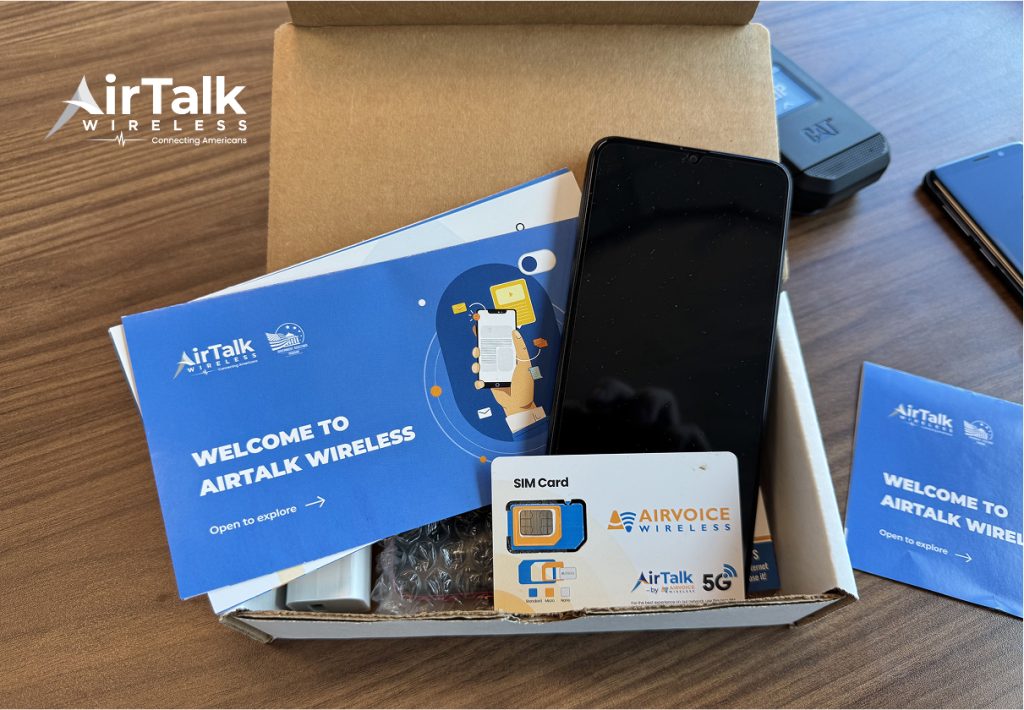
IMPORTANT: The government does not subsidize devices. Lifeline programs cover basic service costs only. Free or discounted devices, upgrade plans, or top-ups are exclusive benefits provided by Cintex and AirTalk Wireless as part of the promotional offers. Terms and conditions apply. Limited-time promotion—offers vary by state, stock availability, and eligibility.
Conclusion
Choosing where to buy SIM card for Samsung phone comes down to the kind of help and flexibility you need.
A carrier store offers hands-on setup, a large retailer provides quick access, and a provider’s website makes it easier to compare plans and check compatibility.
However, don’t forget to confirm the Samsung model, SIM format, lock status, network support, coverage, and total activation cost.