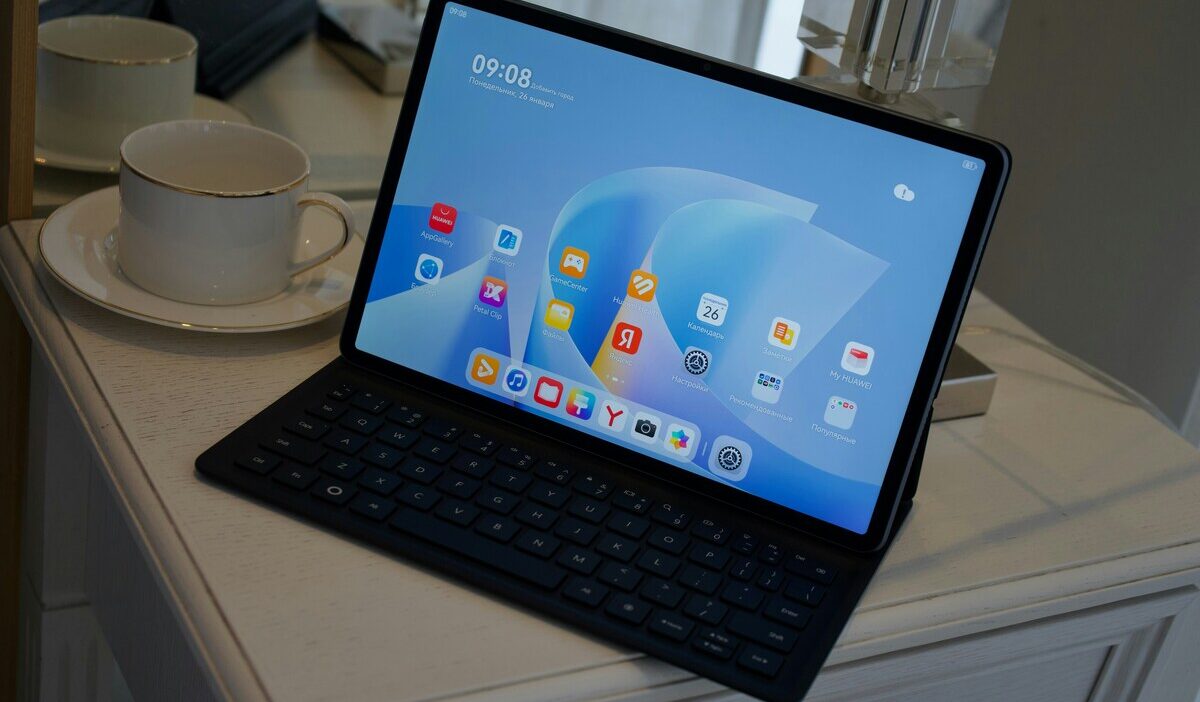
A free phone and tablet for seniors helps older adults stay connected without monthly bills. Many seniors live alone and rely on phones for family contact, healthcare calls, and daily support. Through the Lifeline program, eligible seniors can receive a free smartphone and access to discounted or free tablets from approved providers.
Keep reading to learn how seniors can qualify and apply step by step.
1. What Is the Free Phone and Tablet for Seniors?
Many seniors ask if a phone with tablet deals is real and how it works. The free phone and tablet for seniors usually comes from the Lifeline provider. Lifeline gives a monthly service discount (about $9.25 per month, or up to $34.25 on Tribal lands), not cash. Approved providers partner with Lifeline to offer free smartphones and discounted or free tablets when stock allows.
Seniors do not apply through the government directly. You apply online through an approved Lifeline provider. The provider checks eligibility and shows device options based on your ZIP code and current promotions.
There are two ways for seniors qualify:
1. Program-based eligibility
Seniors can qualify for Lifeline if enrolled in one of program below:
2. Income-based eligibility
Household income at or below 135% of the Federal Poverty Guidelines
If you qualify, the provider applies the Lifeline discount to your service and may include a free phone or a low-cost tablet. Device availability depends on location, timing, and inventory.
2. Best Phone and Tablet Features for Seniors
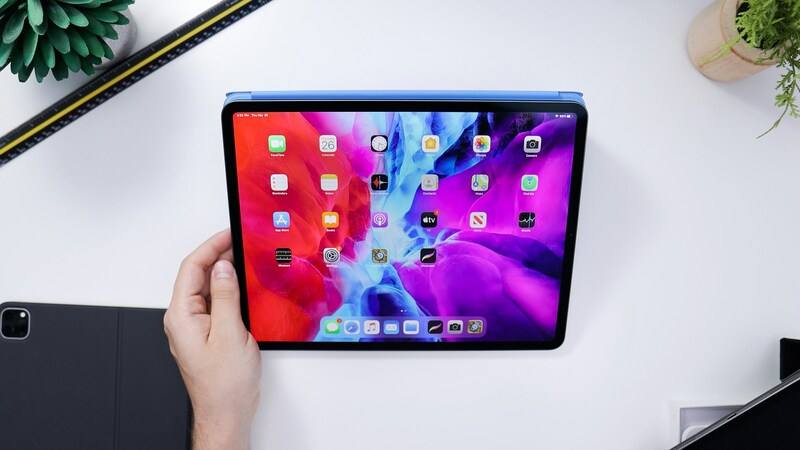
Choosing the right free government phone and tablet for seniors matters as much as eligibility. Many older adults face vision strain, hand fatigue, and hearing challenges. Devices with larger screens and simple features help seniors stay connected without frustration.
Criteria for devices for seniors:
- Less eye strain: Bigger text and icons help seniors read messages and menus.
- Easier typing: Larger on-screen keyboards reduce mistakes when texting or entering information.
- Clear video calls: Bigger screens improve video calls with doctors, caregivers, and family members.
- Better accessibility: Zoom, voice control, and screen readers work better on larger displays.
Many Lifeline providers, including AirTalk Wireless and Cintex Wireless (serving over 1.3 million users), offer devices that fit these needs when stock allows.
2.1. Recommended Senior-Friendly Phone and Tablet Options
Below are common large-screen devices seniors may see through Lifeline providers. Availability and pricing depend on ZIP code, inventory, and promotions.
Senior-Friendly Phones
| Phone Model | Screen Size | Senior-Friendly Features | Typical Lifeline Price |
| iPhone 6 Plus | 5.5” | Large text support, simple layout, clear calls | $0 |
| iPhone 7 Plus | 5.5” | Easy iOS interface, loudspeaker, Touch ID | $0 |
| iPhone SE (2nd Gen) | 4.7” | Simple navigation, strong accessibility tools | Discounted |
| iPhone 11 | 6.1” | Large screen, Face ID, strong battery | Discounted |
| iPhone 12 | 6.1” | Bright display, clear text, fast performance | Discounted |
| iPhone 12 Pro Max | 6.7” | Extra-large screen, loud audio, long battery | Discounted |
| iPhone 13 | 6.1” | Sharp display, smooth use, easy zoom settings | Discounted |
| iPhone 13 Pro Max | 6.7” | Very large display, strong visibility | Discounted |
| Samsung Galaxy S6 | 5.1” | Clear calls, simple Android controls | $0 |
| Samsung Galaxy A42 5G | 6.6” | Large icons, strong signal, loudspeaker | Discounted |
| Samsung Galaxy S20 FE 5G | 6.5” | Big screen, clear sound, stable performance | Discounted |
| Galaxy Z Flip3 5G | 6.7” (open) | Large screen when open, easy swipe controls | Discounted |
We recommend that you choose a free government phone or a discounted device with a screen larger than 5”. This will make the tasks easier for adults.
Senior-Friendly Tablets
| Tablet Model | Screen Size | Best Uses for Seniors | Typical Lifeline Price |
| iPad 3 | 9.7” | Reading, video calls, email | From $8.95 |
| iPad Air 2 | 9.7” | Reading, video calls, and email | From $74.99 |
| Galaxy Tab A (2020) | 10.1” | Large text, simple apps | From $34 |
| Galaxy Tab S2 (9.7″) | 9.7” | Clear display, lightweight | From $69.99 |
| Galaxy Tab A7 Lite | 8.7” | Easy handling, daily use | From $24 |
2.2. What to Expect When Applying
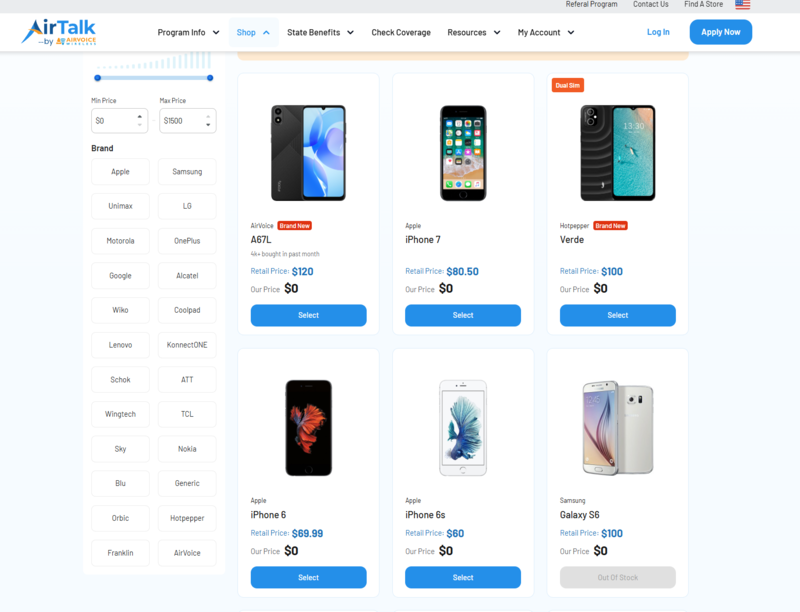
- Phones are often $0 when stock allows.
- Tablets are discounted, and sometimes free, during short promotions.
- Prices shown are typical Lifeline rates and cost much less than retail.
- Inventory changes often, so early application helps.
For seniors, focusing on large screens, simple controls, and clear audio leads to a better daily experience. Providers like AirTalk Wireless and Cintex Wireless commonly offer these senior-friendly options with free $0 monthly devices on qualifying Lifeline plans.
>>> Read more: Free Galaxy Note Government Phone: How To Claim One For FREE?
3. Limited-Promotion Plans (What You Should Know)
Some Lifeline providers run short promotion plans that change device pricing for a limited time. Providers such as AirTalk Wireless and Cintex Wireless may offer newer phones or tablets at $0, including high-demand models like the iPhone 15 Pro Max, during these periods instead of the usual discounted price. These offers do not run all year and are not guaranteed.
How these promotion plans work:
- Offers appear only during specific time windows
- Device availability depends on your ZIP code
- Inventory changes quickly
- Demand in your area affects what you see at checkout
When a promotion is active, eligible users may see newer iPhone or Android models listed as free. When no promotion runs, the same devices often show up at a low discounted price, still far below retail value.
You should apply even if no free promotion appears at first. After approval, you can:
- Receive a free standard phone
- Track your account for new device offers
- Upgrade later if inventory or pricing changes
>>> Read more: Free iPhone 15 Pro Max: How Low-Income Users Can Save the Most in 2026
4. Why Seniors Should Choose AirTalk Wireless and Cintex Wireless
Seniors often need simple, reliable phone service with clear support. AirTalk Wireless and Cintex Wireless focus on easy access, steady coverage, and help that is available when you need it.
What makes these providers a good fit for seniors:
- Strong nationwide coverage for clear calls and stable data in cities and small towns
- Large screens are available on many phone options, which helps with reading, typing, and video calls
- $0 monthly plans for eligible Lifeline users, which lowers fixed costs
- Simple online application with step-by-step guidance
- Clear order tracking from approval to delivery
- Free shipping to most addresses
- BYOP support if you already own a compatible phone
Customer support matters for seniors. Both providers offer 24/7 customer service by phone and live chat. You can get help with applications, device setup, SIM or eSIM activation, and service questions at any time. This support reduces stress and makes daily use easier.
Extra value for seniors:
- International calling on select plans to stay in touch with family abroad
- Access to discounted tablets during select promotions
- No contracts and no credit checks
Update: Cintex Wireless is merging into AirTalk Wireless. Some applications may redirect. The unified system improves device availability, speeds up approval, and keeps tracking clear—benefits that help seniors stay connected with less hassle.
5. Step-by-Step: How Seniors Can Apply for a Free Phone and Tablet
Applying for a free phone and tablet as a senior is simple and fully online. You do not need to visit an office or handle complex paperwork.
Step 1: Visit a Lifeline Provider Website and Enter Your ZIP Code
Go to an approved Lifeline provider’s website. Enter your ZIP code to check local availability. Your location determines which phones, tablets, and plans you can see.
Step 2: View a Lifeline Plan and Select a Device
Review the Lifeline plans shown for your area. Choose a free phone or tablet if available. Some areas show both options, while others show phones first and tablets at a discount.
Step 3: Enter Your Personal Information
Fill in basic details:
- Full legal name
- Home address
- Date of birth
- Government-issued ID information
This step confirms your identity and shipping address.
Note: If the automatic check cannot confirm eligibility, upload a simple document. Examples include a benefits letter or income proof. Many seniors skip this step because auto-verification works.
Step 4: Submit and wait for approval
Once your application been submitted and approved, your device will be shipped to your address. Shipping usually takes a few days. If you choose eSIM, activation can happen online without waiting for the mail.
Tip for seniors: If a tablet or large-screen phone is not available when you apply, complete the application anyway. You can watch for new device offers after approval and upgrade later when stock changes.
>>> Read more: Best Free iPhone Government Phone For Seniors & How To Claim Easily
Final Words
A free phone and tablet for seniors offers a practical way to stay safe, connected, and independent. Lifeline-supported providers help seniors access large-screen phones, basic tablets, and $0 monthly service plans. The application process stays simple, and many seniors qualify through programs like SNAP, Medicaid, or SSI. Device availability depends on location and timing, so early application helps. Seniors or caregivers can apply online and receive devices by mail. Start the application today to avoid missing available phone and tablet offers.