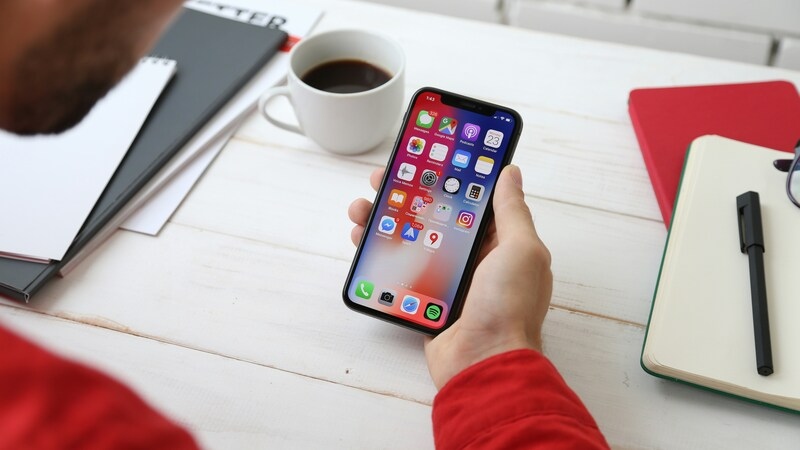
Does iPhone 14 have a SIM card? The answer depends entirely on where the device was purchased.
US models work differently from international ones, and the difference matters if you are switching carriers or setting up a new line.
This guide explains how to identify your exact model and what each version supports.
1. Does iPhone 14 Have a SIM Card?
Yes, the iPhone 14 supports SIM cards, but the type depends on where it was purchased.
In the United States, iPhone 14 models are eSIM-only and do not include a physical SIM card tray. Most international models include a nano-SIM tray and may also support eSIM, while China mainland models use dual physical nano-SIM cards with no eSIM support.
To quickly confirm which version you have:
- Look at the left side of the device: no visible tray slot means you have a US eSIM-only model
- Go to Settings -> General -> About -> Model Number and tap once to reveal the full model code
- Match it against the US model numbers.
Since model numbers vary by region, another quick way is to check the physical SIM tray presence or Apple’s regional model list.
>>> Read more: Can I Use eSIM on a Locked iPhone? Honest Answer 2026
2. How to Take SIM Card Out of iPhone 14
The answer depends on which iPhone 14 model you have.
If your iPhone 14 Was Purchased in the United States
There is no physical SIM card to remove. US iPhone 14 models have no active SIM tray. If you need to switch carriers or transfer your number, the process is fully digital. Contact your new carrier and request an eSIM activation. No physical SIM removal is needed at any point.
If your iPhone 14 Was Purchased Outside the United States
The SIM tray is on the left side of the device.
- Locate the SIM tray on the left side of the iPhone 14
- Insert a paper clip or SIM eject tool into the small hole beside the tray
- Push firmly toward the iPhone; do not force it
- The tray will pop out
- Remove the old nano-SIM card from the tray
- Place the new nano-SIM into the tray; the notch ensures it fits only one way
- Slide the tray back into the device in the same orientation it came out
Note: If the tray does not release, do not use extra force. Take the device to your carrier store or an Apple Store for assistance.
3. How to Set Up eSIM on a US iPhone 14
If your iPhone 14 was purchased in the United States, you will not find a physical SIM tray because these models rely entirely on eSIM technology.
Since US iPhone 14 models are eSIM only, here is how to activate a new plan or switch carriers.
- Contact your carrier by phone, through their app, or in-store
- Request eSIM activation for your number or new plan
- Receive a QR code, direct link, or carrier app activation from your carrier
- Open Settings -> Cellular -> Add eSIM
- Tap Use QR Code and scan the code your carrier provided
- Follow the on-screen prompts to complete activation
- Confirm your number appears under Settings -> Cellular
Note: iPhone 14 can store up to 8 eSIM profiles. Two lines can be active at the same time. This makes it easy to keep a personal and a work number, or to activate a Lifeline plan alongside your existing service.
4. iPhone 14 Users in the US May Qualify for Additional Wireless Service Options
If you qualify for government assistance, you may be able to activate a free monthly plan through the Lifeline program in minutes.
The Lifeline program is a federal assistance program that helps eligible low-income households access phone service at reduced or no cost each month.
Standard households can receive a discount of up to $9.25 per month, while households on Tribal lands qualify for an enhanced discount of up to $34.25 per month.
You may qualify based on income or program enrollment. Your household income must be at or below 135% of the Federal Poverty Guidelines, or you must be an active participant in Medicaid, SNAP, SSI, Section 8, or Veterans Pension.
Another point that needs to be mentioned is that you do not apply directly to the program but through its approved carriers, like Cintex Wireless, which are known as Eligible Telecommunication Carriers.
These carriers often go further to make support more sustainable by offering a free device with a SIM card, along with a service plan that already includes the Lifeline discount.
Or if you already have an iPhone 14 but still need an eSIM, you can choose the BYOD option once qualified for the program.
Note: Eligibility varies by state and program. Offers depend on availability and qualifications. Cintex Wireless operates under the federal Lifeline Program as an Eligible Telecommunications Carrier (ETC). Service is non-transferable and limited to one service per household.
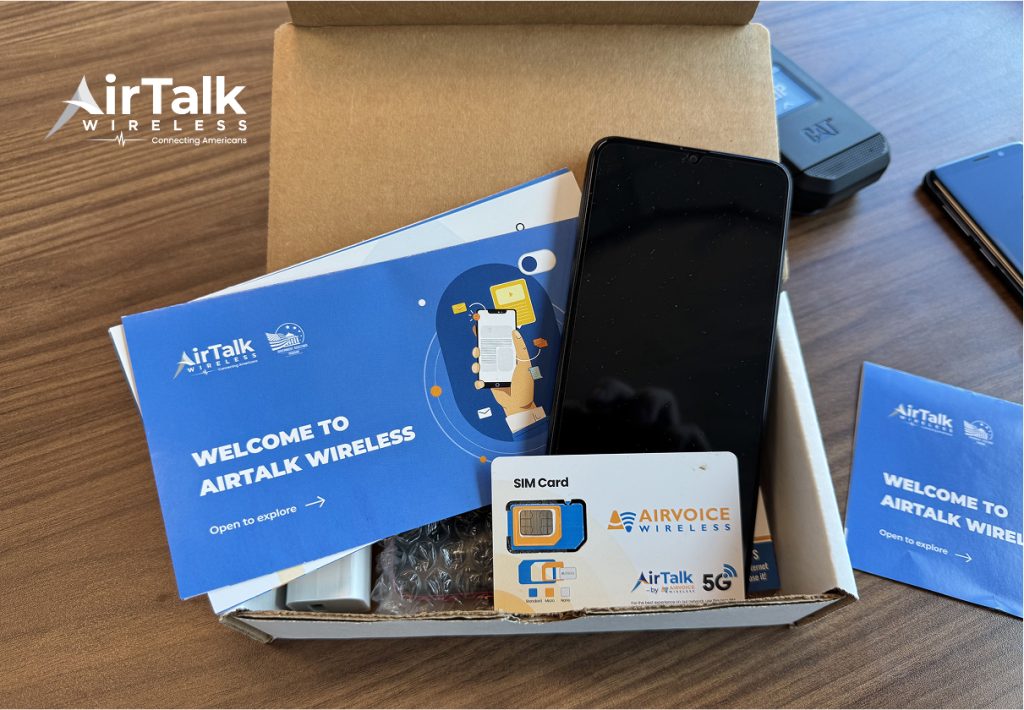
A plan offered by trusted Lifeline providers like Cintex Wireless may be something familiar like this; the real deal will depend on your location, eligibility, and the carrier availability at the time you apply:
- A free phone
- An eSIM with unlimited talk, text, and data allowance
If you’re considering Cintex as your Lifeline carrier, it’s helpful to know that Cintex Wireless has now merged with AirTalk Wireless. This means customers are now supported under a single provider, with access to a wider range of service options and available devices, depending on eligibility and location.
>>> Read more: Free Government iPhone 14 Pro Max: Claim One for 100% Free!
5. FAQ
Q1. Can I use a physical SIM card in a US iPhone 14?
No. iPhone 14 models sold in the United States are eSIM only and cannot be activated with a physical SIM card. Contact your carrier to set up an eSIM digitally through Settings.
Q2. What size SIM card does the iPhone 14 use outside the US?
International iPhone 14 models use a nano-SIM, the smallest physical SIM format, located in a tray on the left side of the device. If moving from an older phone, ask your carrier for a nano-SIM replacement.
Q3. Does removing a SIM card delete any data from iPhone 14?
No. Removing the SIM card does not delete photos, apps, contacts, or any other data stored on the device. Contacts stored on the SIM card itself may not be accessible without it, but everything saved to internal storage stays intact.
Final Words
Does iPhone 14 have a SIM card? It depends on where you bought it. US models are eSIM only, international models keep a physical nano-SIM tray, and China mainland models use two physical SIM slots.
Check your model number in Settings to confirm which version you have before switching carriers.