
Can I use eSIM on locked iPhone? Yes, but only under one specific condition. A locked iPhone will only activate an eSIM from the carrier it is currently locked to. Any eSIM from a different provider will be rejected until the device is officially unlocked.
This guide explains exactly when it works, when it does not, and what your options are if you need to switch providers.
1. Can I Use eSIM on Locked iPhone?
It is possible, but you will need to satisfy some conditions. A locked iPhone can only activate an eSIM from the same carrier it is currently locked to.
If you want to use an eSIM from a different provider, your iPhone must be unlocked first. In normal consumer use, a locked iPhone can only activate an eSIM from the carrier it is locked to until the device is officially unlocked.
This restriction applies to all iPhone models that support eSIM, from iPhone XS onward. It does not matter whether the eSIM is from a domestic provider, a Lifeline carrier, or an international travel service. If the provider is different from your locking carrier, the eSIM will not activate on a locked device.
Does Your iPhone Support eSIM?
Not all iPhones support eSIM. Here is a quick reference:
| iPhone Model | eSIM Support |
| iPhone XS, XS Max, XR | Yes |
| iPhone 11, 11 Pro, 11 Pro Max | Yes |
| iPhone SE (2nd and 3rd generation) | Yes |
| iPhone 12 series | Yes |
| iPhone 13 series | Yes |
| iPhone 14 series (US models) | Yes, eSIM only |
| iPhone 15 series (US models) | Yes, eSIM only |
| iPhone 16 series (US models) | Yes, eSIM only |
| iPhone 6s, 7, 8, X and earlier | Availability of eSIM support may vary by country or region. |
If your iPhone model is not on this list or you are unsure, go to Settings -> General -> About and look for an EID number. If an EID appears, your device supports eSIM. You can also verify compatibility by checking Apple’s specifications for your exact iPhone model.
How to Check Whether Your iPhone Is Carrier Locked
Before trying to activate any eSIM, confirm whether your iPhone is locked or unlocked.
- Open Settings
- Tap General
- Tap About
- Scroll down to Carrier Lock
- “No SIM restrictions” = your iPhone is unlocked and will accept any compatible eSIM
- If the Carrier Lock field does not show “No SIM Restrictions,” the device is likely carrier locked.
If your iPhone is locked, you have two options: request an unlock from your current carrier or apply for a new unlocked device through approved Telecommunications carriers.
>>> Read more: Free Government Phone eSIM: How to Activate Instantly and Use Today!
2. How to Activate eSIM on a Locked iPhone
If you plan to stay with your current carrier, activating an eSIM on a locked iPhone is straightforward. Contact your carrier, request eSIM activation, and receive a QR code or activation link. The process takes only a few minutes and does not require unlocking your device.
- Contact your current carrier by phone, app, or in-store
- Request eSIM activation for your account
- Receive a QR code or activation confirmation from your carrier
- Open Settings → Cellular → Add eSIM
- Tap Use QR Code and scan the code provided
- Follow the on-screen prompts to complete setup
Many carriers support app-based eSIM activation, while others provide a QR code or activation details manually.
Note: All iPhones from iPhone XS onward support eSIM. US iPhone 14 and later models are eSIM only and have no physical SIM slot.
3. How to Unlock a Locked iPhone for eSIM Use
To use an eSIM from any carrier, including a Lifeline provider, your iPhone must be unlocked first. Most carriers will unlock a device once the contract or payment plan is complete and the account is in good standing.
Processing times vary by carrier and may range from a few hours to several business days.
Before you contact your carrier, confirm the following:
- Your device is fully paid off with no remaining balance
- Your account has no past-due charges
- Any device financing or service commitments required by your carrier have been satisfied.
- The device has not been reported lost or stolen
For iPhone eSIM locked how to unlock, here is how to request an unlock:
- Contact your carrier by phone, through your online account, or in-store
- Submit an unlock request and provide your IMEI number if asked (dial *#06# to find it)
- Wait for a confirmation email, typically 1 to 5 business days
- Once approved, restart your iPhone and test the new eSIM. If activation issues occur, your carrier may recommend additional troubleshooting steps.
- Your iPhone is now ready to activate any compatible eSIM
Can I use eSIM on locked Samsung phone? Many Samsung and Android devices follow similar carrier-lock rules, although exact behavior varies by manufacturer and carrier. A locked Samsung phone only accepts an eSIM from the carrier it is locked to. You need to request an unlock from your carrier before any other provider’s eSIM will work.
4. Options If Your Phone Is Still Locked
Dealing with a carrier-locked device can be frustrating, especially when you want to switch to a more affordable plan. If your current carrier no longer meets your needs and you qualify for government assistance, there may be a better option available to you.
The Lifeline Program
The federal Lifeline program provides discounted or free monthly phone service to eligible low-income households.
You may qualify if your household income is at or below 135% of the Federal Poverty Guidelines. Participation in programs such as Medicaid, SNAP, SSI, Section 8, or Veterans Pension may also make you eligible.
Lifeline itself does not provide phones, SIM cards, or eSIMs. Instead, the program provides a monthly service benefit through participating Eligible Telecommunications Carriers (ETCs).
Applying through approved ETC
Some ETCs choose to offer additional promotional benefits to eligible customers. Depending on the provider, these offers may include a phone, SIM card, or eSIM at no additional cost. These devices and SIMs are provided by the carrier as part of its own promotional offerings, not by the Lifeline program itself.
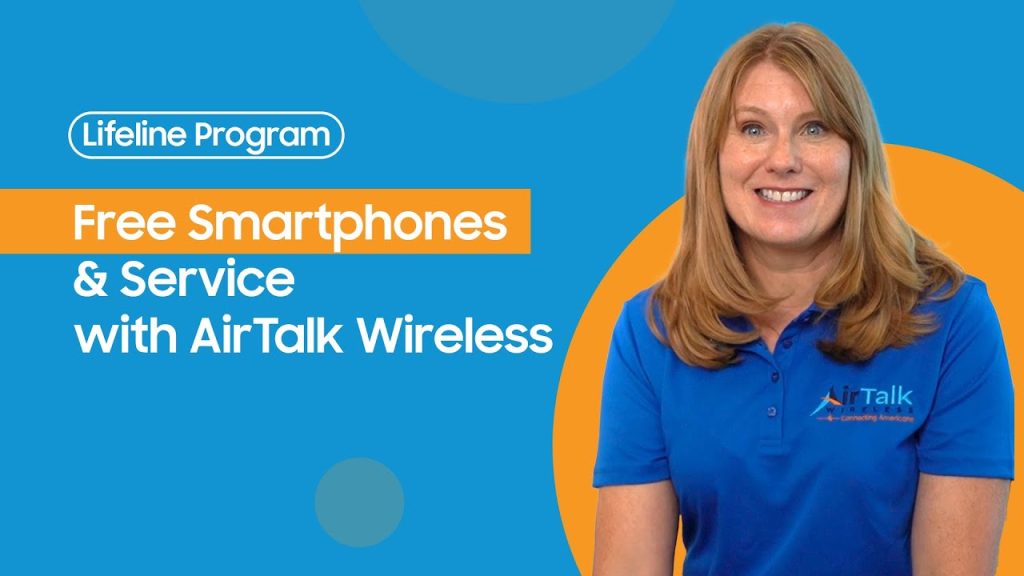
One participating carrier worth mentioning is Cintex Wireless, which is known for its straightforward application process. Approval times can range from a few minutes to several business days, depending on eligibility verification requirements.
Cintex Wireless is also merging with AirTalk Wireless, another established ETC with a long history in the Lifeline industry. The merger is expected to create a more streamlined customer experience and provide eligible users with access to a broader selection of devices and services.
A typical-looking plan when you apply at Cintex or AirTalk might look like this, though the real deal may vary depending on your location, eligibility, and the carrier’s current stock:
- A free smartphone
- Unlimited talk and text
- Monthly data allowance
- $0 monthly service cost
- eSIM-compatible device options (availability depends on state, ZIP code, and stock)
NOTE: Eligibility varies by state and program. Offers depend on availability and qualifications. AirTalk Wireless and Cintex operate under the federal Lifeline Program as Eligible Telecommunications Carriers (ETCs). Service is non-transferable and limited to one service per household.
>>> Read more: What Does No SIM Restrictions Mean? Easy Way to Check 2026
5. FAQ
Q1. Can I use a Lifeline eSIM on a carrier-locked iPhone?
No. A locked iPhone only accepts an eSIM from its original carrier. To use a Lifeline provider’s eSIM, you need to unlock your iPhone first or apply for a new unlocked device directly through a Lifeline provider.
Q2. Does unlocking my iPhone cost money?
Most carriers unlock devices for free once the contract or payment plan is complete. Some prepaid carriers may have different policies. Contact your carrier directly to confirm their unlock requirements before submitting a request.
Q3. What happens to my current plan when I activate a new eSIM?
Activating a new eSIM does not automatically cancel your current plan. On iPhones that support Dual SIM, you can run two lines at once. Many recent iPhones can store multiple eSIM profiles and support two active cellular lines at the same time.
Final Words
Can I use eSIM on a locked iPhone? Yes, but only from the carrier your device is locked to. Any other provider’s eSIM will not activate until the iPhone is officially unlocked. Check your Carrier Lock status in Settings before attempting any eSIM setup. If you qualify for government assistance, an approved Lifeline provider may offer a free unlocked device with eSIM-ready service at no monthly cost.