Setting up a new mobile plan isn’t always as simple as inserting a SIM card. With more carriers adopting digital activation, many users are trying to determine whether their devices support eSIM before switching.
If you’ve been asking, Does iPhone 13 Pro Max have a SIM card, understanding your device’s capabilities can help you avoid activation issues and choose the right cellular option. This guide explains what you need to know about eSIM compatibility, setup, and other useful information.
1. Does iPhone 13 Pro Max Have a SIM Card?
Yes, the iPhone 13 Pro Max supports both physical SIM cards and eSIM technology. Depending on your region and carrier, you can use a traditional nano SIM card, an eSIM, or both simultaneously.
Physical SIM Support
Most iPhone 13 Pro Max models include a nano SIM tray that allows users to insert a physical SIM card from their wireless carrier.
This remains convenient for people who frequently switch devices or travel internationally.
The physical SIM tray is available on many models sold worldwide, though regional differences may apply.
eSIM Support
Wondering Does iPhone 13 Pro Max have eSIM? This phone model also supports eSIM technology. Instead of inserting a physical card, users can activate cellular service digitally through a carrier profile.
Many major carriers now support eSIM activation, making it possible to set up service without visiting a store or waiting for a SIM card to arrive.
Dual SIM Support
The iPhone 13 Pro Max supports Dual SIM functionality, allowing users to operate two phone numbers on a single device.
Depending on your model and carrier, you can use:
- One nano SIM and one eSIM
- Two active eSIMs on supported iOS versions.
- Separate personal and business numbers
- Different carriers for calls and mobile data
This flexibility is especially useful for travelers and people managing multiple phone lines.
2. Where Is the SIM Card Slot on iPhone 13 Pro Max?
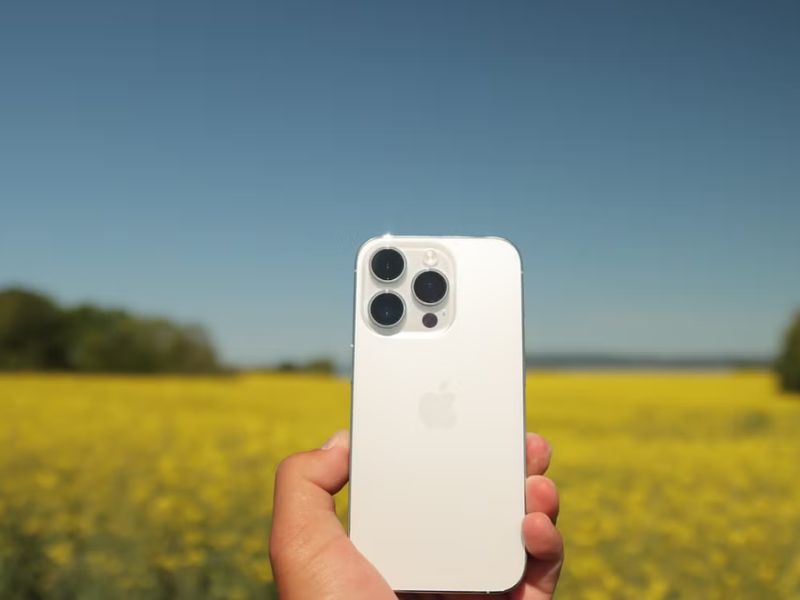
The SIM tray is located on the left side of the iPhone 13 Pro Max, roughly near the middle of the frame. To access it:
- Turn off the device if desired.
- Insert a SIM eject tool into the small pinhole beside the tray.
- Gently push until the tray slides outward.
- Place the nano SIM into the tray and carefully insert it back into the phone.
If your device does not recognize the SIM card immediately, restarting the iPhone may help complete activation.
3. Can You Use iPhone 13 Pro Max Without a Physical SIM Card?
Now you know Does iPhone 13 Pro Max have a SIM card.
But one thing that many people are not aware of is that the iPhone 13 Pro Max can operate without a physical SIM card as long as your carrier supports eSIM activation.
Many users now choose to activate their service digitally rather than inserting a nano SIM card. After adding an eSIM plan, the phone can make calls, send messages, and use mobile data just like a device using a traditional SIM.
This option is especially useful for travelers who purchase temporary data plans abroad or users switching carriers online.
Setting Up an eSIM
- Activating an eSIM on the iPhone 13 Pro Max usually takes only a few minutes.
- Open Settings.
- Select Cellular or Mobile Data.
- Tap Add eSIM.
- Follow your carrier’s instructions.
- Scan the QR code or transfer an existing plan.
Benefits of Using eSIM
While physical SIM cards remain useful for some users, eSIM has become an increasingly popular option for the iPhone 13 Pro Max.
Compared to a nano SIM card, eSIM technology offers several practical advantages:
- No SIM card to insert or replace
- Faster carrier activation
- Easier international travel
- Ability to keep multiple plans on one device
- Reduced risk of losing a SIM card
>>> Read more: How Many eSIMs Can iPhone 15 Have? Understand Device Limits
4. Common SIM Card Problems on iPhone 13 Pro Max
Although SIM activation is usually straightforward, some users may encounter occasional issues.
No SIM Available
This message may appear if the SIM card is not properly seated, the tray is damaged, or the carrier service is temporarily unavailable.
Removing and reinserting the SIM card often resolves the problem.
SIM Failure
A SIM failure warning may indicate a damaged SIM card, outdated carrier settings, network issues, or software problems.
Updating iOS and carrier settings can sometimes fix the issue.
SIM Not Supported
This message commonly appears when the device is carrier-locked, the SIM is from an unsupported carrier, or the phone was originally activated on another network.
To solve this problem, you can contact your carrier for help determining the cause.
5. Looking for a Free SIM Card Plan for Your iPhone 13 Pro Max?
Whether you already own an iPhone 13 Pro Max and are looking for a free SIM card, a Lifeline-supported plan may be worth considering for its benefits.
Lifeline is a government assistance program that helps low-income households have stable connectivity by offering a monthly discount on wireless service.
Importantly, the program works with Eligible Telecommunication Carriers, who will then implement the discount into their actual service plan. These carriers may take it further by offering a device to make sure the connectivity support can be sustainable.
Households that participate in programs such as Medicaid, SNAP, SSI, or other qualifying assistance programs may be eligible for discounted or free wireless service. Income-based qualification is also available in many states.
Through participating providers like Cintex Wireless, eligible customers may receive a free SIM card together with monthly talk, text, and data benefits.
As Cintex merges with AirTalk Wireless, applicants may also gain access to additional service options and a broader selection of supported devices, such as:
*Devices and promotions can vary by location and inventory, so checking current offers before applying is always recommended.
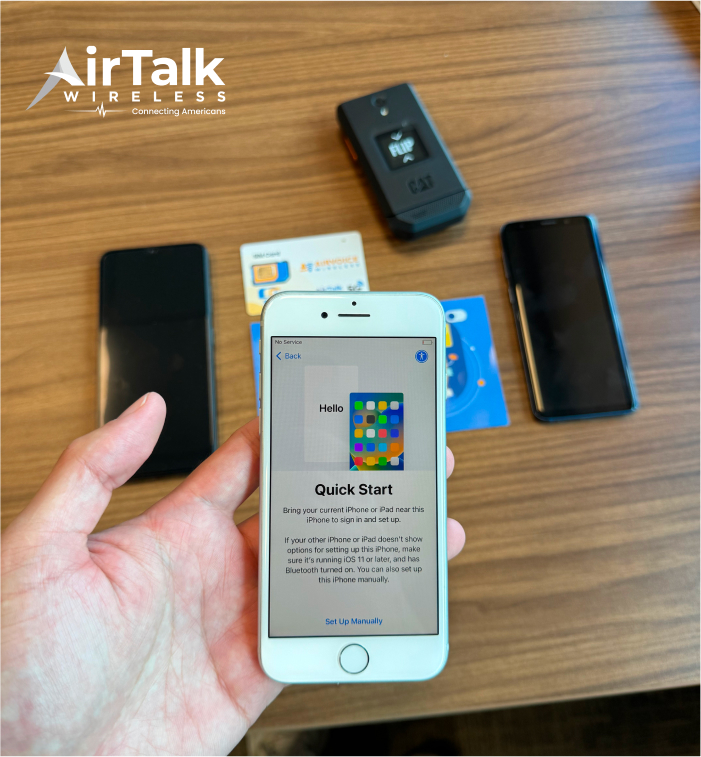
However, note that Lifeline service is non-transferable. Only eligible customers can enroll in Lifeline service. Also, the service is limited to one discount per household
DISCLAIMER: The government does not cover device costs, only basic service through Lifeline. Any free or discounted devices, upgrades, or top-ups are limited-time Cintex Wireless offers and may vary by state, eligibility, and availability. Terms and conditions apply.
Conclusion
When looking at does iPhone 13 Pro Max have a SIM card, the device offers support for both a physical nano SIM and eSIM, giving users flexible options based on their carrier and region. This makes it easy to switch between traditional and digital SIM setups depending on your needs.