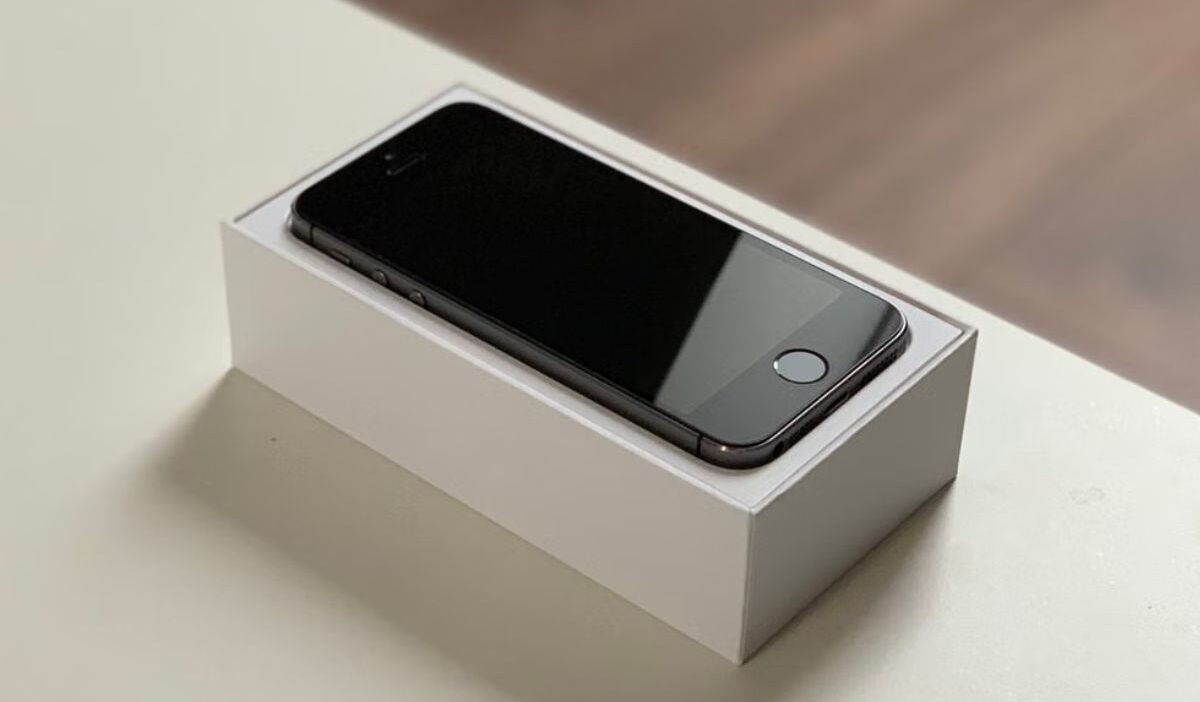
The iPhone SE 3rd Gen combines Apple’s compact design with modern connectivity features, including support for eSIM technology. Before purchasing this phone model or changing their cell plan, many consumers still wonder, “Does iPhone SE 3rd Gen have eSIM?”
The answer is yes, but knowing that the phone supports eSIM is only the first step. This guide covers everything you need to know about eSIM on the iPhone SE 3rd Gen, from compatibility and setup to troubleshooting common issues.
1. Does iPhone SE 3rd Gen Have eSIM?
Yes, the iPhone SE 3rd Gen does support eSIM. Released in March 2022, the device supports Dual SIM functionality, allowing users to combine a nano SIM with an eSIM.
However, instead of relying solely on a removable SIM card, users can activate a mobile plan digitally via an eSIM profile stored in the device.
This gives iPhone SE 3rd Gen users more flexibility when managing their cellular service.
With Dual SIM support, the iPhone SE 3rd Gen can be used for situations such as:
- Keeping personal and work numbers on the same phone
- Using a local data plan while traveling
- Adding a second mobile line without replacing the physical SIM
However, eSIM availability still depends on carrier support. Before activation, make sure your mobile provider offers eSIM services for your plan and region.
2. Pros & Cons of Using eSIM on iPhone SE 3rd Gen
Using eSIM on the iPhone SE 3rd Gen can make mobile management easier, but it also comes with a few limitations. Understanding both sides can help you decide whether digital SIM technology fits your needs.
Pros of Using eSIM
- Access to More Mobile Plan Options
eSIM can make it easier to compare and activate compatible mobile plans without waiting for a physical SIM card.
This may help travelers find an alternative to international roaming, but eSIM service is not automatically cheaper. Prices, data allowances, activation fees, and roaming terms depend on the provider and plan.
- More Convenient SIM Management
Since the eSIM profile is stored directly on the phone, users don’t need to handle or replace small physical SIM cards when adding a new plan. This is especially useful for people who regularly switch between multiple lines.
- Better for International Travel
Travelers can prepare a mobile plan before reaching their destination and activate it once needed. This avoids the hassle of finding a local SIM card provider after arrival.
- Reduced Physical Waste
eSIM can reduce the need for plastic SIM cards, shipping materials, and replacement card packaging. However, the environmental impact still depends on how the carrier distributes and manages the service.
Cons of Using eSIM
- Requires Internet Access During Setup
When activating an eSIM, users usually need Wi-Fi or another internet connection to download the carrier profile. Without internet access, completing the setup may not be possible.
- Transferring eSIM Can Be More Complicated
Moving a physical SIM card to another phone is usually as simple as removing it and inserting it.
eSIM transfer may require additional steps, such as carrier verification, downloading a new profile, or completing activation again.
3. How to Set Up eSIM on iPhone SE 3rd Gen
Setting up an eSIM on the iPhone SE 3rd Gen is generally straightforward as long as your carrier supports eSIM activation.
Before starting, make sure:
- Your iPhone SE 3rd Gen is updated to the latest iOS version
- Your carrier supports eSIM
- You have a stable Wi-Fi connection
- Your account and mobile plan are active
A typical setup process includes:
- Open Settings > Cellular or Mobile Data > Add eSIM.
- Select the method supported by your carrier. Options may include Transfer From Nearby iPhone, Use QR Code, carrier activation, a carrier app, an activation link, or manual entry.
- Follow the on-screen instructions and enter any carrier confirmation code if requested.
- Wait for the cellular plan to appear under SIMs or Cellular Plans.
- Label the line and choose which number should handle cellular data, calls, and messages.
- Test a call and confirm that mobile data works before deleting or deactivating an older SIM.
>>> Read more: eSIM Laptop 2026: Easy Compatibility Check
4. Why Is My eSIM Not Working? Troubleshooting Tips
Even though eSIM activation is usually simple, problems can occur because of device settings, carrier restrictions, or activation errors.
The following checks can help identify the cause.
Mobile Data or Data Roaming is Turned Off
If your eSIM shows a signal but mobile data does not work, check whether cellular data is enabled for the correct line. For travel eSIM users, data roaming may also need to be turned on.
Your Phone Might Be Carrier-locked
A carrier-locked iPhone may reject an eSIM from another provider. Go to Settings > General > About and check Carrier Lock.
If No SIM restrictions appears, the iPhone is unlocked. If another status appears, contact the original carrier because Apple cannot unlock the device. When using two different carriers, the iPhone must generally be unlocked; otherwise, both plans must come from the same carrier.
eSIM Shows Signal But No Data
Confirm that the eSIM plan includes mobile data and that it is selected under Settings > Cellular or Mobile Data > Cellular Data. Also check whether the line is turned on.
Do not change the APN unless the carrier specifically provides the correct values. Incorrect APN settings can interrupt mobile data or lead to unexpected charges, and some carriers do not allow users to edit them manually.
Weak Coverage
Sometimes the eSIM itself works correctly, but network coverage in your area is limited. Try moving to an area with stronger reception or checking your carrier’s coverage map.
The Activation Code Is Not Working
A QR code or activation link may fail if the carrier has already assigned it to another device, cancelled it, or placed other restrictions on its use. These rules vary by provider.
Confirm that the iPhone has an internet connection and contact the carrier if the code is rejected. The provider may need to verify the account or issue new activation information.
The Cellular Line Needs to Be Refreshed
Go to Settings > Cellular or Mobile Data and check whether the eSIM line appears. If it does, turn the line off and back on. Then enable Airplane Mode briefly and turn it off again.
If the problem continues, restart the iPhone and go to Settings > General > About to check for a carrier settings update. Contact the carrier if the line is missing or still cannot activate.
5. eSIM Still Not Working? What to Do Next
If your eSIM remains unavailable after troubleshooting, the issue may not be related to your iPhone settings. Problems can come from carrier activation, plan compatibility, device lock status, or a damaged eSIM profile.
At this point, contacting your carrier is usually the best next step. They can verify whether your plan supports eSIM, check your activation status, and provide a replacement profile if necessary.
Or, if you are considering switching to a new eSIM, the Lifeline program may offer another option.
Lifeline is a federal benefit program that helps eligible households connect to affordable wireless service.
Through Eligible Telecommunication Carriers (ETCs) like Cintex Wireless, qualifying customers can receive a monthly service discount, and for many, that discount covers the full cost of their plan, bringing their bill down to $0. In many cases, these carriers also offer a free device with eSIM.
Eligibility is generally based on household income or participation in qualifying programs, including SNAP, Medicaid, SSI, and other approved assistance programs.
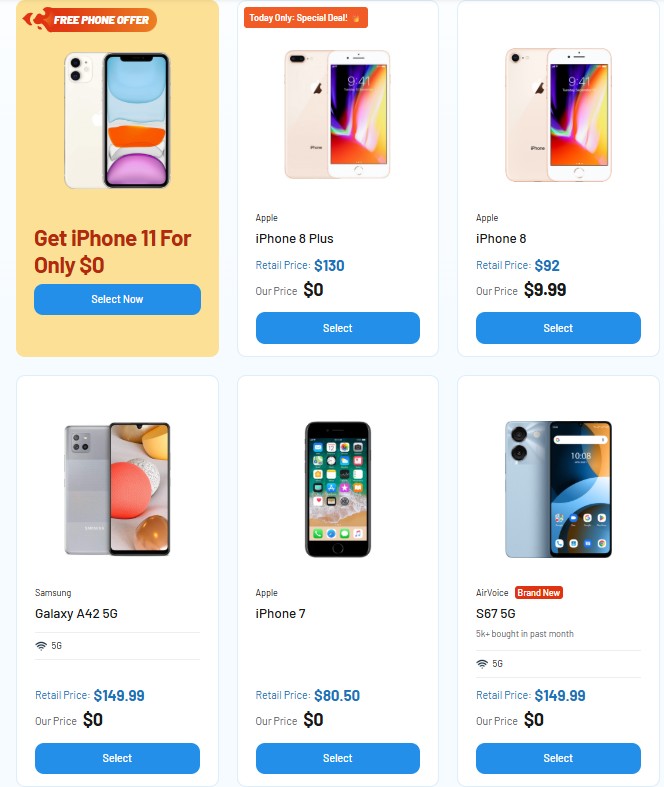
Notably, Cintex Wireless is merging with AirTalk Wireless. This merger brings a more streamlined enrollment experience and provides eligible applicants access to available wireless plans and devices, such as:
Note: Eligibility varies by state and program. Offers depend on availability and qualifications. Cintex and AirTalk Wireless operate under the federal Lifeline Program as an Eligible Telecommunications Carrier (ETC). Service is non-transferable and limited to one service per household.
Conclusion
If you’re asking does iPhone SE 3rd Gen have eSIM, the answer is yes. The device supports eSIM alongside a physical nano-SIM, giving users more flexibility when managing mobile plans. While activation may require carrier support and proper setup, understanding the process and common fixes can help you make the most of eSIM on your iPhone SE 3rd Gen.