
Moving a SIM card to another phone is usually one of the quickest ways to bring your mobile number and service with you. Still, the card alone cannot guarantee that the new device will connect correctly.
If you are asking Can I put my SIM card in another phone, the answer is usually yes. The new handset needs to support your carrier, accept the correct SIM format, and be unlocked when required. A few checks before the move can save you from No Service, SIM Not Supported, or failed activation afterward.
1. Can I Put My SIM Card in Another Phone?
Yes, you can usually place an active physical SIM in another compatible phone.
If you are wondering can you switch SIM cards between phones, the answer is generally yes when both devices are compatible with the SIM and carrier.
Your mobile number and service plan are associated with your carrier account, while the SIM contains the information needed to authenticate that line on the network.
In many cases, service begins working once the active SIM is inserted into a compatible phone and the device connects to the carrier.
However, the phone must support the carrier’s network and the same SIM size. A carrier-locked phone may only accept SIMs from the carrier or network it is currently locked to.
Some carriers may require additional activation or account provisioning for the new device, while others recognize a compatible phone automatically after the SIM is inserted.
The situation is slightly different with eSIM. Because there is no removable card, the mobile plan must be transferred digitally or reactivated on the new device.

2. Things to Check Before Switching SIM Card
A physical SIM may fit into another phone but still fail to connect. These checks can help you spot compatibility problems before moving the card.
The New Phone Supports the Carrier Network
Can I put my SIM card in another phone? Yes, but the new device needs to support the network technology and frequency bands used by your carrier.
Check the device’s compatibility with your carrier, using its IMEI checker when one is available rather than relying on the SIM tray alone.
An imported phone deserves extra attention because some regional versions may lack bands or network features used in the United States.
The Phone is Unlocked if Required
A carrier-locked phone may only work with SIM cards from the provider that originally sold it. If the phone belongs to another network, confirm its unlock status before inserting your card.
Please note that an unlocked phone must still be compatible with the carrier. Unlocking removes a network restriction but does not change the hardware inside the device.
The SIM Card Size Matches the Tray
Most recent phones use nano-SIM, while some older devices rely on micro-SIM. The card needs to fit the tray naturally and sit flat without an adapter that moves around.
If the sizes do not match, ask the carrier for a replacement SIM rather than cutting the card yourself.
LTE or 5G Compatibility Is Supported
A SIM does not determine whether the phone can use LTE or 5G. The device, carrier, plan, and local network must all support the feature.
If some newer features are unsupported, the phone may still use another compatible LTE or network mode offered by the carrier, depending on the device, plan, and available coverage.
The Device Supports eSIM if Needed
Some newer phones rely on eSIM, either partially or entirely.
Apple supports digital SIM transfer on compatible iPhones, while supported Android devices, such as Pixel phones, can also transfer or add an eSIM through their network settings.
If the new phone has no physical tray, the old plastic card cannot simply be inserted. The line must be converted or transferred digitally.
>>>Read more: Can You Put An Android SIM Card In An iPhone? Quick & Easy Guide
3. How to Put a SIM Card in Another Phone?
Once you are certain that the new handset is compatible and unlocked, transferring a physical SIM card to another phone is typically simple.
You may turn off both phones first as a precaution, then locate the SIM tray on the old device and open it with the ejector tool.
Before moving it, compare the SIM size with the tray on the new phone. Most recent devices use nano-SIM, but older phones may require a different size.
Next, place the card in the new tray so it sits flat and aligns with the angled corner.
After the tray is back in place, power on the phone and allow a few moments for it to recognize the SIM and connect to the carrier network.
Some providers may ask you to complete activation on their website, in their app, or via on-screen instructions.
Once the signal appears, test a call, text message, and cellular data. If one of these services does not work, restart the phone and check whether the carrier requires additional activation, provisioning, or an account update for the new device.
What If One of the Phones Uses eSIM?
If one of the phones uses eSIM, the process works differently because there is no physical card to move. Instead, the line must be transferred digitally or reactivated on the new device.
It cannot be moved physically because the mobile profile is stored digitally. Instead, supported phones may let you transfer the line during setup or through the cellular settings.
Some iPhone and Android models support direct eSIM transfer between compatible devices. If that option is unavailable, the carrier may need to issue a new eSIM profile or QR code.
Keep the old eSIM active until the new phone can make calls, send messages, and use mobile data. Deleting it too early may leave you without an active line while the transfer is still being completed.
4. What Will Happen If You Put SIM Card in Another Phone?
Your mobile number and wireless service typically transfer when you insert a functional SIM card into another compatible phone.
The new device uses that SIM for cellular service, while the old phone can no longer use that physical SIM line after the card is removed.
Most of your personal data does not travel with the SIM. It stays on the original device or in your cloud account, including:
- Photos and videos
- Apps and app data
- Message history
- Saved passwords
- Device settings
- Contacts stored in iCloud, Google, or phone memory
5. If the SIM Does Not Work in the Other Phone
If the new phone does not connect, restart it first and reseat the SIM carefully. A poorly aligned card or temporary network issue can sometimes prevent the line from appearing.
Next, confirm that the phone is unlocked and compatible with the carrier. Installing available software or carrier settings updates may also help if the device recognizes the SIM but cannot connect properly.
If service is still unavailable, check that the account remains active and ask the carrier to verify the SIM and new phone on the account.
The carrier may need to reprovision the line or issue a replacement SIM if the existing card is damaged or no longer compatible.
6. SIM Card Doesn’t Work in Your New Phone? Get a New One Today
When the old SIM is damaged, outdated, or no longer compatible with the new phone, replacing it may be easier than continuing to troubleshoot.
Households looking to reduce wireless costs can consider the federal Lifeline program.
Lifeline is a government assistance program that helps eligible low-income households lower the cost of qualifying phone service or internet service.
Income-based applicants can qualify if their household income is at or below 135% of the Federal Poverty Guidelines, and participation in certain approved assistance programs may also establish eligibility.
Notably, the Lifeline benefit is delivered through participating Eligible Telecommunications Carriers (ETCs), like Cintex Wireless.
These providers may add their own promotions, such as a free SIM card, eSIM, service plan, or discounted device, depending on eligibility and current availability.
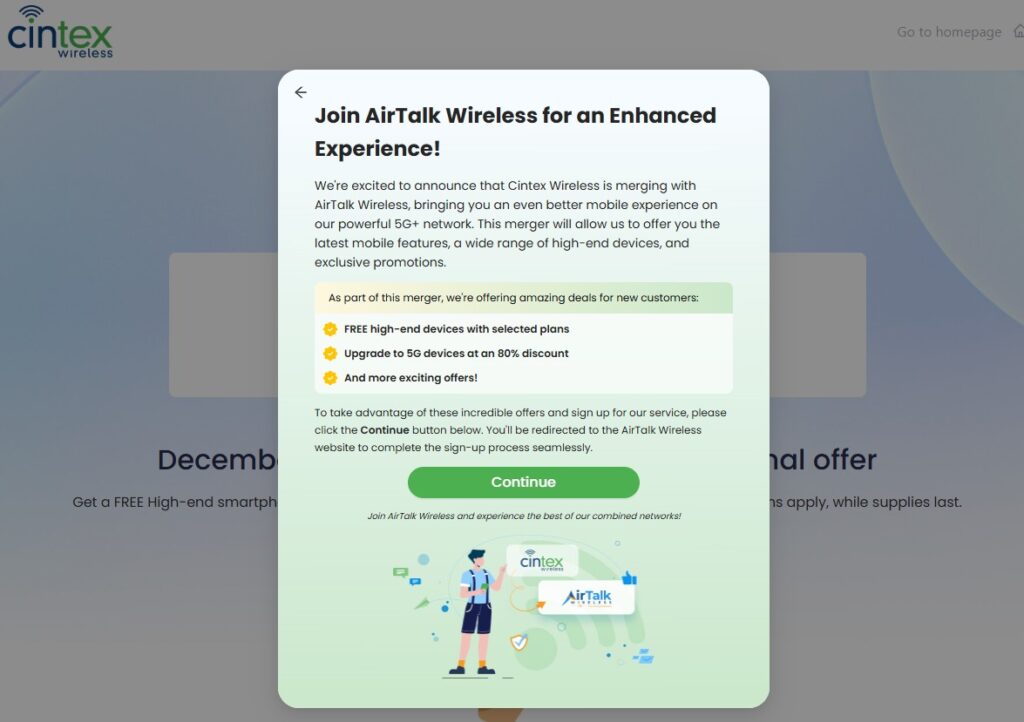
If you choose Cintex Wireless as your ETC, keep in mind that the carrier is in the process of merging into AirTalk Wireless, helping create a more unified enrollment and service experience for customers.
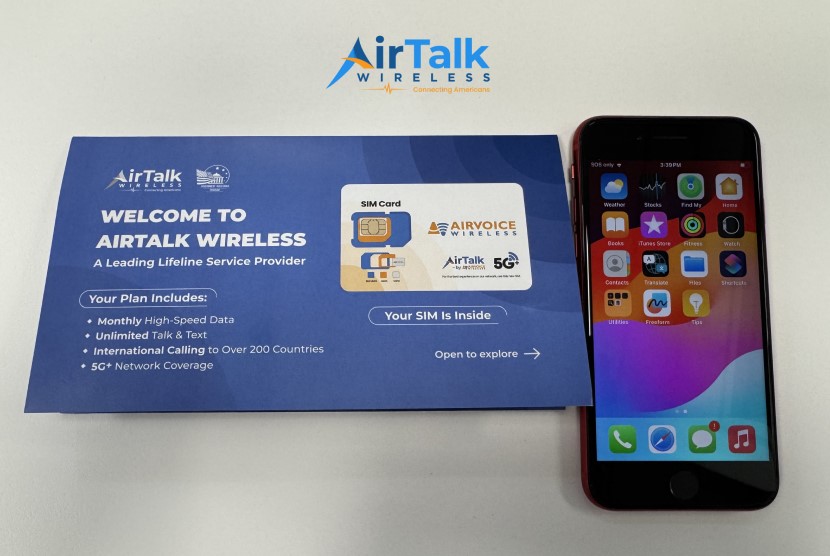
Depending on the plan, location, and current offer, eligible AirTalk applicants may have access to benefits such as:
- A discounted or free phone from a popular brand with a SIM card
- Unlimited talk and text
- Generous monthly high-speed data
- Free international calling to supported destinations
- No long-term service contract
- Customer support for activation and account setup
Note: Eligibility varies by state and program. Offers depend on availability and qualifications. Cintex and AirTalk Wireless operate under the federal Lifeline Program as Eligible Telecommunications Carriers (ETCs). Service is non-transferable and limited to one service per household.
Conclusion
Can I put my SIM card in another phone? The move works when the new device supports your carrier, accepts the correct SIM type, and has no network lock blocking the line.
Your number and mobile plan generally remain with the same carrier line when the SIM is moved successfully, while your personal files stay on the device or in your cloud account. If the card does not connect after the move, check compatibility and account status before deciding that a replacement is necessary.