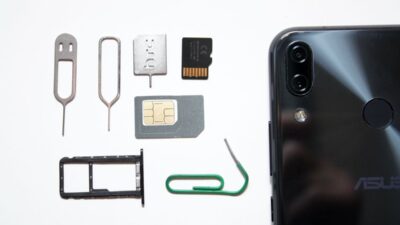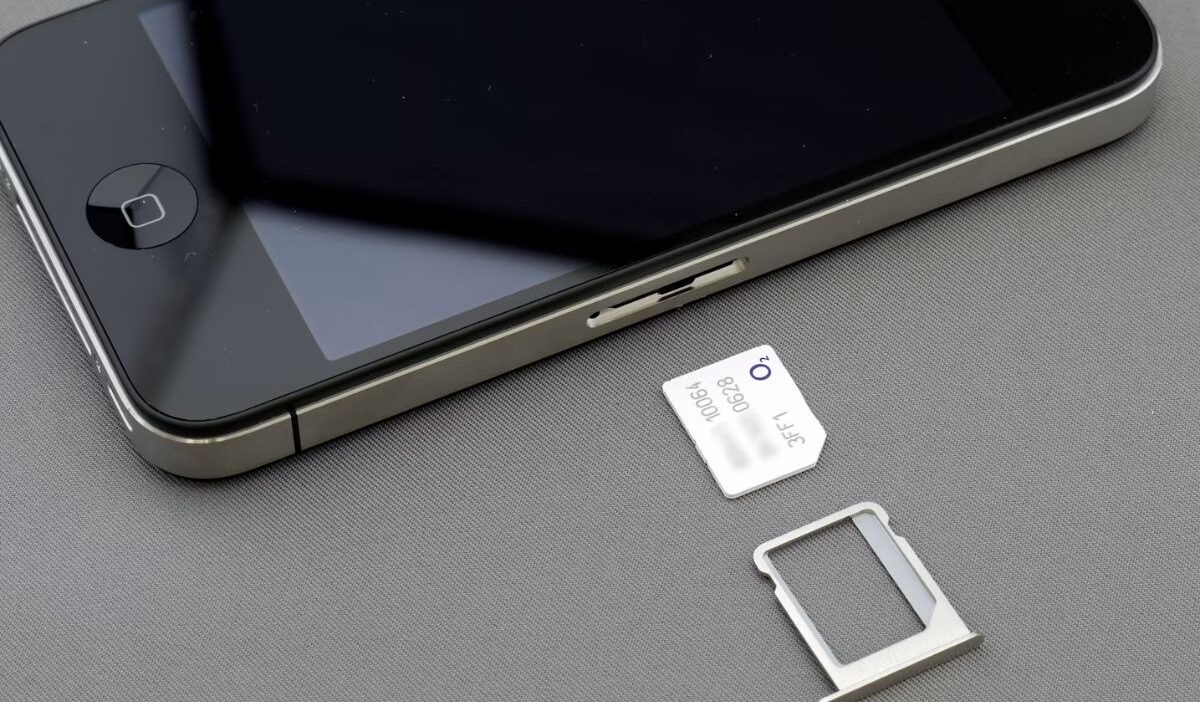
Maybe you’ve removed your SIM card while switching carriers, or you’ve found an old phone sitting in a drawer and wonder if it’s still useful. The screen turns on, Wi-Fi connects, and most of the apps seem to work, but can you actually use the phone without a SIM?
If you’re wondering can a phone work without a SIM card, this guide explains what still works, what doesn’t, and when you might actually prefer using a phone without one.
1. Can a Phone Work Without a SIM Card?
In most cases, can a phone work without a SIM card has a simple answer: the phone will still function, but with some limitations.
An active physical SIM or eSIM identifies your mobile line and allows the phone to connect to your carrier’s network.
Without either one, the phone cannot normally use carrier voice calls, SMS messages, or mobile data. Most other features depend on whether Wi-Fi or another internet connection is available.
What about eSIM?
An eSIM provides the same basic mobile-network function as a physical SIM, but the carrier profile is stored digitally instead of on a removable card.
If your phone has an active eSIM, it can still use calls, texts, and mobile data without a physical SIM card. However, it is not operating without a SIM. The eSIM is simply the digital version.
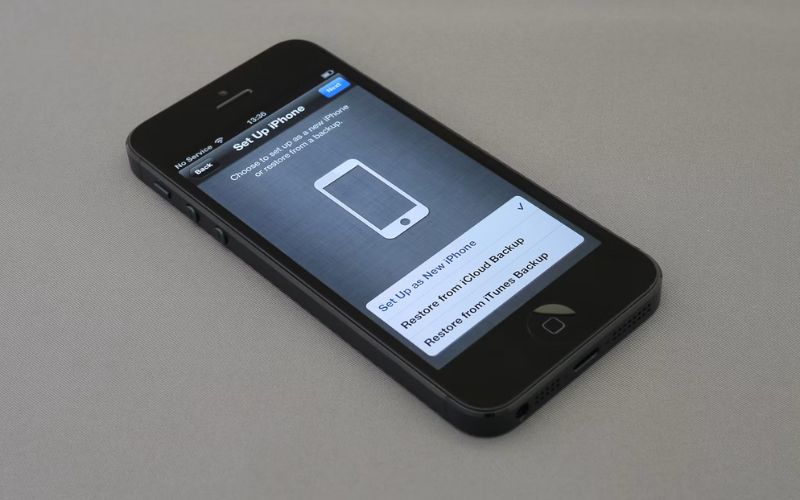
2. What You Can Still Do Without a SIM
One reason can a phone work without a SIM card is such a common question is that modern smartphones rely on Wi-Fi for many everyday tasks.
Here’s what continues working normally.
| Feature | Works Without a SIM? |
| Connect to Wi-Fi | Yes |
| Download apps from Google Play or the App Store | Yes, after signing in to the required account |
| Use the camera | Yes |
| Connect Bluetooth devices | Yes |
| Play offline games | Yes |
| Download movies, music, and files over Wi-Fi | Yes |
As long as you’re connected to Wi-Fi, most internet-based apps continue working after you complete any required account setup.
That includes services like:
- YouTube
- Netflix
- Gmail
- Telegram
- Facebook Messenger
- Google Drive
In other words, can a phone work without a SIM card often depends more on whether you have Wi-Fi and whether your apps have already been registered.
>>> Read more: What Does SIM Locked Mean? Why Your Phone Won’t Accept Another SIM
3. What You Usually Cannot Do Without a SIM or eSIM
While many features continue working, a few important ones depend on an active mobile connection. Without a physical SIM or eSIM, you generally cannot:
- Make regular calls through a mobile carrier
- Send or receive carrier SMS messages
- Use mobile data away from Wi-Fi
- Receive carrier-based verification texts
- Use carrier Wi-Fi Calling without an active supported line
- Access services that require an active mobile number
Internet calling and messaging apps may still work over Wi-Fi after their required account or phone-number verification is complete.
4. Common Situations Where You Don’t Need a SIM
A phone without cellular service can still be surprisingly useful. Here are a few common examples.
Using an old phone on Wi-Fi
Instead of letting an older phone collect dust, you can use it for web browsing, streaming videos, reading ebooks, or checking email while connected to Wi-Fi.
Kids’ devices
Many parents give children a phone without a SIM so they can watch educational videos, play games, or use learning apps without having access to cellular service.
Media player
A phone without a SIM works well for listening to downloaded music, podcasts, or watching movies during travel.
Gaming phone
Removing the SIM doesn’t affect game performance. If your games run over Wi-Fi, the phone can become a dedicated gaming device.
Smart home controller
Many people use an older smartphone to manage smart lights, security cameras, thermostats, or other connected home devices.
Backup phone
Keeping an extra phone charged can be useful if your primary device is lost or damaged. When needed, you may be able to insert your physical SIM or activate an eSIM.
Before relying on it as a backup, confirm that the phone is unlocked or approved for your carrier, supports the correct SIM type, and is compatible with the carrier’s current network.
5. Need Cellular Service? Explore Affordable Options
A phone can stay useful on Wi-Fi, but an active mobile line becomes important when you need calls, texts, or data away from home.
If a cellular service is considered a burden to your situation, then you may need to know more about the Lifeline program.
This is a government assistance program that was founded to help eligible households afford connectivity in a more manageable way. The program provides eligible participants a monthly discount of up to $9.25, or up to $34.25 for qualifying consumers on Tribal lands.
Eligibility is generally based on household income or participation in approved assistance programs.
But do note that the program has some rules, like one benefit per household and the benefit is non-transferable.
Notably, the benefit is applied through Eligible Telecommunication Carriers (ETCs). These carriers are responsible for the application and benefit giving, and in many cases, may offer a device along with the benefit to make it last longer.
Cintex Wireless is one participating provider offering wireless service in eligible areas. The carrier is trusted by many for its simple application process. It also rotates available device inventory regularly, which may give approved applicants a wider variety of models to choose from depending on current stock, location, and eligibility.
What’s more is that now it is merging into AirTalk Wireless, another reputable ETC in the industry. This translates to you applying to either of the carriers; you can access broader device options and a more streamlined application system.
DISCLAIMER: The government does not cover device costs, only basic service through Lifeline. Any free or discounted devices, upgrades, or top-ups are limited-time Cintex Wireless and AirTalk Wireless offers and may vary by state, eligibility, and availability. Terms and conditions apply.
6. FAQs
Can I use Wi-Fi without a SIM card?
Yes. Wi-Fi works independently of your carrier, so you can browse the internet, stream videos, and use online apps without a SIM card.
Can I call 911 without a SIM card?
In many countries, including the United States, compatible phones can place emergency calls even without an active SIM card, provided there’s a supported cellular network available. Local regulations and network availability may vary.
Can I receive calls without a SIM card?
Not regular cellular calls. However, you can still receive calls through internet-based apps such as WhatsApp, Messenger, or Google Meet while connected to Wi-Fi.
Can I install an eSIM instead of using a physical SIM?
Yes, if both your phone and carrier support eSIM. Activating an eSIM gives you cellular service without inserting a physical SIM card.
Conclusion
So, can a phone work without a SIM card? Yes, and it may still be useful for far more than you expect. With Wi-Fi, an older or inactive phone can continue serving as a camera, media player, gaming device, or backup for everyday apps.
Still, whether that setup is enough depends on how often you need calls, texts, or mobile data away from Wi-Fi. The phone can keep working; the real question is whether Wi-Fi-only access fits the way you need to stay connected.