Whether you’re switching carriers, upgrading your phone, or looking for a more convenient way to activate mobile service, it’s worth understanding the SIM options available on your device.
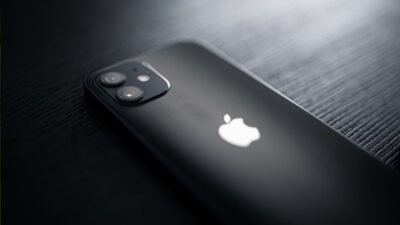
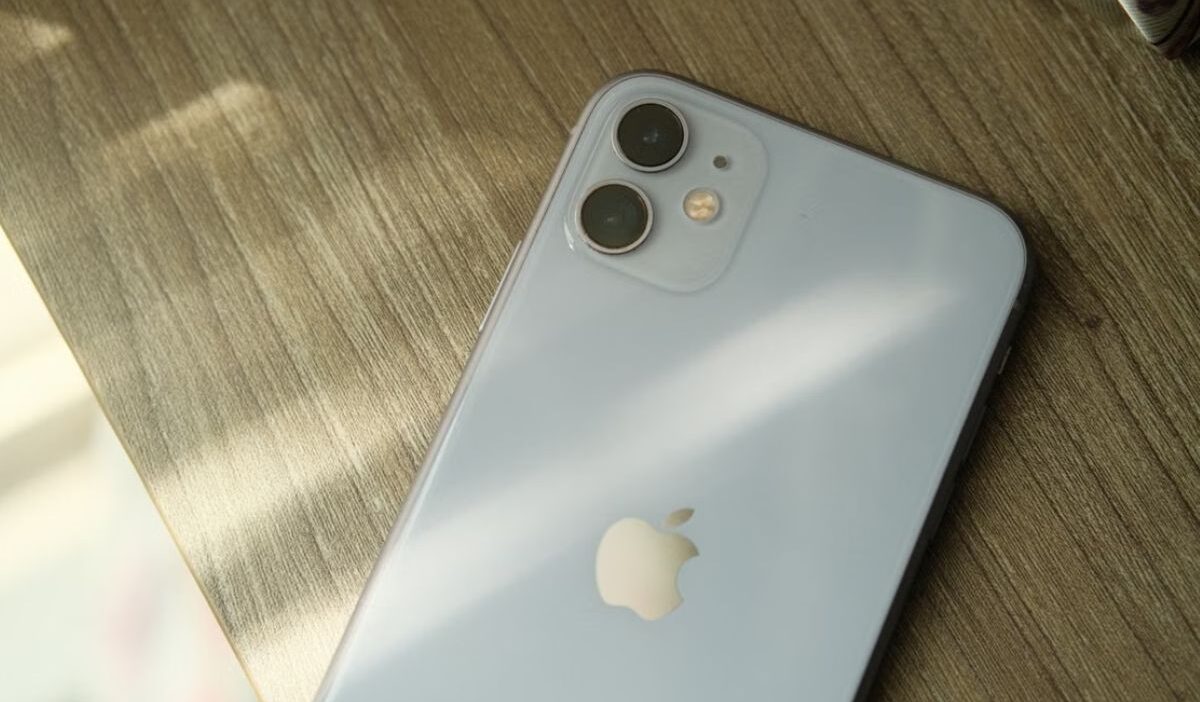
If you’re wondering, does iPhone 12 have eSIM, the good news is that it does. With support for both eSIM and a physical nano SIM, the iPhone 12 offers flexible connectivity for everyday use, business, and travel.
1. Does iPhone 12 Have eSIM?
The iPhone 12 is a dual-SIM device that fully supports nano SIM and eSIM. This means you can utilize two lines at the same time.
For example, when traveling overseas, you may use your home-based SIM card provider for phone calls and SMS, as well as a mobile data plan carrier eSIM, to access the Internet at lower costs.
In fact, Apple added digital SIM compatibility across the series, allowing your device to use a cell plan without a physical SIM card.
Most major carriers accept iPhone 12 eSIMs, although some smaller or regional carriers may still demand a conventional SIM.
So if you’re wondering, Does iPhone 12 have eSIM in your region, it largely relies on your carrier and whether they provide QR activation.
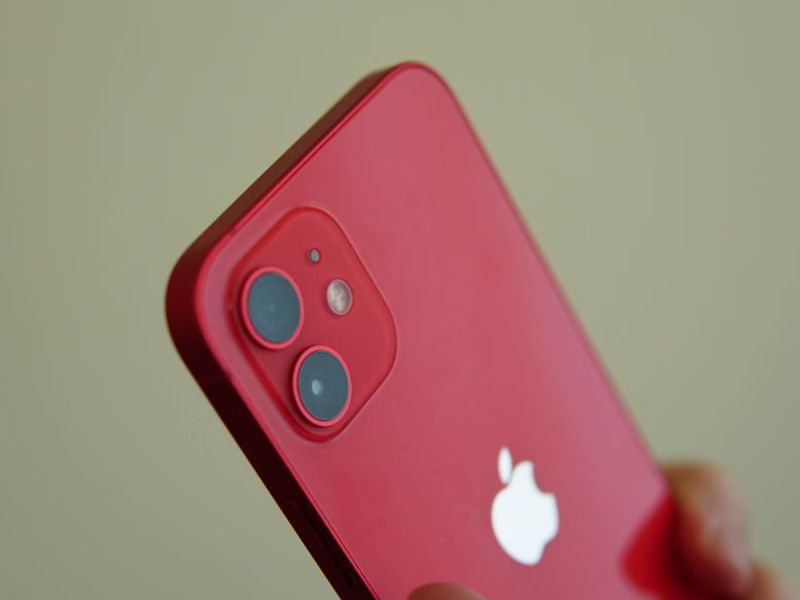
Whether you’re working remotely, traveling overseas, or juggling two numbers, utilizing eSIM on iPhone 12 simplifies your life with the following benefits:
- Quick activation
- Eco-friendly
- Global flexibility
- Easy to switch plans
- No roaming surprises
2. Does iPhone 12 Have eSIM Globally?
As previously stated, while the iPhone 12 supports eSIM internationally, activation may differ depending on your provider and area.
In some countries, eSIM activation may be prohibited or require special carrier assistance.
For instance, users in the United States, the United Kingdom, Southeast Asia, Europe, India, and Australia can activate an eSIM if their carrier supports it.
On the other hand, eSIM support may be limited in mainland China and certain regions of Africa, where carrier availability and local laws may affect activation.
So, for those wondering why is my iPhone 12 not showing eSIM, possibly your device is not eSIM-supported.
As a result, before converting to eSIM, ensure that your carrier provides the functionality in your country.
3. How to Set Up eSIM on iPhone 12?
If you know does iPhone 12 have eSIM support and wonder how do I put eSIM on my iPhone 12?, the activation process is straightforward. Here is how:
- Step 1: Open Settings > Mobile Network > Add eSIM.
- Step 2: Choose Use QR Code or enter the activation details manually.
- Step 3: Follow the on-screen instructions to complete setup.
- Step 4: Name your new line, such as Work, Travel, or Data.
- Step 5: Once activated, you can switch between SIMs or use both lines, depending on your device and carrier support.
4. Common eSIM Problems on iPhone 12 & Troubleshooting Tips
The iPhone 12 supports eSIM well, yet there are several errors that are common enough to be noticed. Fortunately, most issues may be handled in about a minute.
- “eSIM Cannot Be Added” or “This Code Is No Longer Valid”:
This usually happens when the activation QR code has already been used, the iPhone is carrier-locked, or the device isn’t connected to the internet.
Simply verify that the QR code is still valid, connect to Wi-Fi, and make sure your iPhone is unlocked before trying again.
- Unable to Activate eSIM:
A temporary network or carrier activation issue can prevent the eSIM from being set up.
Try toggling Airplane Mode, restarting your iPhone, ensuring you have a stable internet connection, and resetting your network settings if necessary.
- No Mobile Data After Travel:
If your eSIM works but mobile data doesn’t, the eSIM may not be selected as the default data line or Data Roaming may be turned off.
Then, simply set the eSIM as your data line, enable Data Roaming, and manually choose a network if automatic selection doesn’t work.
- Slow or No Internet Connection:
An incorrect or missing APN (Access Point Name) can prevent your iPhone from accessing mobile data. Check your carrier’s APN settings and update them if required.
- Carrier Lock Prevents eSIM Activation:
If your iPhone was purchased through a carrier contract or installment plan, it may be locked to a specific network.
In that case, contact your carrier to request an official unlock and check Settings > General > About for No SIM Restrictions to confirm the device is unlocked.
5. How Lifeline Program Helps Eligible Users Stay Connected
If you need a new SIM card or an affordable wireless plan for your iPhone 12, the Lifeline program can help.
This federal assistance program works with eligible carriers to provide eligible low-income households with free or discounted wireless service, including a free SIM card with monthly talk, text, and data.
The program offers the discount by partnering with Eligible Telecommunication Carriers to reach those in need. And these carriers, at many times, may offer a free device with a SIM card/ eSIM.
You generally qualify for participation in qualifying programs like SSI, SNAP, etc., or your household meets the income limit.
Lifeline service is non-transferable and limited to one service per household.
IMPORTANT: The government does not subsidize devices. Lifeline programs cover basic service costs only. Free or discounted devices, upgrade plans, or top-ups are exclusive benefits provided by Cintex Wireless as part of our promotional offers. Terms and conditions apply. Limited-time promotion—offers vary by state, stock availability, and eligibility.
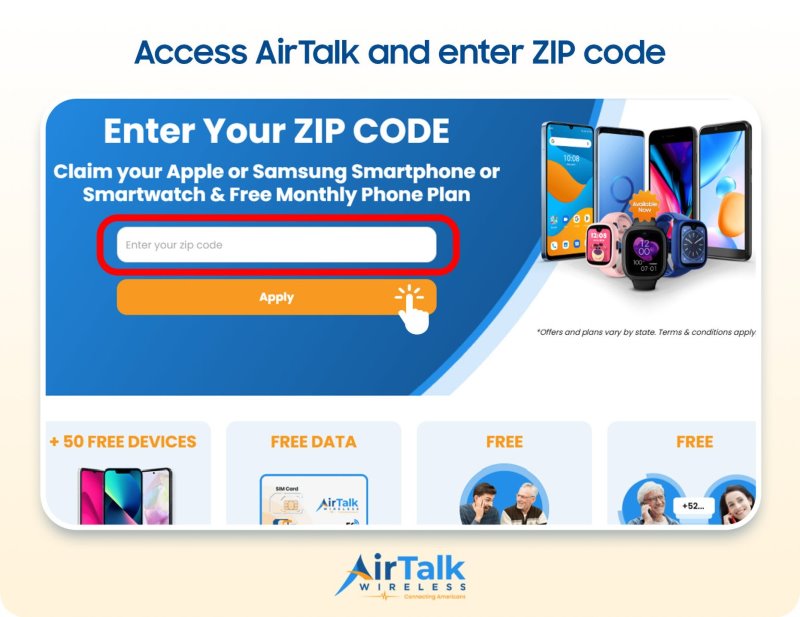
Cintex Wireless is a well-known Eligible Telecommunications Carrier (ETC) with a streamlined application process that many applicants find easy to use. The company is now merging with AirTalk Wireless to provide expanded service and device options.
As a result of this transition, customers can access a wider selection of devices and service options.
Depending on your state, eligibility, and current inventory, you may qualify for smartphones ranging from entry-level Android devices to premium iPhones, including:
- iPhone 12
- iPhone 13
- iPhone SE
- iPhone SE 2
- iPhone SE 3
- Samsung Galaxy S21 5G
- Samsung Galaxy A12
- Samsung Galaxy A42 5G
Conclusion
In conclusion, the answer to “Does iPhone 12 have eSIM?” is yes. Every iPhone 12 model supports eSIM, allowing you to activate a cellular plan digitally while also supporting Dual SIM functionality with a physical nano SIM.
Whether you’re switching carriers, adding a second line, or traveling internationally, eSIM offers a flexible and convenient way to stay connected on your iPhone 12.