The eSIM is a digital counterpart to the classic SIM card, integrated directly into your Android device’s hardware. It enables you to activate a cellular plan without using a physical card.
Nevertheless, there may be times when you need to remove an eSIM from your phone, such as when switching carriers, dealing with issues, or preparing to sell it. This article will guide you through the process of how to delete eSIM on Android, including what to prepare and what happens after deletion.
1. What to Do Before Deleting eSIM on Android?
Before removing the eSIM profile on Android devices, you should perform the following additional preparatory steps to ensure a smooth transition:
Connect to Reliable Internet
Although you don’t always need an Internet connection, it’s strongly suggested when deleting a profile. Your phone may need to contact the carrier’s server to “check out” or deregister the device.
Moreover, a solid WiFi connection guarantees that the handshake between your device and the network provider is not disrupted, which might result in the eSIM becoming “stuck” or “partially deleted”.
Document Your APN and Network Settings
If you are uninstalling the eSIM due to technical issues and want to reinstall it, or if you are migrating the service to a comparable device, take a screenshot of your Access Point Name (APN) settings.
These settings enable your phone to use mobile data.
Though most eSIMs install this automatically, making a copy of the name, APN, and proxy settings allows you to manually restore your data connection if the automatic configuration fails later.
Back Up Necessary Data
The eSIM module does not include any personal information, such as contacts or images. When you remove it, just the operator’s data is deleted.
Still, if your phone number is linked to two-factor authentication (2FA) in email, banks, and social networks, changing your default profile may cause temporary disruptions to these services.
Before making any changes, make sure you don’t forget about any accounts linked to this number. Before deleting, it is also a good idea to change your 2FA to a backup number or an authentication app.
2. How to Delete eSIM on Android?
The method of how to delete eSIM on Android varies by manufacturer and software version.
The instructions below outline the basic procedure and manufacturer-specific guides:
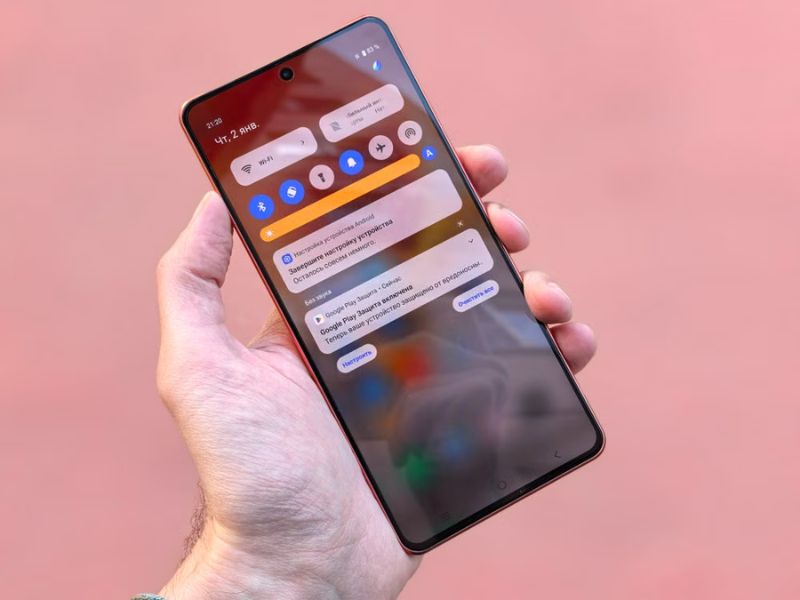
General Guide
How to delete eSIM on Android? First, make sure you no longer need the eSIM and confirm that you won’t need to use the mobile plan again before removing it.
- Open the Settings app > Connections or Network & Internet, depending on your Android device
- Select SIM Manager, SIM Card Manager, or a similarly named menu where you manage your SIM profiles.
- Choose the eSIM profile you want to remove. If it’s currently active, disable it first, then tap Delete or Remove and confirm your choice.
- Restart your phone if prompted or if the eSIM profile still appears. A reboot can help your device fully recognize that the eSIM has been removed.
Some phones, including certain Samsung models, may ask you to turn the eSIM off before removing it. Other Android devices allow you to delete the profile directly.
Manufacturer-Specific Instructions
- Samsung Galaxy: Open Settings > Connections > SIM Manager. Turn off the eSIM plan you want to delete, then select it, tap Remove, and confirm the action.
- Google Pixel: Go to Settings > Network & Internet > Mobile Network, select the eSIM you want to remove, then tap Erase eSIM and follow the on-screen prompts.
- Other Android devices: Open your device’s SIM or mobile network settings, select the eSIM profile, and choose Delete, Erase, or Remove. Menu names and confirmation steps may vary by manufacturer and software version.
3. What Happens After You Delete an eSIM?
Now you know how to delete eSIM on Android. Once you finish removing, a few things happen:
- Mobile service stops: The eSIM profile is removed from your phone, so you can no longer use that line for calls, texts, or mobile data unless it’s reactivated.
- Your carrier account usually remains active: Deleting an eSIM from your device doesn’t automatically cancel your mobile plan. Your account generally stays active until you cancel the service with your carrier.
- Reactivation may be required: If you want to use the same plan again, you’ll need to reactivate the eSIM. Depending on your carrier’s policy, this may involve scanning a new QR code, requesting a new activation profile, or contacting customer support.
- Dual SIM issues: After deleting, the settings on a smartphone with two numbers may become disorganized. To avoid such an issue, go to the settings immediately after removal and manually double-check which profile is set as the primary line and data source.
However, note that deleting eSIM is different from disabling it.
Disabling an eSIM is a temporary measure that allows users to deactivate it without removing it from their device.
This option is generally considered safer for individuals who want to retain the ability to reactivate the service without having to obtain a new eSIM profile.
On the other hand, deleting an eSIM is a more permanent action that removes the eSIM profile from your device, which is often necessary if you are switching carriers permanently or need to free up space for a new eSIM.
4. Common Reasons to Delete eSIM on Android
Managing your digital SIMs is an essential part of phone maintenance. You will most likely need to remove a profile in the following scenarios:
- Free up space: Some Android devices can store only a limited number of eSIM profiles, so deleting unused ones makes room for new plans.
- Change mobile operator: If you’re switching to a different carrier, removing your old eSIM helps keep your SIM settings organized before activating a new plan.
- Sell or transfer the phone: Deleting eSIM from an old phone protects your personal information and ensures your mobile plan isn’t left on the device when you give it to someone else.
- Change destination: If you’re using a travel eSIM, you may want to remove it after your trip or before installing a new eSIM for another country or region.
- Activation error: If an eSIM wasn’t installed correctly or activation failed, deleting the profile and reinstalling it may be necessary if your carrier recommends it.
>>>Read more: How To Transfer eSIM From iPhone To Android Easily? Detailed Guide 2026
5. What to Do If You Cannot Delete eSIM on Android?
If your Android phone won’t let you remove an eSIM, try these solutions before contacting your carrier.
- Deactivate the eSIM first: If it’s currently active, turn it off in your SIM or mobile network settings before trying to delete it. Some Android devices won’t allow an active eSIM profile to be removed.
- Restart and update your phone: Restart the device and install any available software updates. A temporary system issue may prevent the eSIM profile from disappearing correctly.
- Reset mobile network settings: If the problem continues, you can reset the phone’s mobile network settings. The exact path varies by manufacturer, and the reset may remove saved network preferences, so read the confirmation screen carefully before continuing.
- Visit your carrier store: If the eSIM is locked, managed by your carrier, or still shows an error, contact your mobile provider or visit a carrier store. They can help remove the profile, issue a new eSIM, or resolve any account-related issues.
- Perform a factory reset as a last resort: If the eSIM profile can’t be deleted because of a software issue, resetting your phone to factory settings may help.
As previously said, before deleting an active eSIM, make sure you remain connected.
Avoid disconnecting your sole active cell line unless you have access to WiFi, a new eSIM, a physical SIM card, or carrier assistance to reconnect your service.
If you qualify for the Lifeline program, it may help you restore wireless service without breaking your budget.
To be more specific, the Lifeline program is a government assistance program that helps low-income households acquire stable connectivity by providing a monthly discount on phone service or internet service.
It works with Eligible Telecommunication Carriers (ETCs) like Cintex Wireless to deliver the support. And in many cases, these carriers may offer a free device along with a service plan.
Eligibility for the programs is generally based on a household’s income or your participation in qualifying programs such as SNAP, SSI, Section 8 Housing Voucher, etc.
Cintex Wireless, an ETC known for its simple application process, may offer a free eSIM service for Android and a compatible device, depending on your eligibility and available alternatives.
Importantly, Cintex Wireless is merging with AirTalk Wireless.
As a result, new Lifeline applicants can continue to access Lifeline benefits with broader device options and a more united, advanced application system and support.
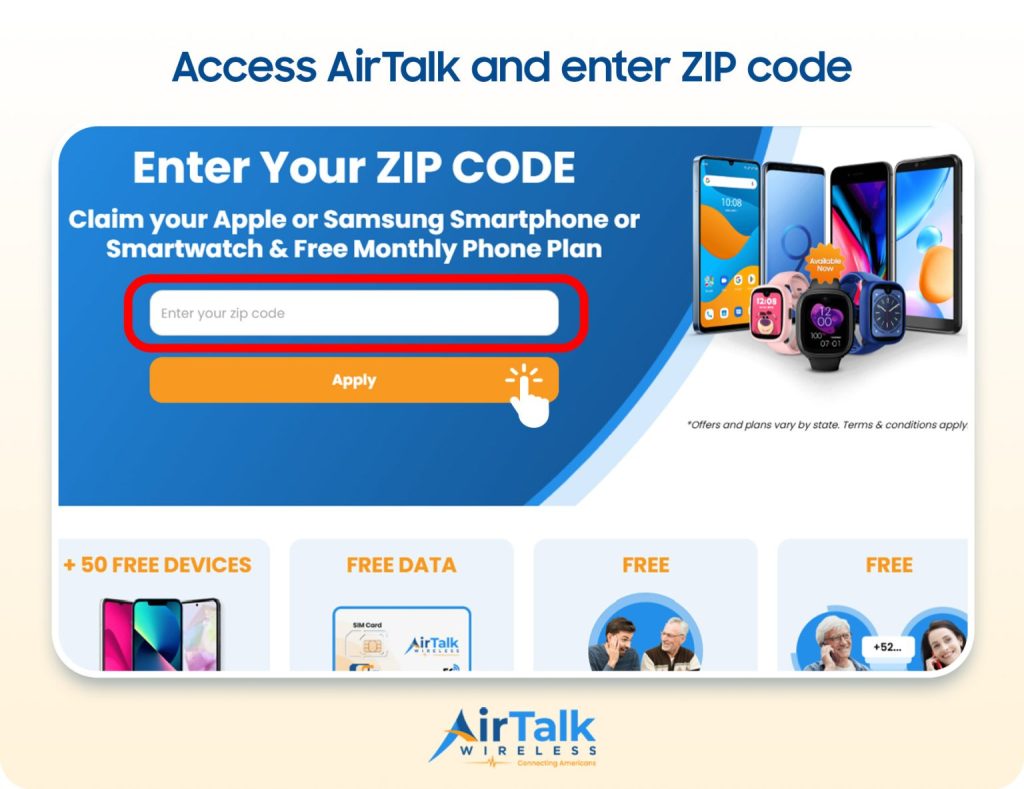
DISCLAIMER: The government does not cover device costs, only basic service through Lifeline. Any free or discounted devices, upgrades, or top-ups are limited-time Cintex Wireless and AirTalk Wireless offers and may vary by state, eligibility, and availability. Terms and conditions apply.
Conclusion
Deleting an eSIM may take only a few taps, but the decision deserves a little more thought than the process itself. Before following how to delete eSIM on Android, make sure the line is no longer needed on that device or that your service is already active somewhere else.
A quick check with your carrier can save you from needing a replacement QR code or dealing with unexpected activation issues later. Once everything is confirmed, you can remove the profile knowing your calls, messages, and mobile data will remain within reach.